- 27-
10.4 Auto Tracking
Set the alarm-triggered actions and plan as required.
video tutorial p636track.sunbatech.com
The camera automatically tracks an object that triggers the rule.
Click Setup > Intelligent > Smart > Auto Tracking. And leave it disabled.
Auto Tracking cannot be enabled when Perimeter Protection, People Counting or Face Detection is
turned on.
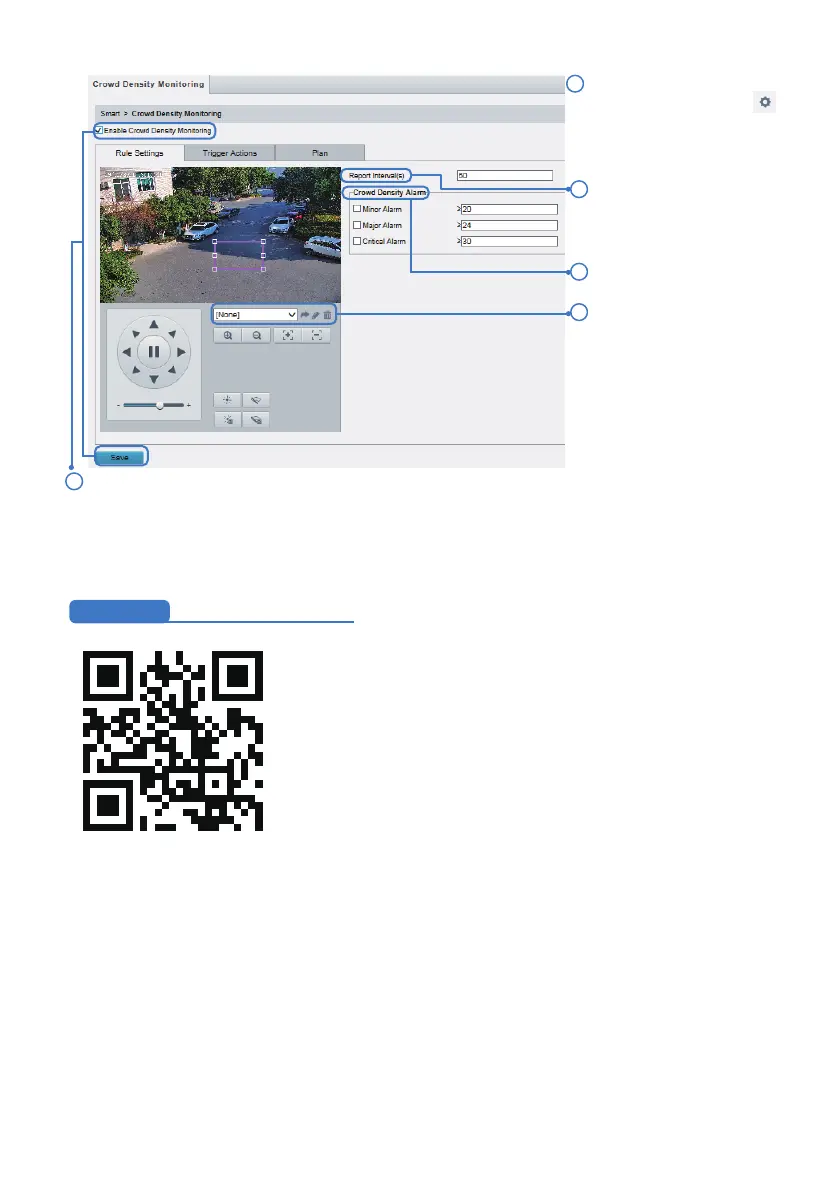
Set report interval.
Set crowd density alarm.
2
1
3
Click Save and then enable it.5
Add a pre-designated view
as a home position preset,
please refer to Chapter 6.3
for detaills.
4
Select Crowd Density
Monitoring and then click .
Please leave it disabled.



 To Next Page