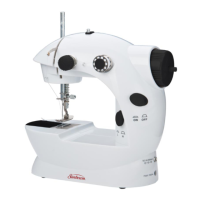
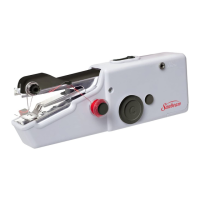
Turn the pattern selector dial so that
the stitch display shows the straight
stitch position.
Generally speaking, the thicker the
fabric, thread and needle, the longer
the stitch should be.
Choose your needle poition, from left
position to right needle position by
changing the stitch width dial (1) from
“0” to “5”.
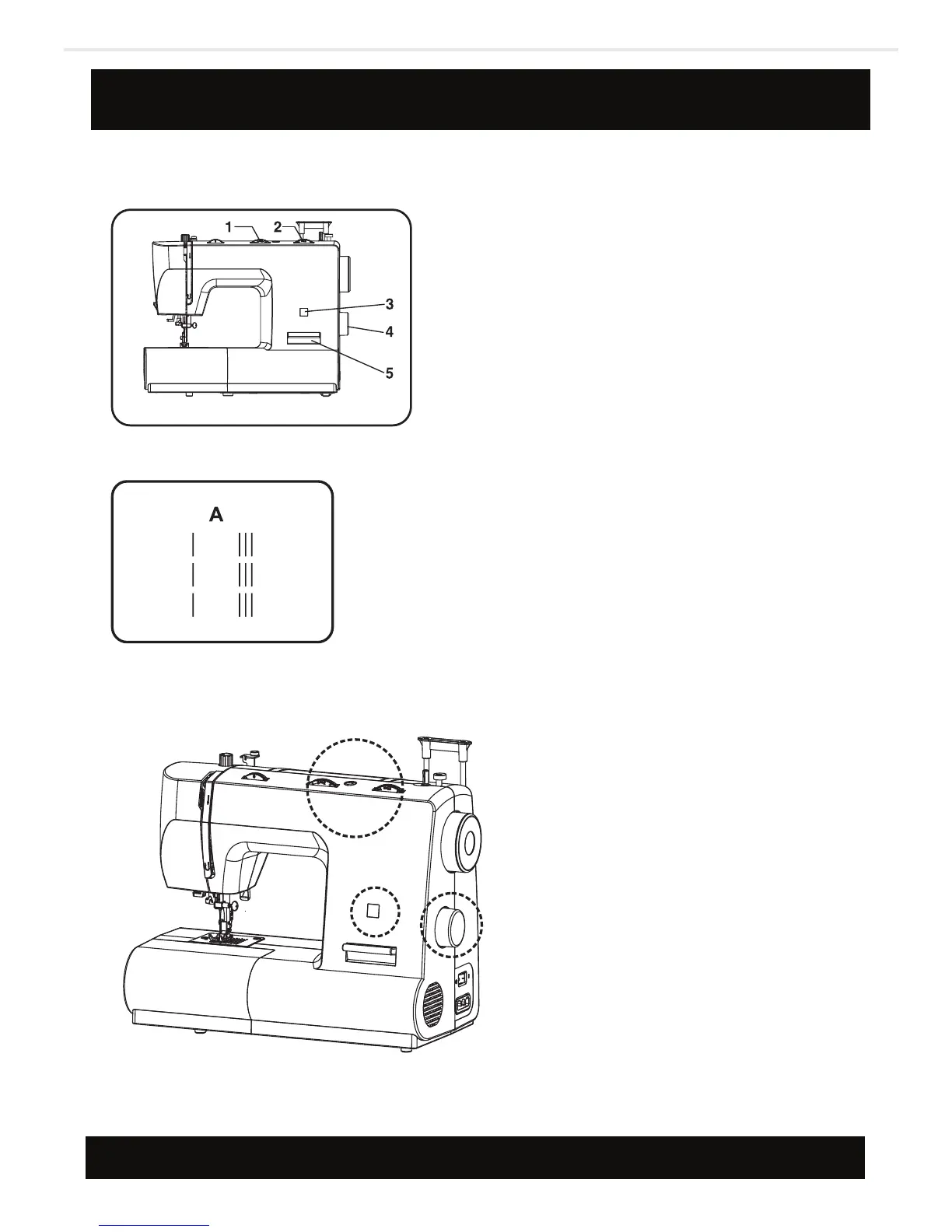
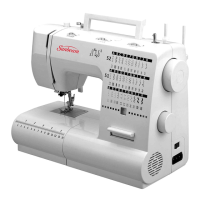
1. Stitch width dial
2. Stitch length dial
3. Stitch display
4. Pattern selector dial
5. Reverse sewing lever
Straight stitching and needle position
23



 To Next Page