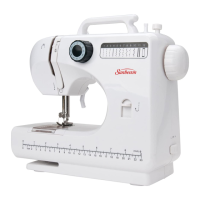
Twin needle
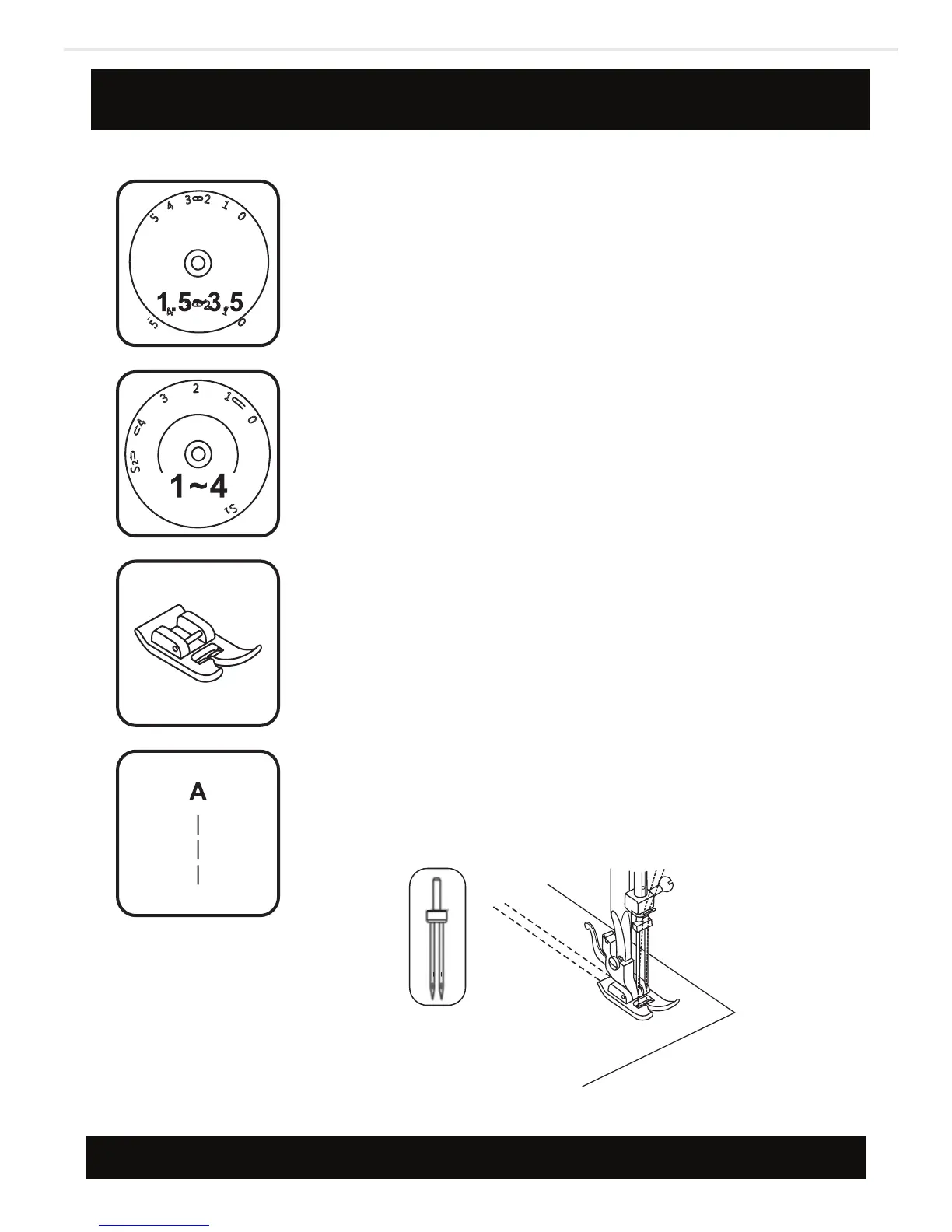
- Turn stitch length dial to the desired stitch
length.
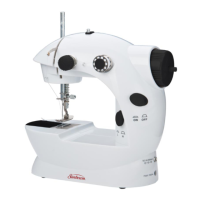
- Turn stitch selector to straight stitch, center
needle position, width setting “0”.
- Make sure that the two threads used to thread
the twin needle are of the same weight. You can
use one or two colors.
- Insert the twin needle in the same way as single
needle. Flat side of needle should face away from
you.
- Follow instructions for single needle threading.
Thread each needle separately.
When sewing with twin needle, always proceed
slowly, and make sure to maintain a low speed to
ensure quality stitching. When using twin needle
on zig-zag make sure the stitch width dial is set
between “0” and “2.5”. Do not use twin needle at
setting above “2.5”.
NOTE:
40



 To Next Page