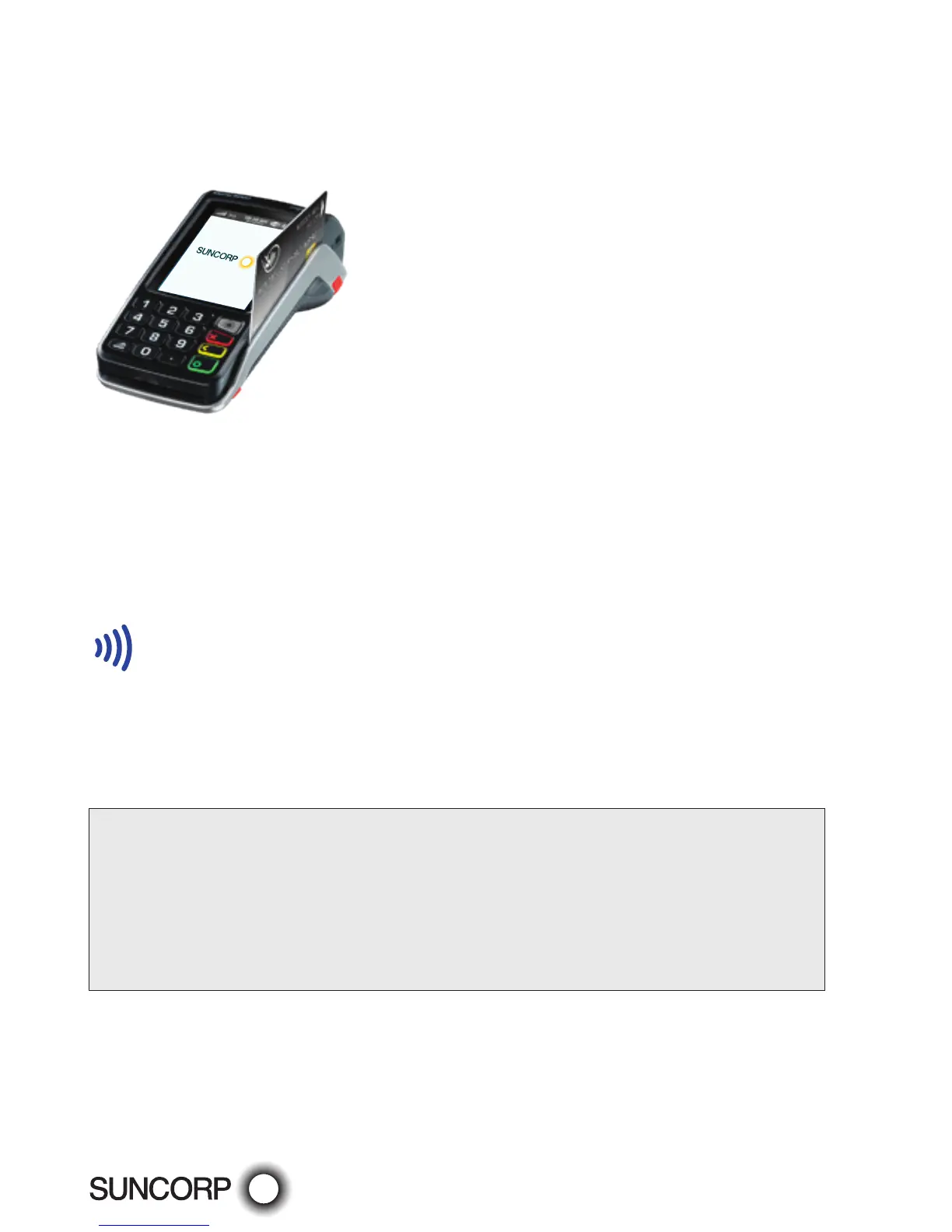
— Swipe using the magnetic stripe
Hold the card upside-down with the magnetic stripe facing inwards, swipe the card
smoothly through the card reader of the EFTPOS terminal. If you swipe a chip card
through the EFTPOS terminal, you will be prompted to insert the card into the chip reader
on the EFTPOS terminal.
Contactless Functionality
Your customer’s card must have the following symbol to use the Contactless Functionality.
Processing transactions using Contactless Functionality
— Dependant on the issuer rules, the customer will not be required to enter a PIN or sign
the receipt if the transaction is under $100.
— If the transaction is over $100, the customer will be required to enter a PIN or sign the
merchant receipt.
— Apple Pay, Google Pay, Samsung Pay and other "Pays" transactions can also be processed
on the EFTPOS terminal.
The Suncorp EFTPOS terminal has the ability to process the following Credit/Charge Cards:
— MasterCard.
— Visa.
— American Express.
— Diners Club.
— JCB Cards.
Processing of American Express, Diners Club and JCB charge card transactions can only occur once you obtain Suncorp’s
approval and you have entered into separate agreements with these specific organisations. Please advise Suncorp of the
establishment numbers for each organisation and your intent to process charge card transactions through your Suncorp
terminal.



 To Next Page