Merchant Functions
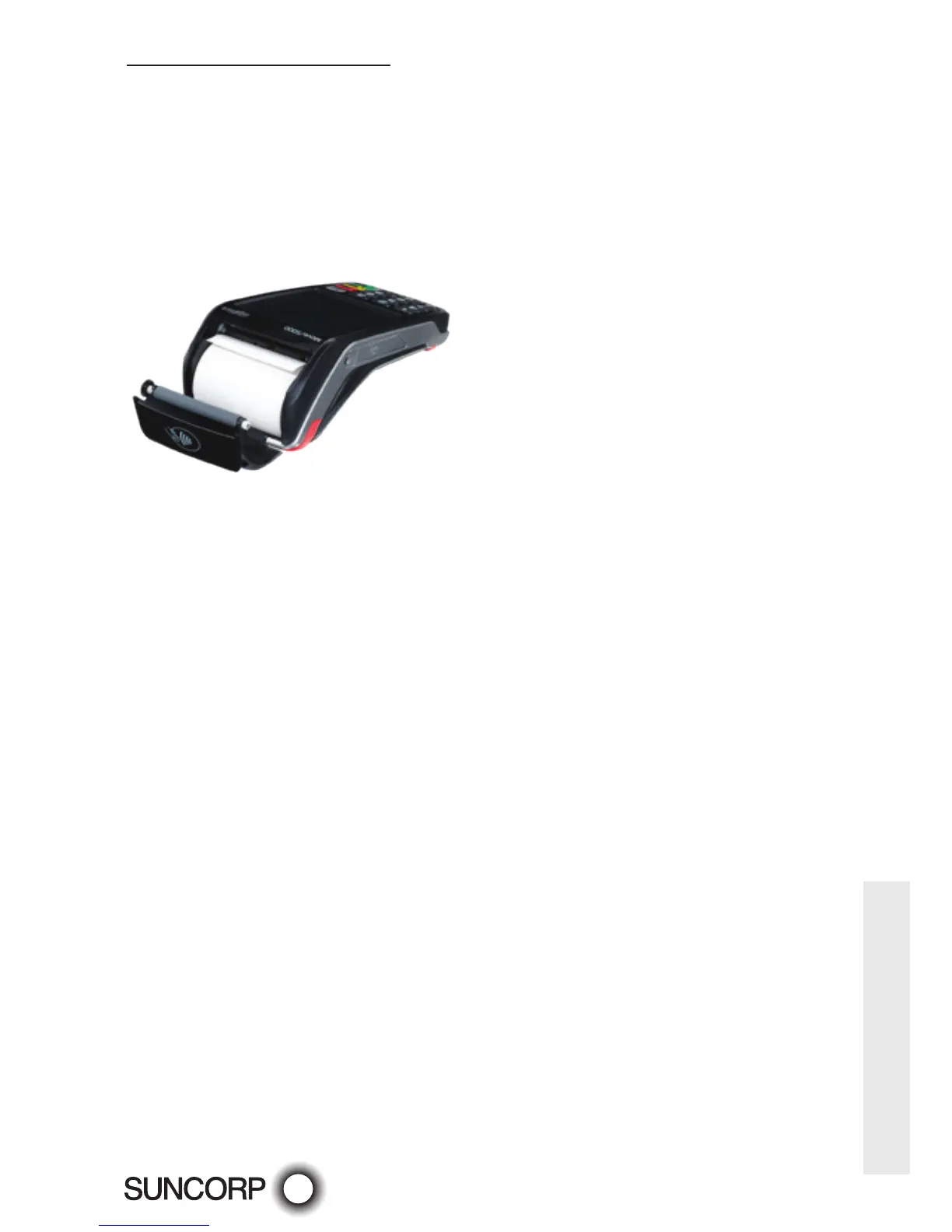
Mobile (Move5000) terminal
— Open the paper compartment by lifting the catch located at the rear of the terminal and
pull the cover to the rear of the terminal.
— Insert the paper roll in the compartment.
— Pull the paper up to the top of the terminal.
— Maintain the paper and close the lid.
— Press simultaneously on both upper corners of the paper flap, until it clips in position.
Changing the Passwords
— Please call 13 11 55 to change your terminal password.



 To Next Page