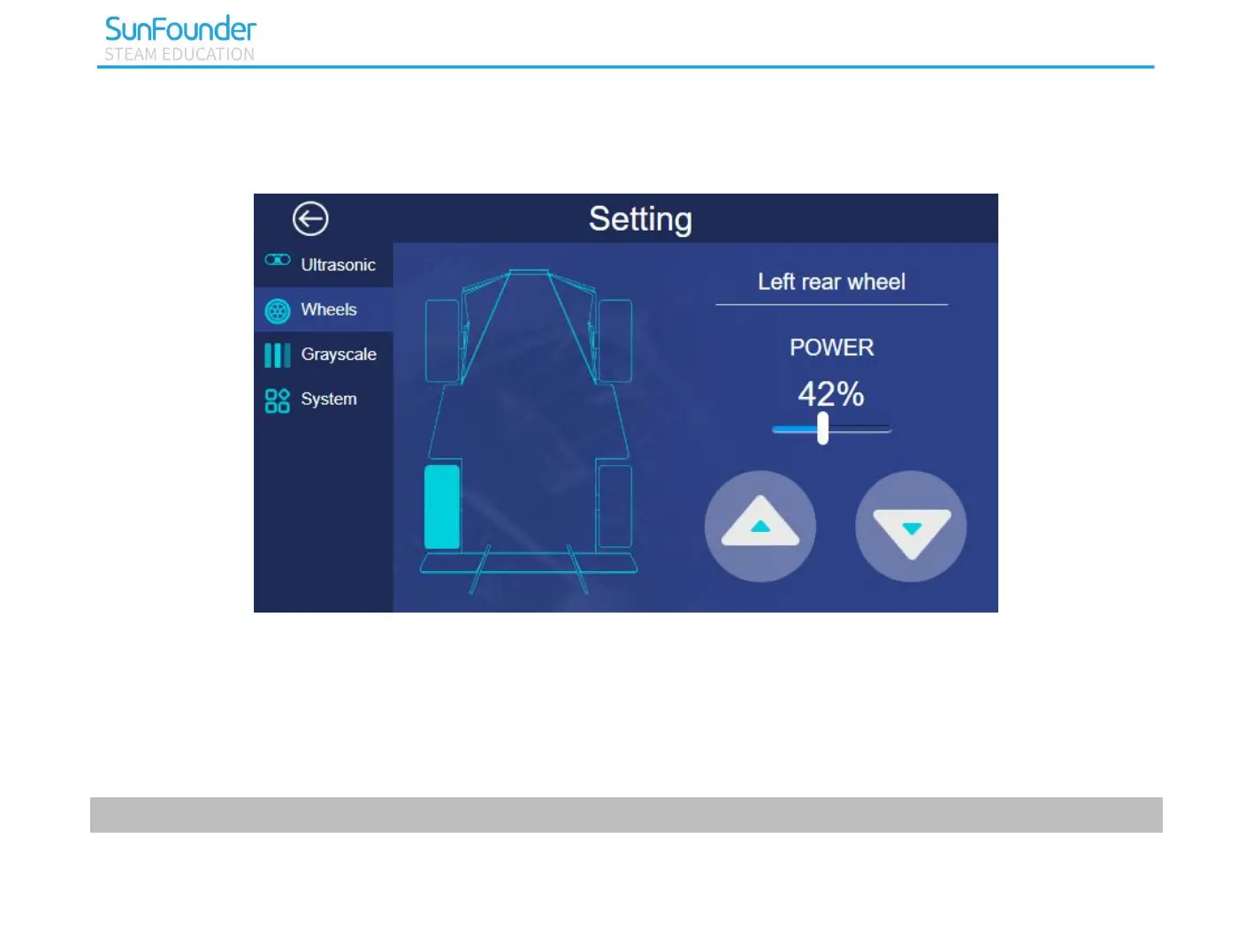
Wheels
You can test the working condition of the wheels on this page.
Click a wheel then set the POWER, click the two buttons in bottom right corner. When you press the button
at left, the wheel goes forward; press the button on the right, the wheel go backward. If the car doesn’t
follow your operation like that, you should adjust the direction. The methods are as follows:
1) Input the following command to open the configure file.
cd ..



 To Next Page