SunFounder PiCrawler Kit
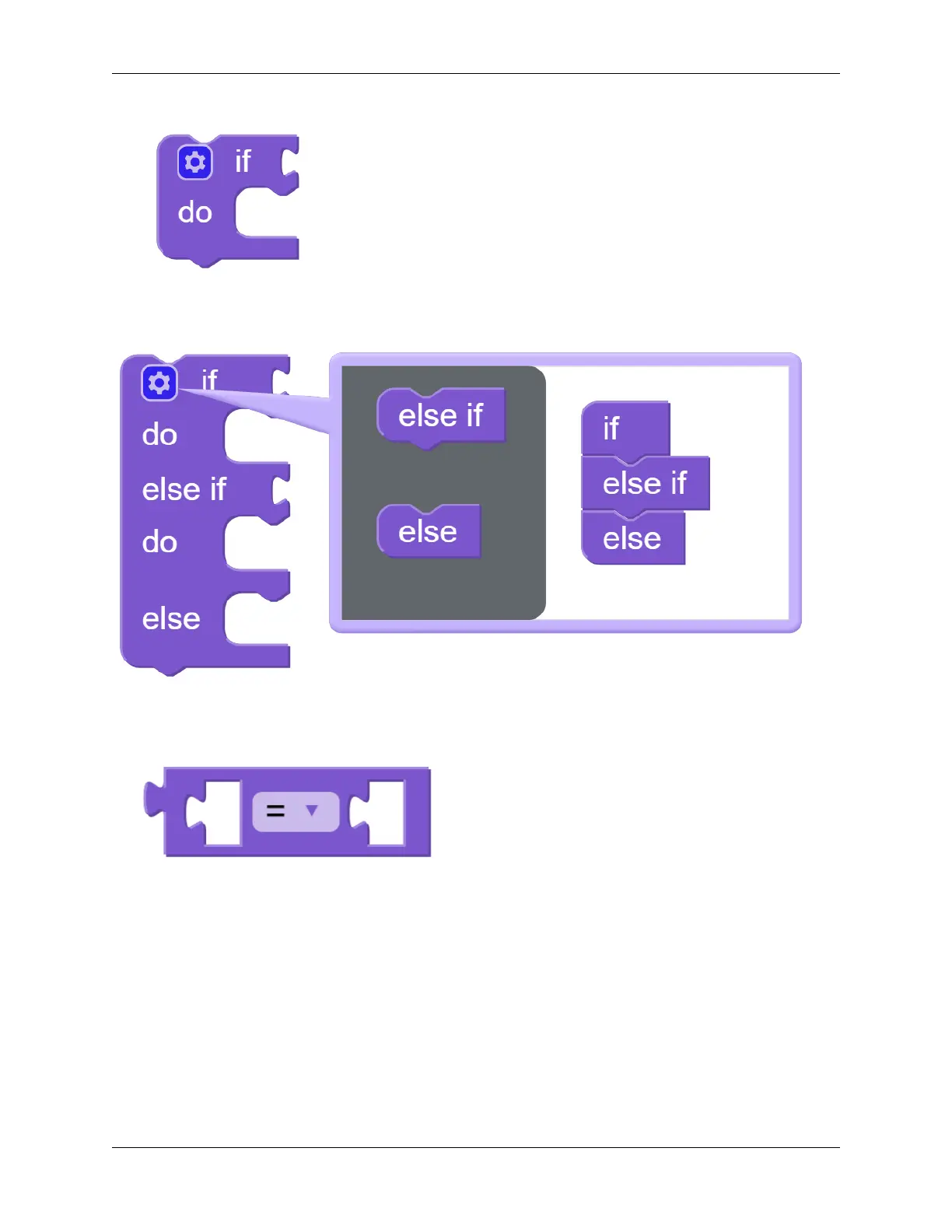
We used an if block (you can find it in the Logic category on the left) to make the PiCrawler move forward once when
the UP button of the D-pad is pressed.
You can click the gear icon on the upper left of the block to modify the shape of the if block to realize multiple
judgment branches.
if block is usually used with = block, = block can be modified to >, < and other conditions through the drop-down
menu, please use it flexibly.
4.4. Remote Control 99



 To Next Page