SunFounder PiCrawler Kit
(continued from previous page)
print(e)
crawler.do_action('turn left angle',3,speed)
time.sleep(0.2)
else :
crawler.do_action('forward', 1,speed)
time.sleep(0.2)
Note: You can add different sound effects or music to musics or sounds folder via Filezilla Software.
3.7 Computer Vision
This project will officially enter the field of computer vision!
Run the Code
cd /home/pi/picrawler/examples
sudo python3 display.py
View the Image
After the code runs, the terminal will display the following prompt:
No desktop !
*
Serving Flask app "vilib.vilib" (lazy loading)
*
Environment: production
WARNING: Do not use the development server in a production environment.
Use a production WSGI server instead.
*
Debug mode: off
*
Running on http://0.0.0.0:9000/ (Press CTRL+C to quit)
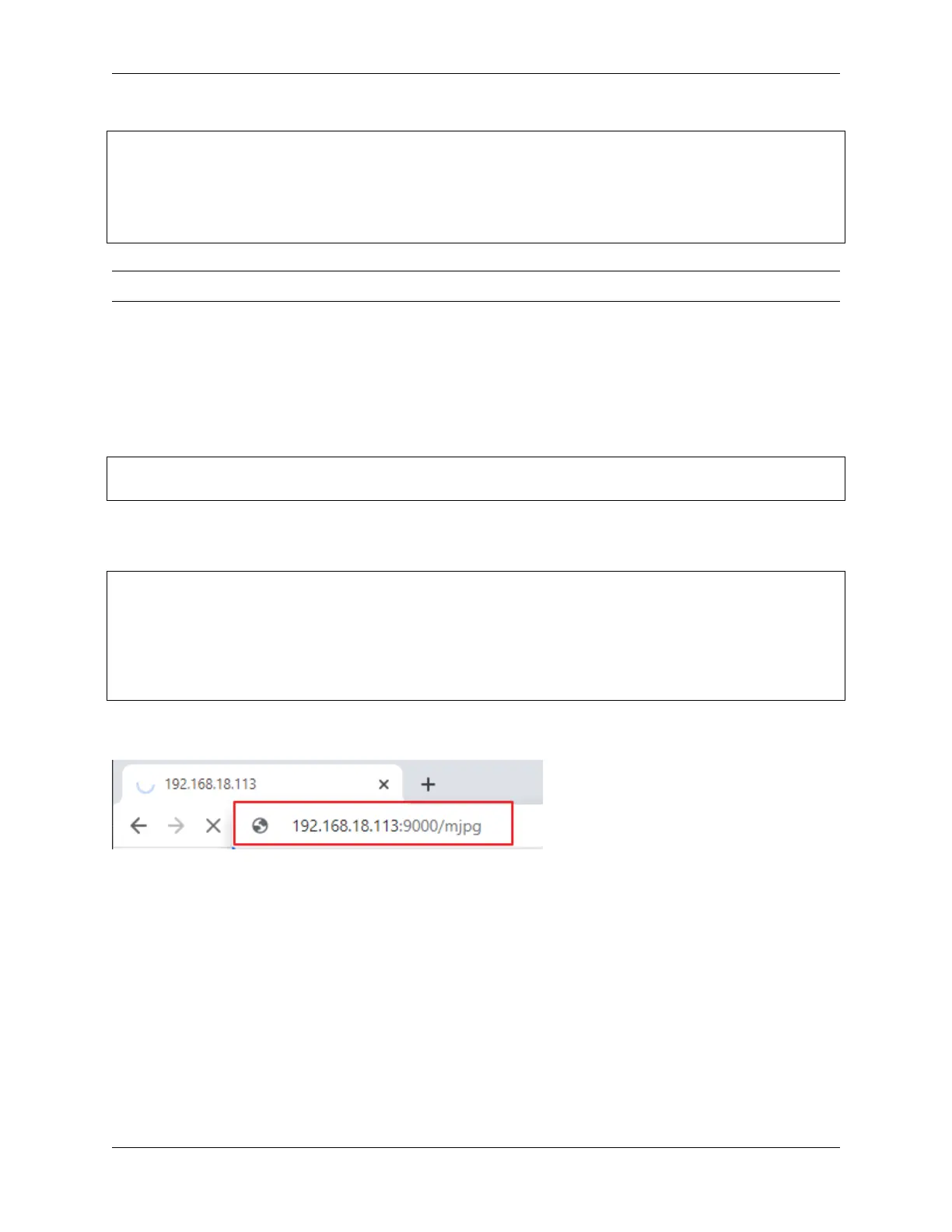
Then you can enter http://<your IP>:9000/mjpg in the browser to view the video screen. such as: https:/
/192.168.18.113:9000/mjpg
After the program runs, you will see the following information in the final:
• Input key to call the function!
• q: Take photo
• 1: Color detect : red
• 2: Color detect : orange
• 3: Color detect : yellow
• 4: Color detect : green
• 5: Color detect : blue
• 6: Color detect : purple
56 Chapter 3. Play with Python



 To Next Page