SunFounder PiCrawler Kit
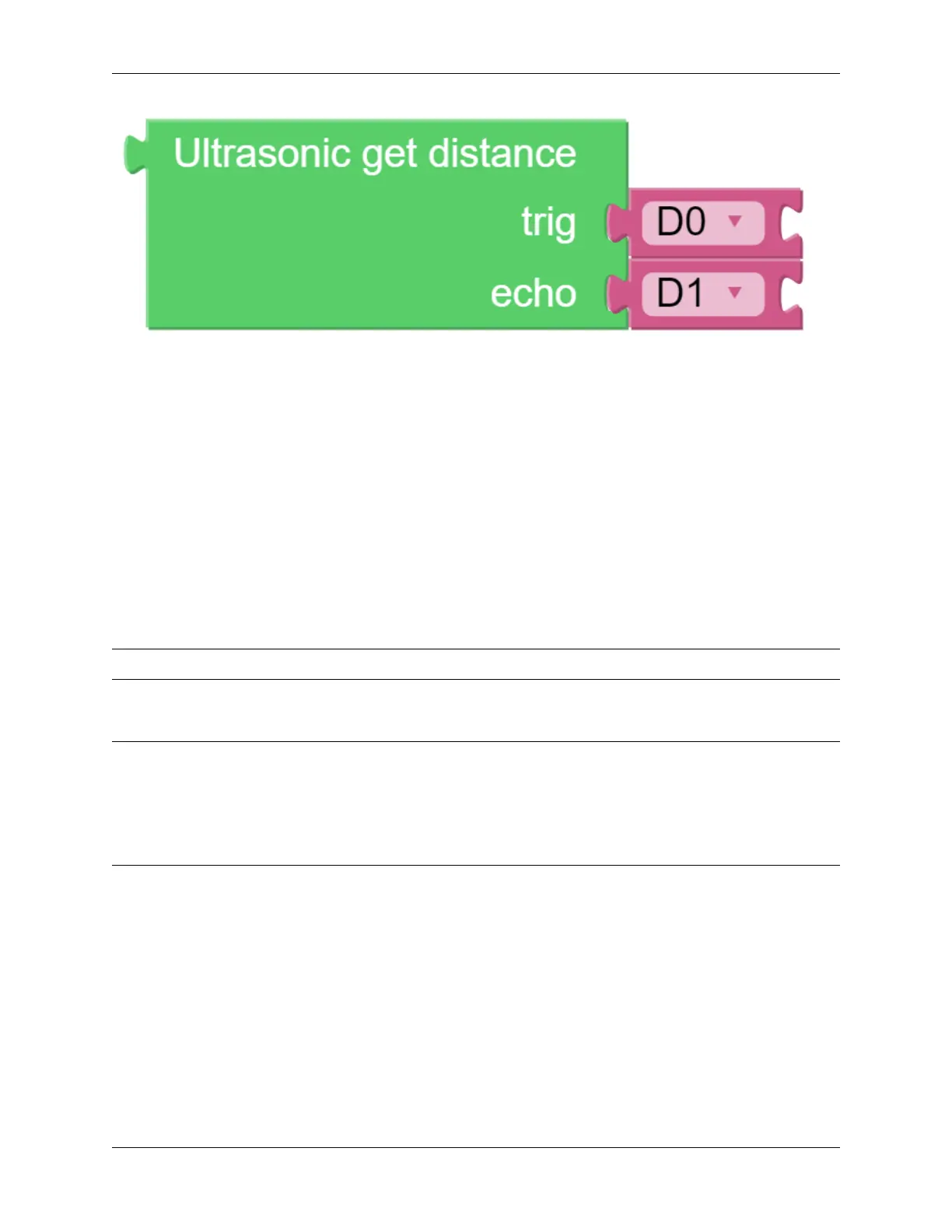
It should be noted that the two pins of the block should correspond to the actual wiring, that is, trig-D2, echo-D3.
Here is the main program.
• Read the distance detected by ultrasonic module and filter out the values less than 0 (When the ultrasonic
module is too far from the obstacle or cannot read the data correctly, distance<0 will appear).
• When the distance is less than alert_distance (the threshold value set earlier, which is 10), play the
sound effect sign.wav. PiCrawler does turn left .
• When the distance is greater than alert_distance, PiCrawler will move forward.
4.7 Computer Vision
This project will officially enter the field of computer vision!
Note: You can read How to Use the Video Function?. Come and carry out this project smoothly.
Program
Note:
• You can write the program according to the following picture, please refer to the tutorial: How to Create a New
Project?.
• Or find the code with the same name on the Examples page of the EzBlock Studio and click Run or Edit
directly.
4.7. Computer Vision 105



 To Next Page