SunFounder PiCrawler Kit
• 0: Switch off Color detect
• rScan the QR code
• f: Switch ON/OFF face detect
• s: Display detected object information
Please follow the prompts to activate the corresponding functions.
• Take Photo
Type q in the terminal and press Enter. The picture currently seen by the camera will be saved (if the
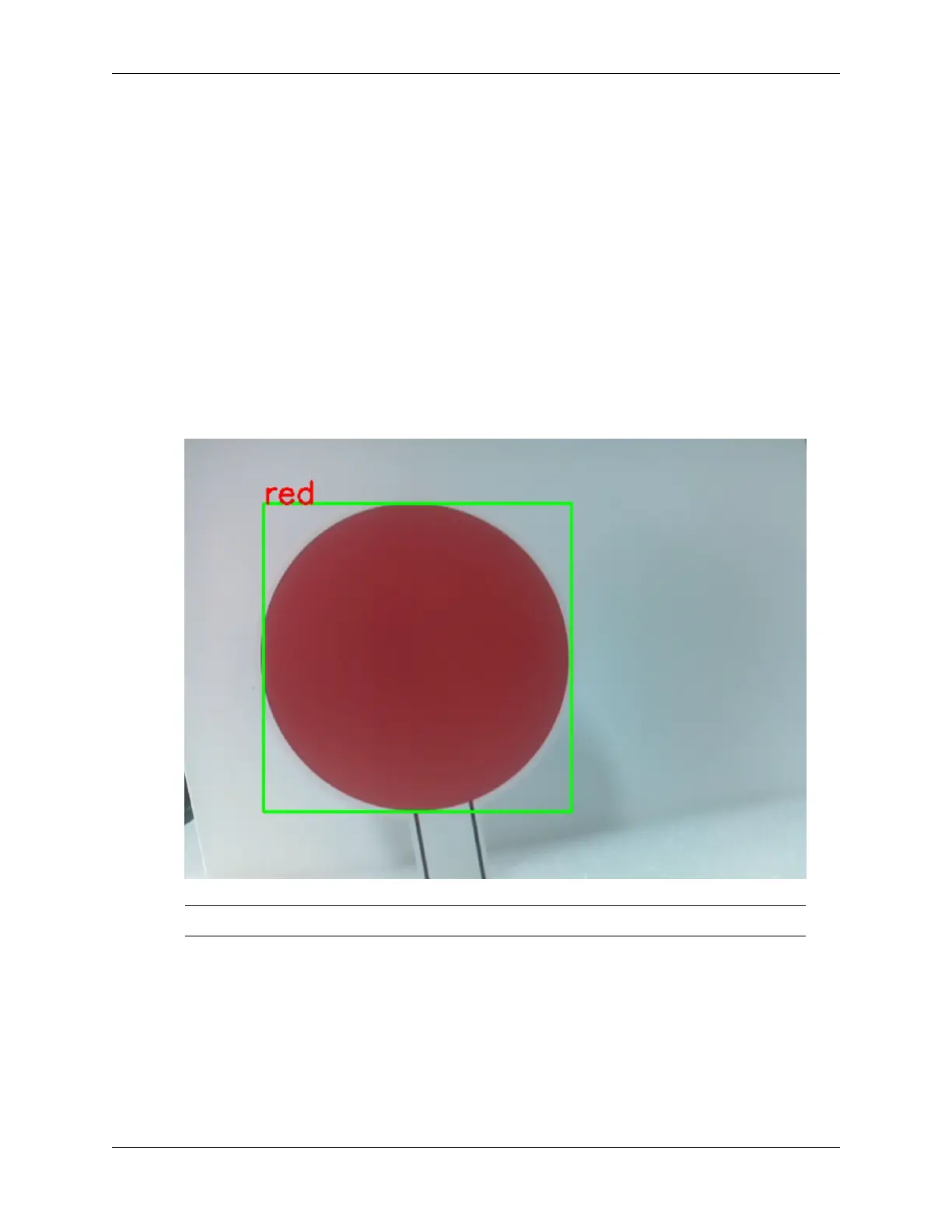
color detection function is turned on, the mark box will also appear in the saved picture). You can see
these photos from the /home/pi/Pictures/PiCrawler/ directory of the Raspberry Pi. You
can use tools such as Filezilla Software to transfer photos to your PC.
• Color Detect
Entering a number between 1~6 will detect one of the colors in “red, orange, yellow, green, blue,
purple”. Enter 0 to turn off color detection.
Note: You can download and print the PDF Color Cards for color detection.
• Face Detect
Type f to turn on face detection.
3.7. Computer Vision 57



 To Next Page