SunFounder PiCrawler Kit
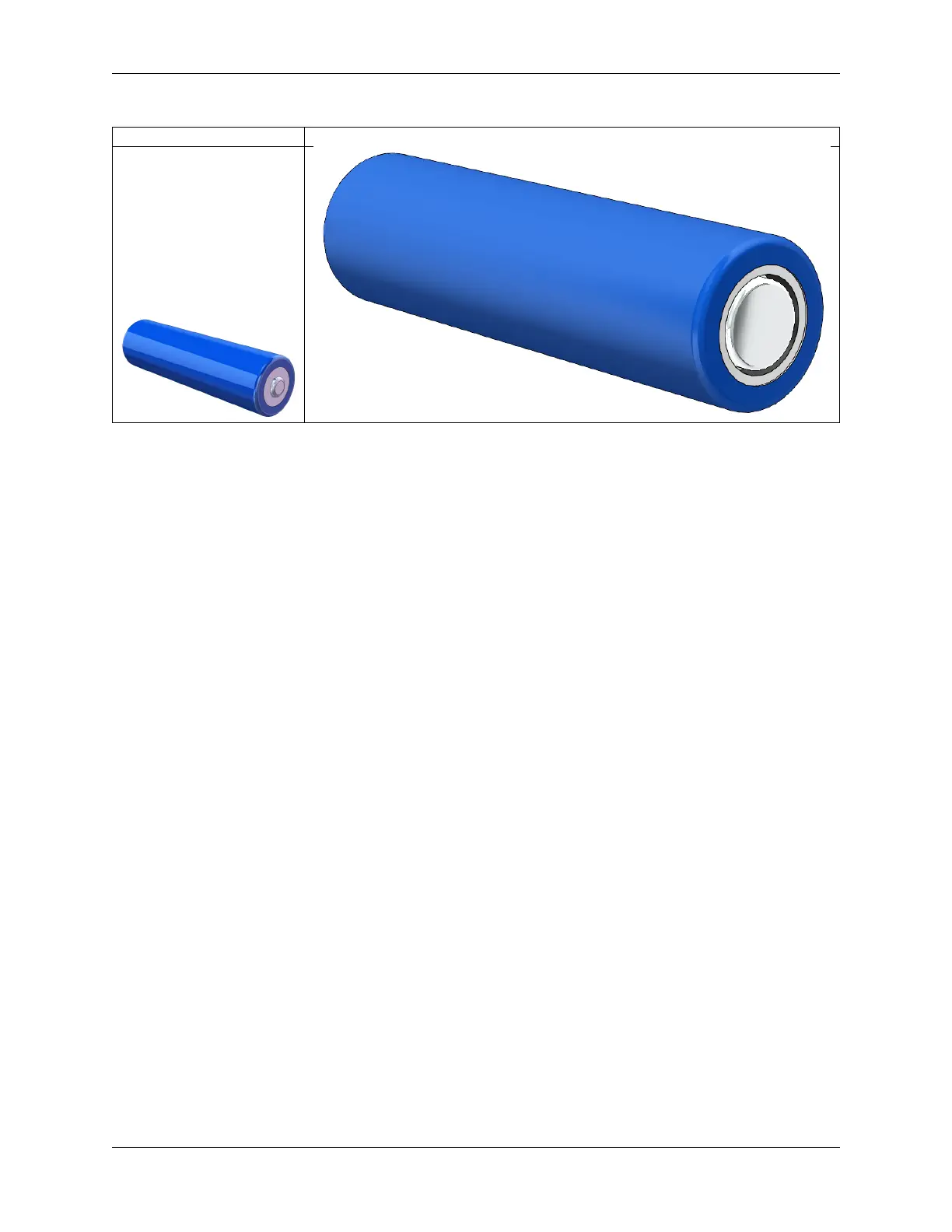
Button Top Flat Top
No protective board?
You are recommend to use 18650 batteries without a protective board. Otherwise, the robot may be cut power and
stop running because of the overcurrent protection of the protective board.
Battery capacity?
In order to keep the robot working for a long time, use large-capacity batteries as much as possible. It is recommended
to purchase batteries with a capacity of 3000mAh and above.
5.3 Get the IP address
There are many ways to know the IP address, and two of them are listed as follows.
Checking via the router
If you have permission to log in the router(such as a home network), you can check the addresses assigned to Raspberry
Pi on the admin interface of router.
The default hostname of the Raspberry Pi OS is raspberrypi, and you need to find it. (If you are using ArchLinuxARM
system, please find alarmpi.)
Network Segment Scanning
You can also use network scanning to look up the IP address of Raspberry Pi. You can apply the software, Advanced
IP scanner and so on.
Scan the IP range set, and the name of all connected devices will be displayed. Similarly, the default hostname of the
Raspberry Pi OS is raspberrypi, if you haven’t modified it.
132 Chapter 5. Appendix



 To Next Page