SunFounder PiCrawler Kit
Step 5
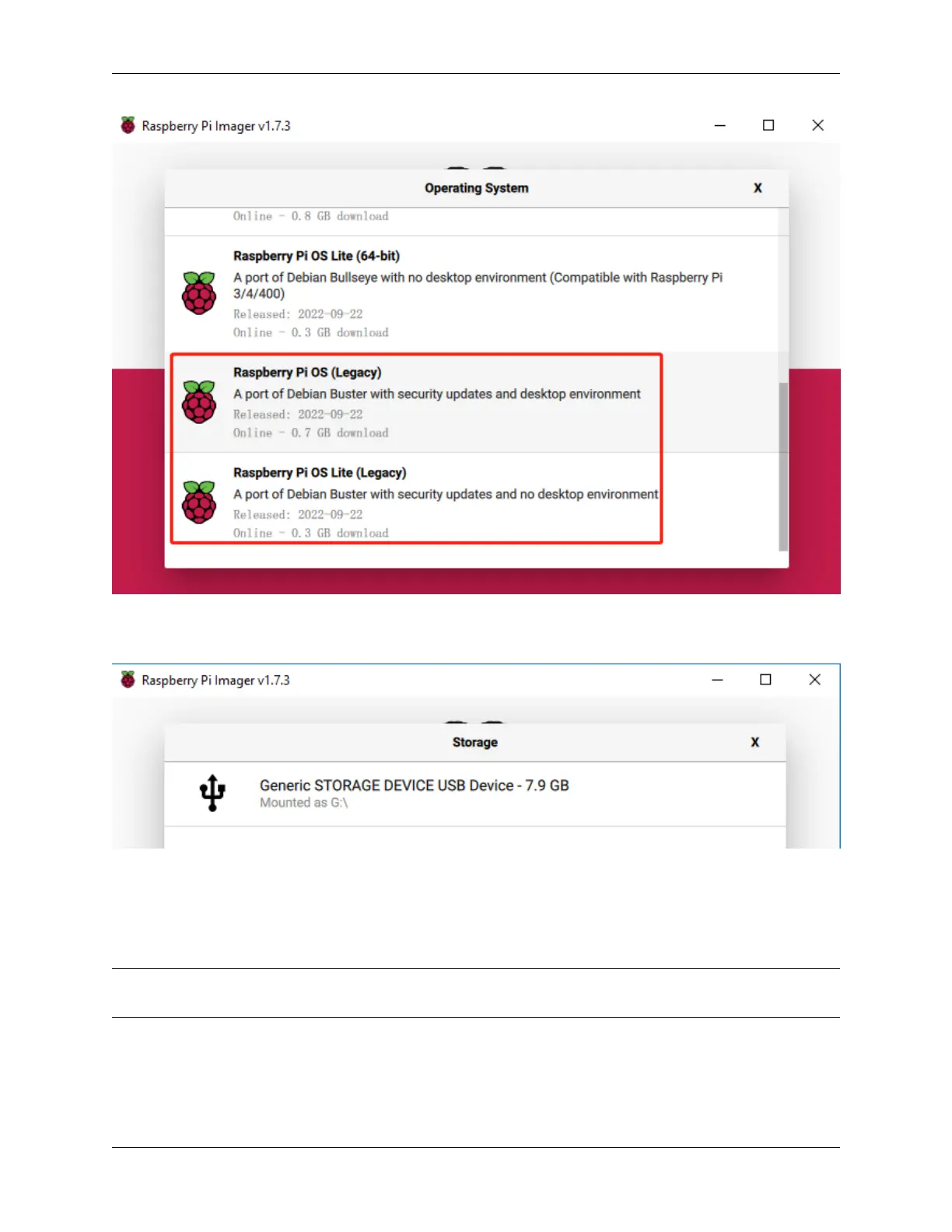
Select the SD card you are using.
Step 6
To open the advanced options page, click the setting button (appears after selecting operating system) or press
Ctrl+Shift+X. Enable ssh and set the username and name. You can choose to always use this image customization
options.
Note: When the Set hostname box is not checked, the default hostname will still be raspberrypi, and we will use
this hostname to access the Raspberry Pi remotely.
3.1. Quick Guide on Python 11



 To Next Page