SunFounder PiCrawler Kit
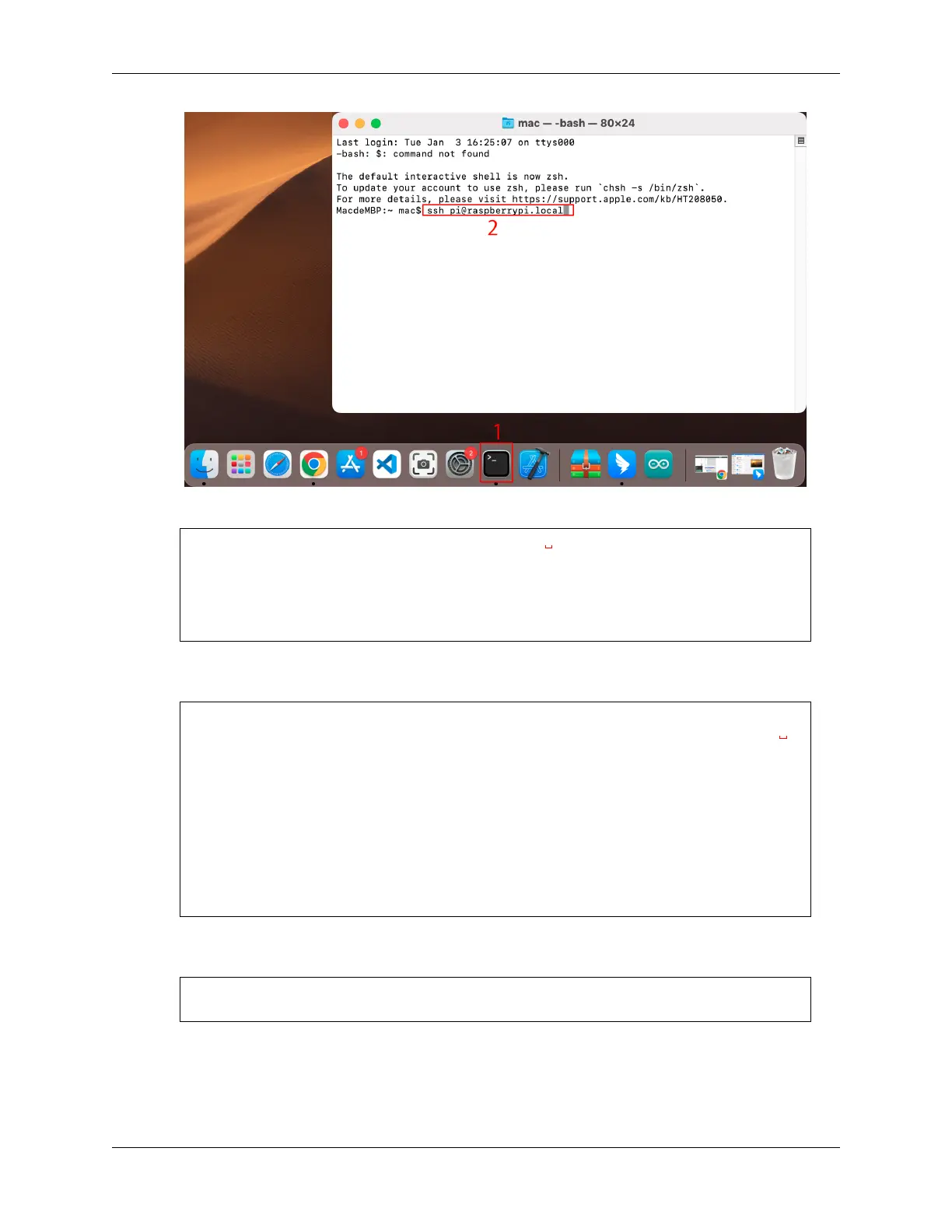
2. The following message will be displayed only when you log in for the first time, so enter yes.
The authenticity of host 'raspberrypi.local
˓→(2400:2410:2101:5800:635b:f0b6:2662:8cba)' can't be established.
ED25519 key fingerprint is SHA256:oo7x3ZSgAo032wD1tE8eW0fFM/
˓→kmewIvRwkBys6XRwg.
This key is not known by any other names
Are you sure you want to continue connecting (yes/no/[fingerprint])?
3. Enter the password for the Raspberry pi. The password you enter will not be displayed, so be careful not to
make a mistake.
pi@raspberrypi.local's password:
Linux raspberrypi 5.15.61-v8+ #1579 SMP PREEMPT Fri Aug 26 11:16:44 BST
˓→2022 aarch64
The programs included with the Debian GNU/Linux system are free software;
the exact distribution terms for each program are described in the
individual files in /usr/share/doc/
*
/copyright.
Debian GNU/Linux comes with ABSOLUTELY NO WARRANTY, to the extent
permitted by applicable law.
Last login: Thu Sep 22 12:18:22 2022
pi@raspberrypi:~ $
4. Set up your Raspberry Pi so that you can log in via VNC from your Mac once you have successfully logged into
it. The first step is to update your operating system by running the following commands.
sudo apt update
sudo apt upgrade
Do you want to continue? [Y/n], Enter Y when prompted.
It may take some time for the update to finish. (It depends on the amount of updates at that time.)
5. Enter the following command to enable the VNC Server.
24 Chapter 3. Play with Python



 To Next Page