SunFounder PiCrawler Kit
Run the Code
cd /home/pi/picrawler/examples
sudo python3 do_single_leg.py
After the code runs, please operate according to the prompt that pops up in the terminal.
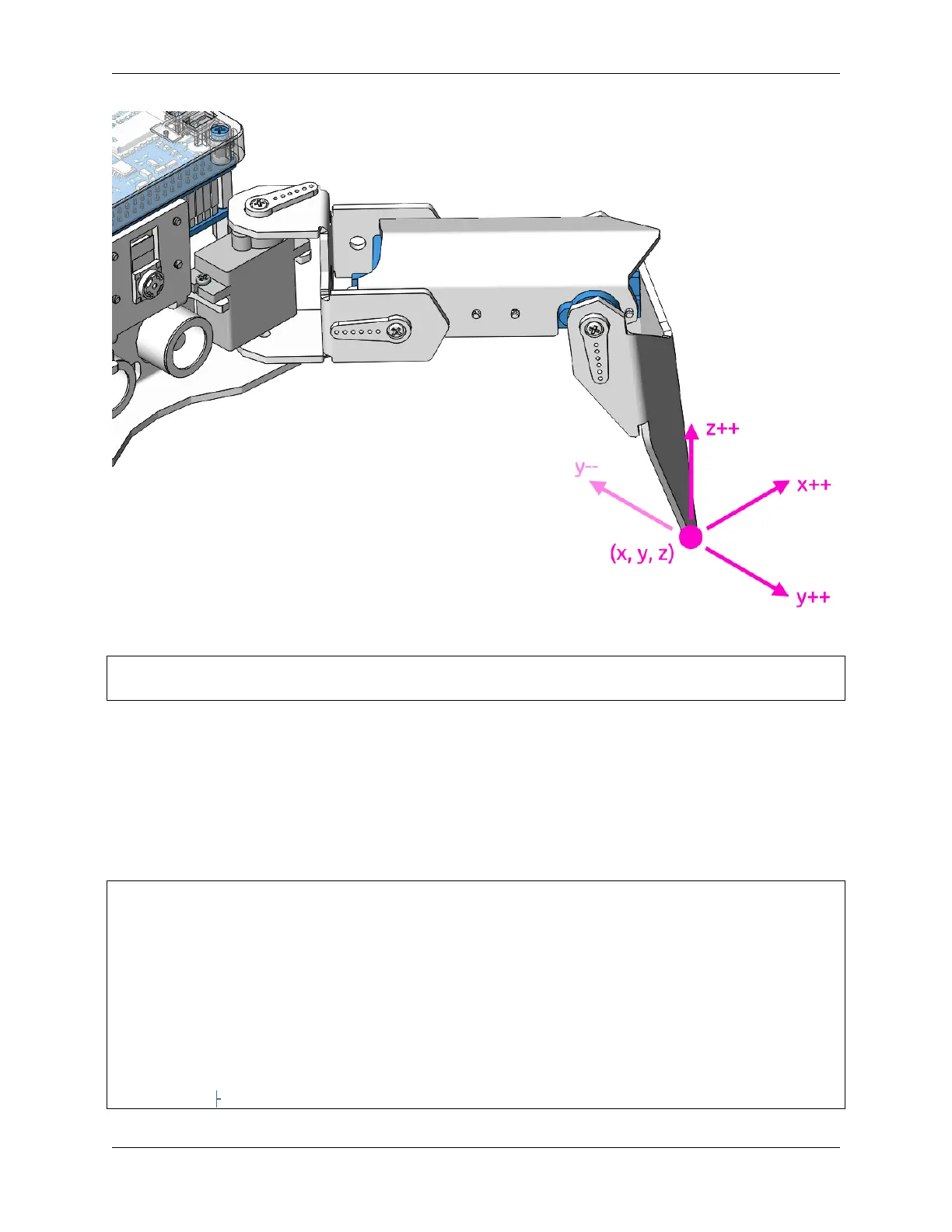
• Press 1234 to select the feet separately, 1: right front foot, 2: left front foot, 3: left rear foot, 4: right rear foot
• Press w, a, s, d, r, and f to slowly control the PiCrawler’s coordinate values.
• Press space to print all coordinate values.
• Press esc to exit.
Code
from picrawler import Picrawler
from time import sleep
import readchar
crawler = Picrawler([10,11,12,4,5,6,1,2,3,7,8,9])
speed = 80
manual = '''
-------- PiCrawler Controller ---------
....... .......
<=| 2 |--| 1 |=>
``````` ```````
(continues on next page)
3.12. Adjust Posture 75



 To Next Page