SunFounder PiCrawler Kit
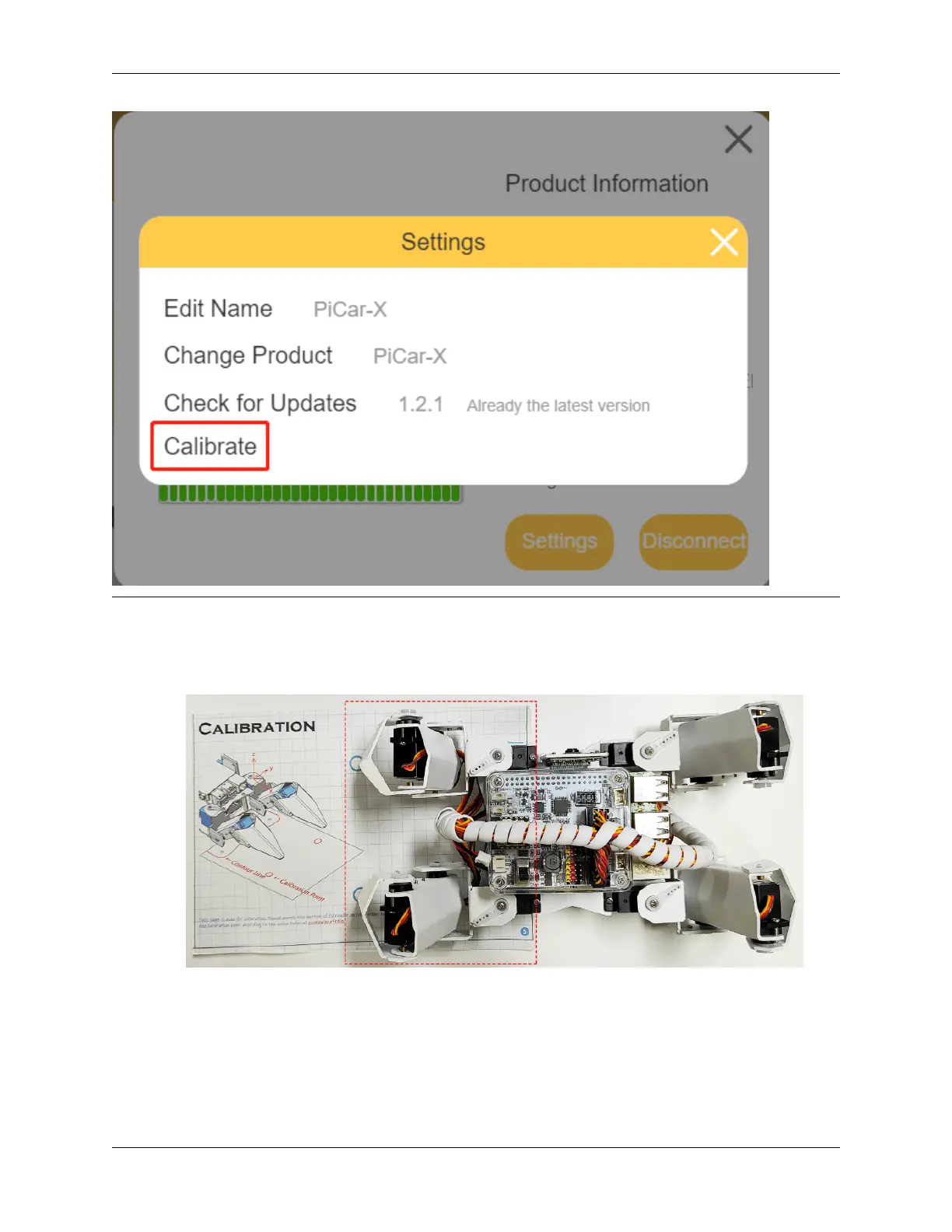
The calibration steps are as follows:
1. Take out the assembly leaflet, turn it to the last page, and lay it flat on the table. Then place the PiCrawler as
shown below, aligning its bottom with the outline on the calibration chart.
2. Go back to EzBlock Studio, select one foot on the left, then click the 3 sets of X, Y and Z buttons, and let the
toes slowly align with the calibration point.
• The calibration buttons are used for fine-tuning, and you need to press these buttons multiple times to see
the pin position change.
• It is recommended to click the up button of Z axis to lift the foot up first, then go to adjust X and Y.
90 Chapter 4. Play with Ezblock



 To Next Page