SunFounder TS-10 10.1-inch Touch Screen
Product Link
Global: https://www.sunfounder.com/products/sunfounder-davinci-kit
United States: https://www.amazon.com/dp/product/B07WV2HYC6
Japan: https://www.amazon.co.jp/dp/product/B083SJQXCL
Canada: https://www.amazon.de/dp/B07WYX8M76
Germany: https://www.amazon.ca/dp/product/B07KH2C215
5.7 Scratch Projects
In this chapter, you will learn to use Scratch on this screen, which includes 10 examples.
If you are a user who has just used Scratch, we recommend that you try the teaching examples in order so that you can
quickly get started with Scratch.
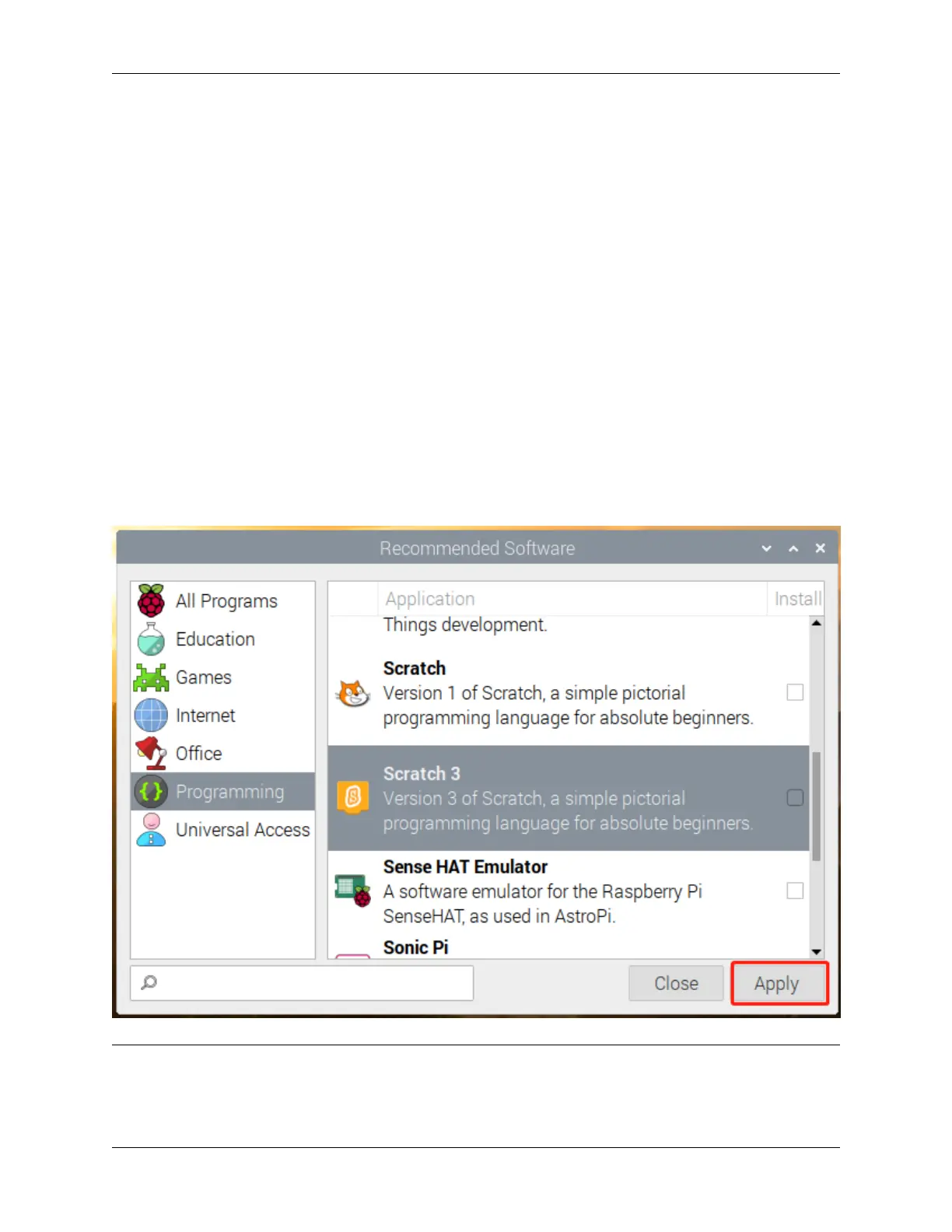
If the Raspberry Pi system you downloaded comes with recommended software, you can find Scratch 3 in Program-
ming.
If you download a system with only a desktop, you can click Preferences -> Recommended Software -> Program-
ming to install the Scratch 3.
Note: Before trying the teaching examples, you should have downloaded the relevant materials and code files.
Open a Terminal and enter the following command to download them from github.
102 Chapter 5. PROJECTS AND ACTIVITIES



 To Next Page