SunFounder TS-10 10.1-inch Touch Screen
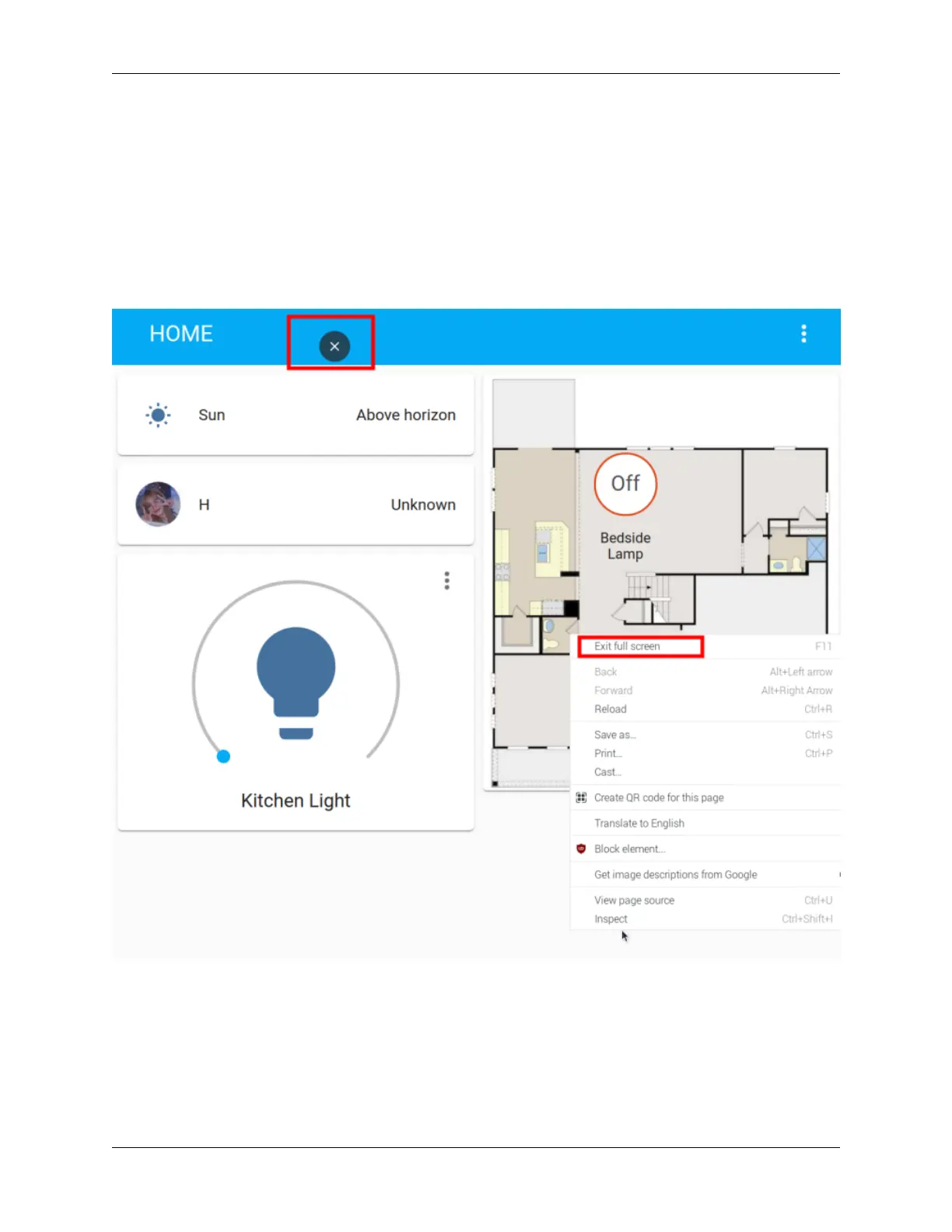
4. Exit full screen.
computer:
Method 1: Press F11.
Method 2: Move the mouse to the upper column of the screen and click the exit button that appears.
Method 3: Right-click the pop-up menu, select “Exit full screen”.
Touch screen:
Long press the blank space to pop up the menu, click the exit button at the top of the screen or select “Exit full screen”.
5.4.8 Home Assistant File Structure
Homeassistant creates a configuration file by default under the path of the executing user (created homeassistant) at
the ~/.homeassistant path.
The file directory structure is as follows:
76 Chapter 5. PROJECTS AND ACTIVITIES



 To Next Page