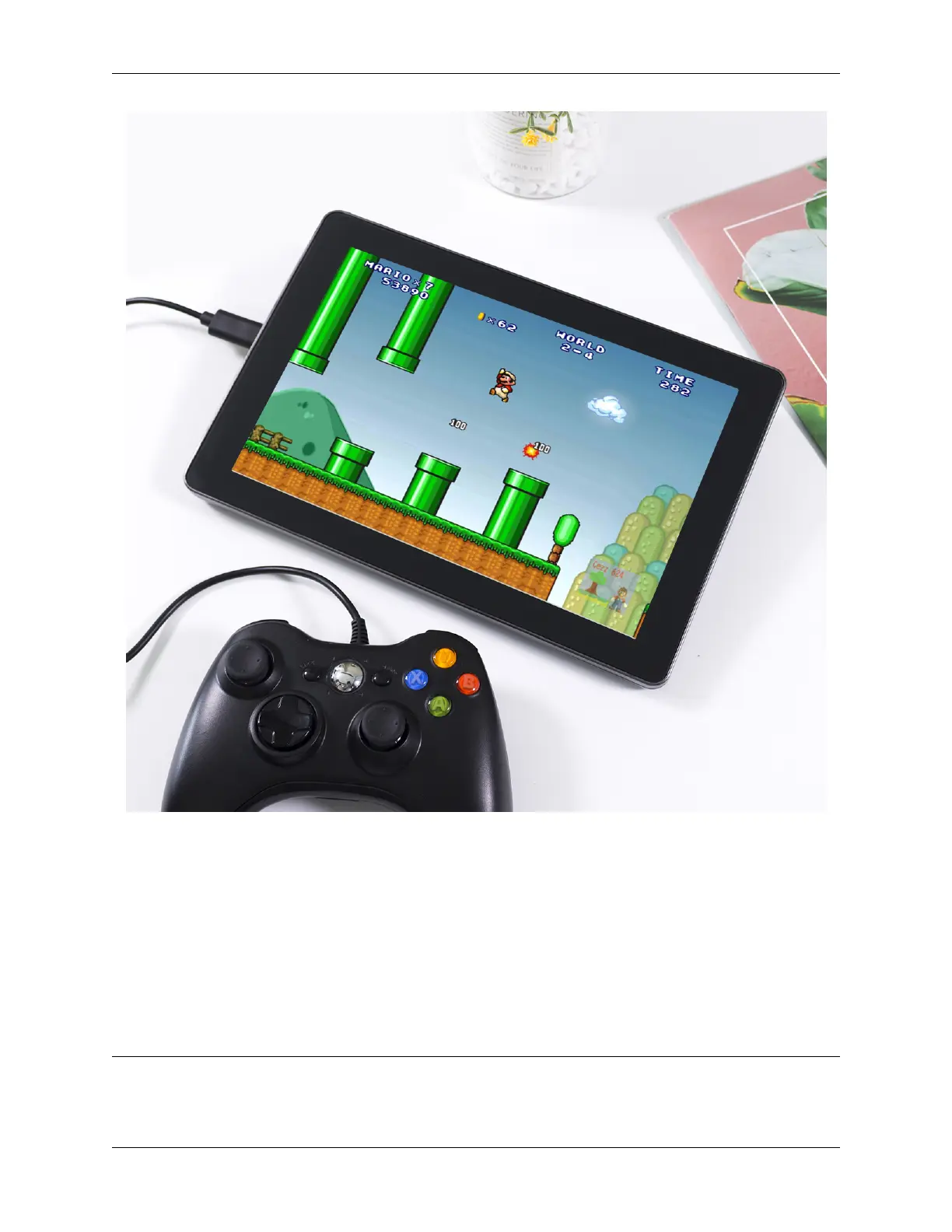
SunFounder TS-10 10.1-inch Touch Screen
5.3 3D Printer Monitor
When using a 3D printer, we will need to use OctoPrint. It is an open source 3D printer controller application, which
provides a web interface for the connected printers. It displays printers’ status and key parameters and allows user to
schedule prints and remotely control the printer.
Please refer to the detailed installation tutorial for OctoPrint: https://community.octoprint.org/t/
setting-up-octoprint-on-a-raspberry-pi-running-raspbian-or-raspberry-pi-os/2337.
This tutorial has written very detailed installation steps, which may take a long time and requires more patience.
Note:
• The Raspberry Pi Operating System will need to be installed on the micro-SD card before starting the tutorial.
5.3. 3D Printer Monitor 41



 To Next Page