SunFounder TS-10 10.1-inch Touch Screen
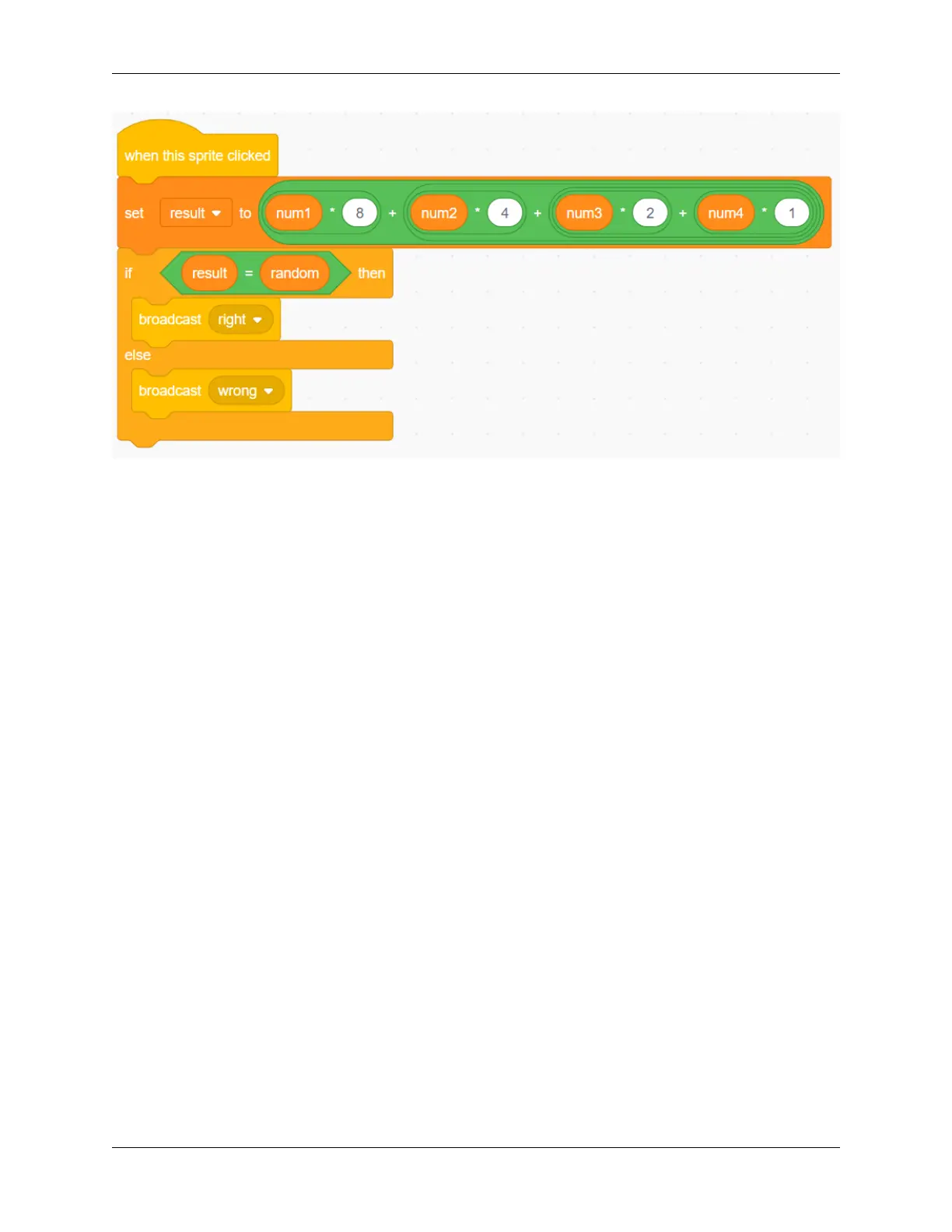
Now, click on the green flag above the stage area to start the game and explore the magical binary!
Challenge
I believe that you will be smart enough to program and implement this game soon. Next, we will add some challenges
to enrich our game content.
• Add a Zero sprite to convert random integers between 1-32.
• When you click on the Zero sprite, a “Pop” sound effect will be emitted.
• 1 point will be deducted for incorrect answers!
5.7.8 Flappy Parrot
Description
Today we made the parrot Devin avoid the trees for food.
Click on the green flag to start.
Or click Flappy Parrot, and then learn online tutorial on the Scratch official website.
Required Components
• A Screen
• Scratch 3 (either online or offline)
You Will Learn
• Add more costumes to sprites and let them change their appearance
• Logical Operation
• Determine if the sprites are touching each other
154 Chapter 5. PROJECTS AND ACTIVITIES



 To Next Page