SunFounder TS-10 10.1-inch Touch Screen
Lesson Guide
Arrange the parrot and background image
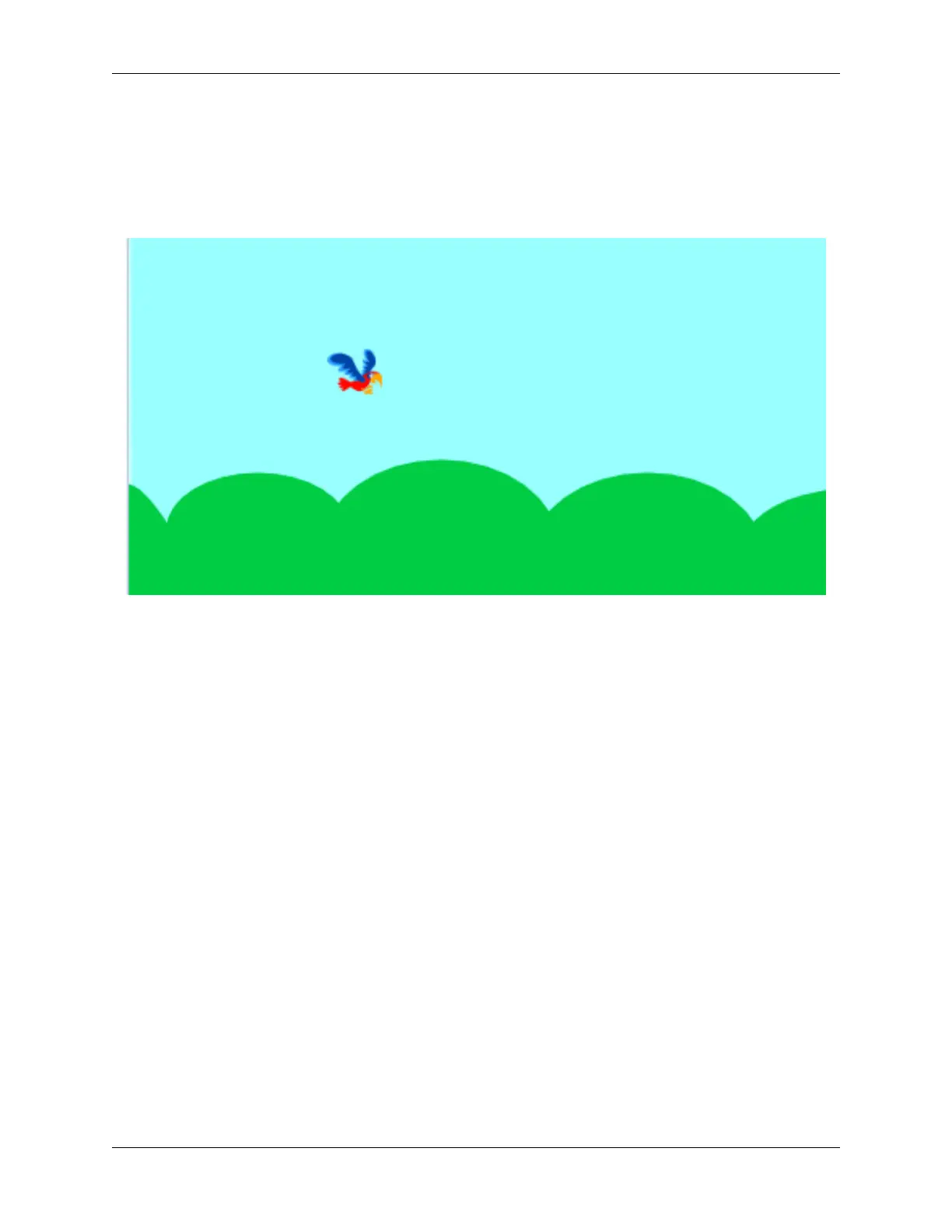
First, we delete the default sprites and add Parrot sprites and Blue Sky backdrop. Change the size of the Parrot sprite
to 20.
Upload the Trees sprite, select the Upload Sprite option, find the “Trees.png” file, and upload it.
Click Costumes, and then click the “Upload Costume” option to upload Trees2.png, Trees3.png, Trees4.png, and
Trees5.png.
5.7. Scratch Projects 155



 To Next Page