SunFounder TS-10 10.1-inch Touch Screen
5.7.10 Eating Banana Game
Description
Scratch has a Video Sensing expansion module, which can turn on the camera in Scratch and detect the movement of
objects on the camera screen.
Today, we will use the camera to make a eating banana game. In the stipulated time, help the Monkey eat more
bananas.
To play the game against a white background, click on the green flag to start. Move colored objects in front of the
camera to control the Monkey sprite.
Or click Eating Banana Game, and then learn online tutorial on the Scratch official website.
Required Components
• A Screen
• Scratch 3 (either online or offline)
You Will Learn
• Install camera on this screen.
• Add Video Sensing expansion module and use camera function
• Let the camera detect our movements
Lesson Guide
Install and use the camera.
For the camera installation tutorial, please refer to Assemble the Camera Module.
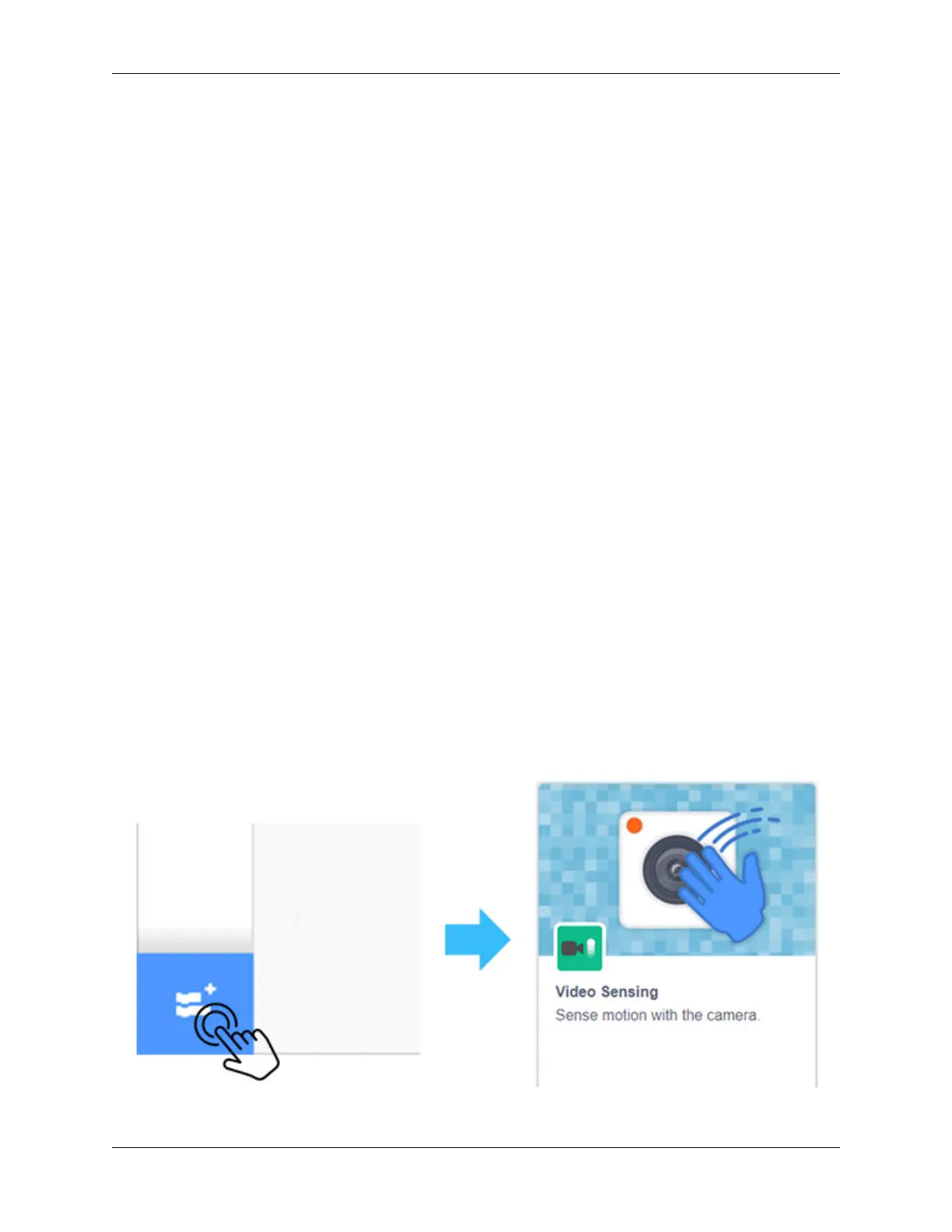
Click the “Add Extension” icon at the bottom left of scratch and select the Video Sensing extension.
At this point, you can see the camera shot on the Scratch stage.
180 Chapter 5. PROJECTS AND ACTIVITIES



 To Next Page