SunFounder TS-10 10.1-inch Touch Screen
At this time, we click on the letter A on the stage and it will change its color.
B can rotate 360°.
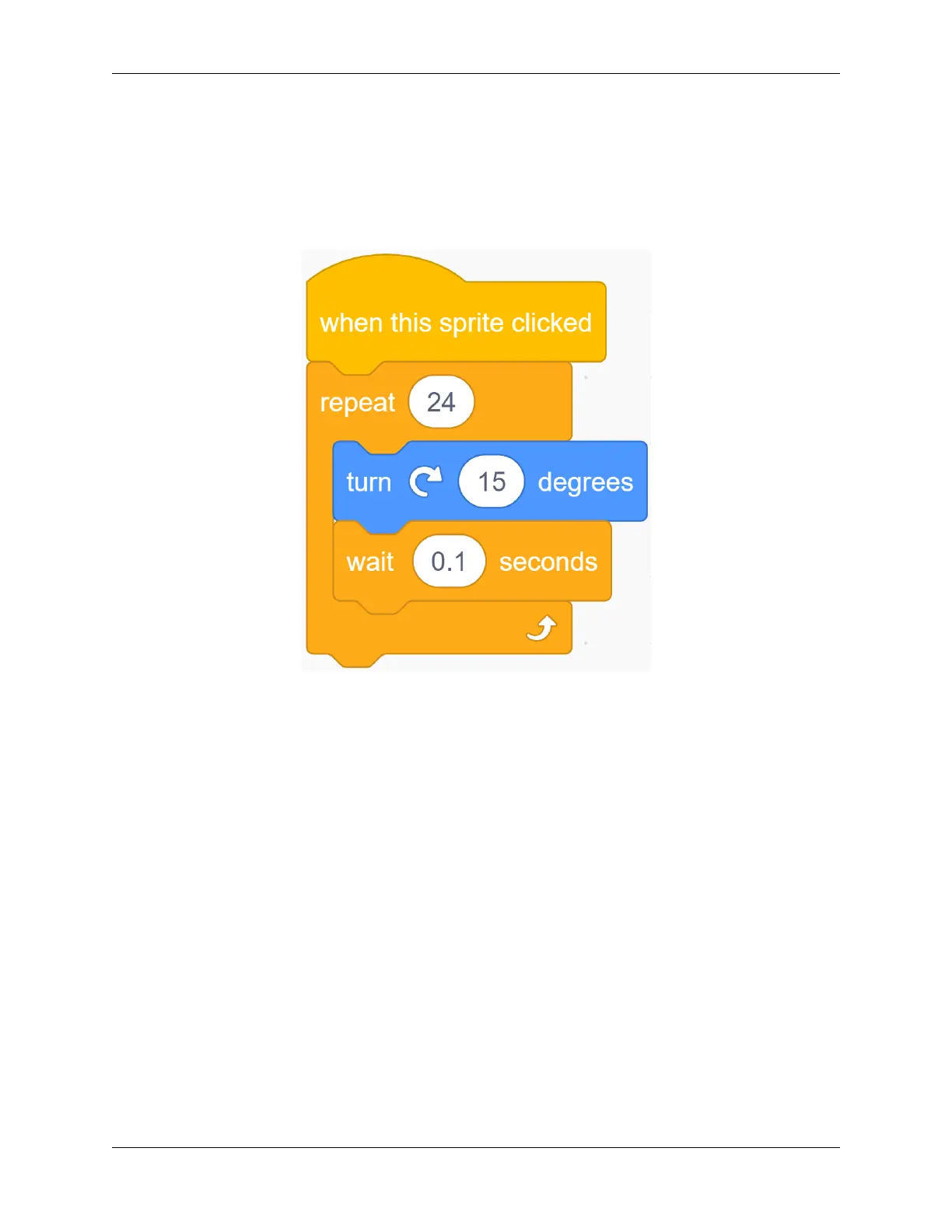
Click on the Glow-B sprite, let’s write a code for the Glow-B wizard. When the letter B on the stage is clicked, it will
rotate in a circle.
Do you know why B is rotated 15 degrees 24 times? Because 24*15=360, it turns 360 degrees!
B2 can zoom in and out.
Click on the Glow-B2 sprite, and let us write a code for the Glow-B2 sprite.
When the second B on the stage is clicked, it will zoom in and then zoom out.
108 Chapter 5. PROJECTS AND ACTIVITIES



 To Next Page