SunFounder TS-10 10.1-inch Touch Screen
• Scratch 3 (either online or offline)
You Will Learn
• Choose the sprite you want.
• Let the sprites move around.
• Let the sprites talk to each other.
• Switch scenes.
Lesson Guide
This is a happy Monkey named Harley.
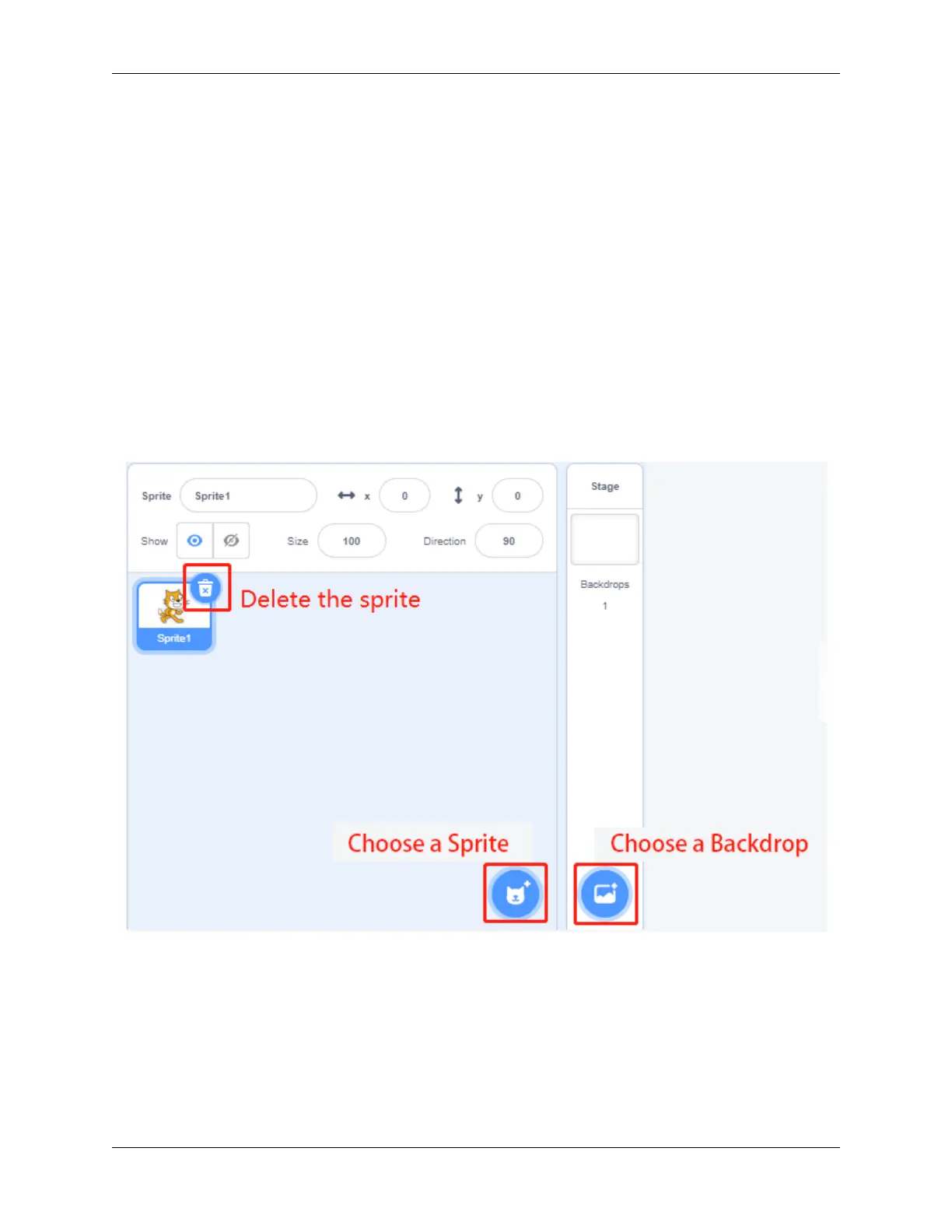
In the lower right corner of the Scratch, there are two areas-the character area and the stage area, where we can add
the sprites and stage we want.
First the current sprite, and then click the Choose a Sprite button to add the sprite.
Here we need to find Monkey, click on it! You can use the search box above to find it. Here we give it a name Harley.
5.7. Scratch Projects 111



 To Next Page