SunFounder TS-10 10.1-inch Touch Screen
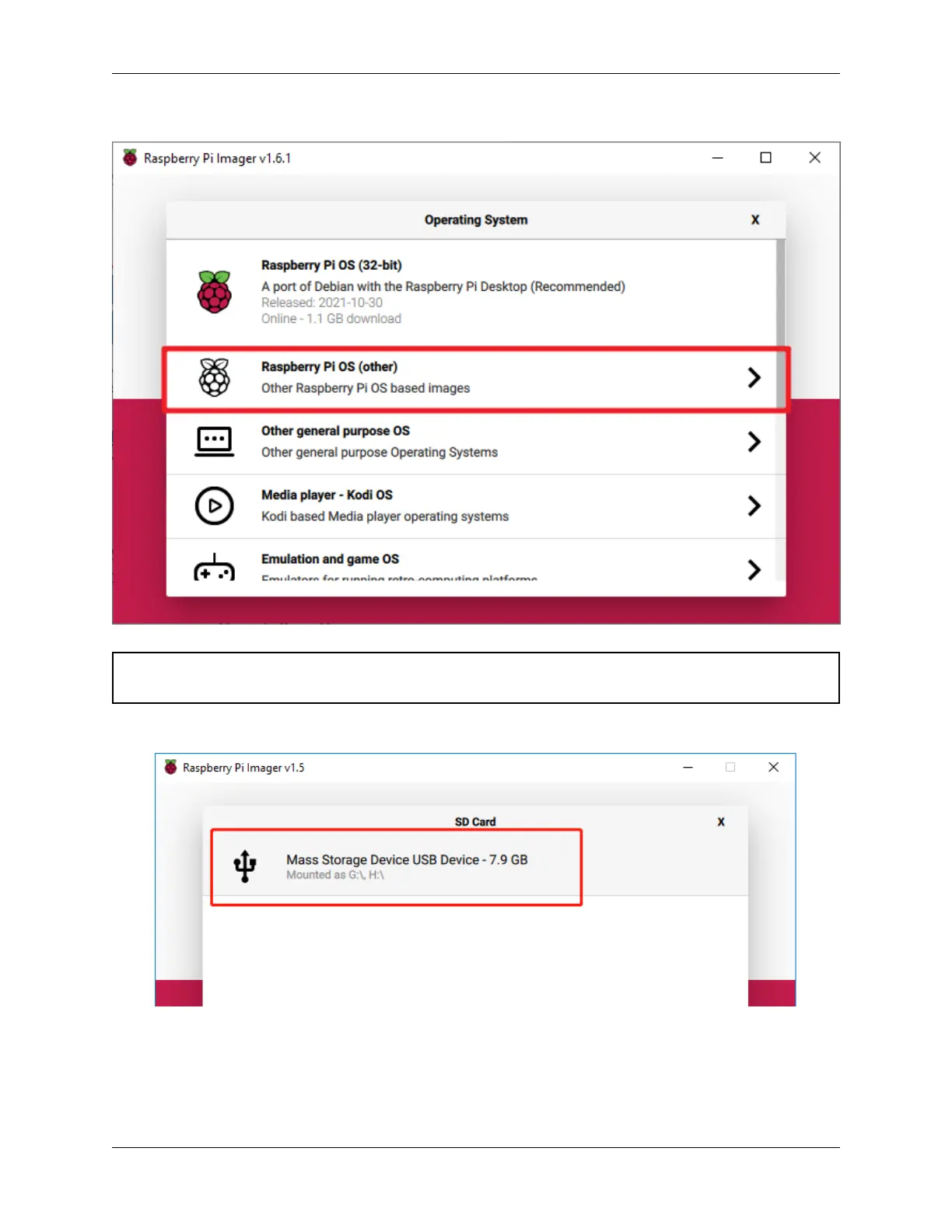
Download the raspios_armhf-2020-05-28 image and select it in Raspberry Pi Imager.
Warning: Raspberry Pi OS has major changes after the 2021-05-28 version, which may cause some functions to
be unavailable. Please do not use the latest version for now.
Select the SD card you are using.
Press Ctrl+Shift+X to open the Advanced options page to enable SSH and configure wifi, these 2 items must be
set, the others depend on your choice. You can choose to always use this image customization options.
8 Chapter 2. INSTALL THE RASPBERRY PI OS



 To Next Page