SunFounder TS-10 10.1-inch Touch Screen
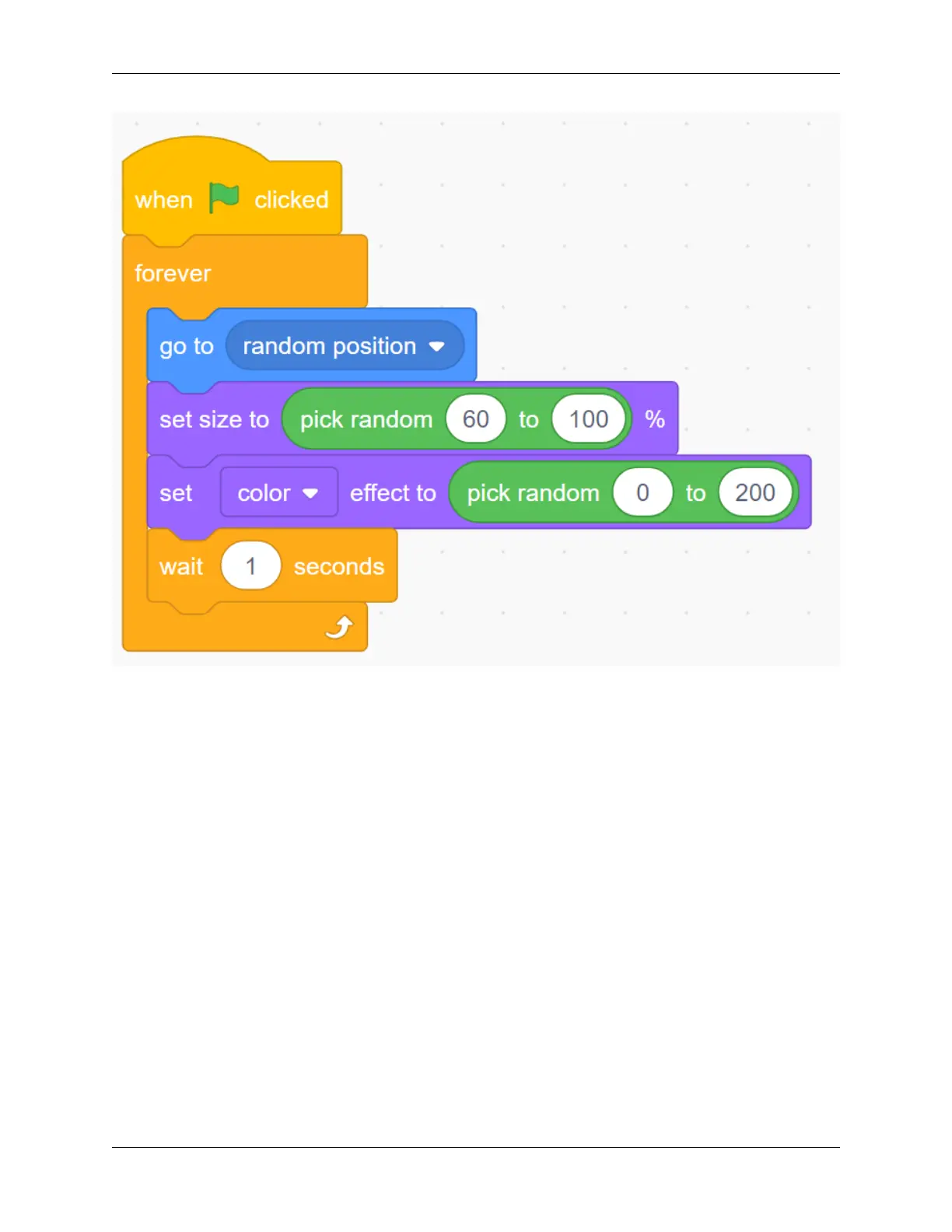
Now, run the green flag and you can see the balloons randomly change in the stage area.
Click on the balloon to add score.
Now, we need to establish a scoring mechanism. Whenever the balloon is clicked, the score will increase by one.
Create a variable (it can help us keep track of and store the score). In Variables, select Make a Variable and named
score.
128 Chapter 5. PROJECTS AND ACTIVITIES



 To Next Page