SunFounder TS-10 10.1-inch Touch Screen
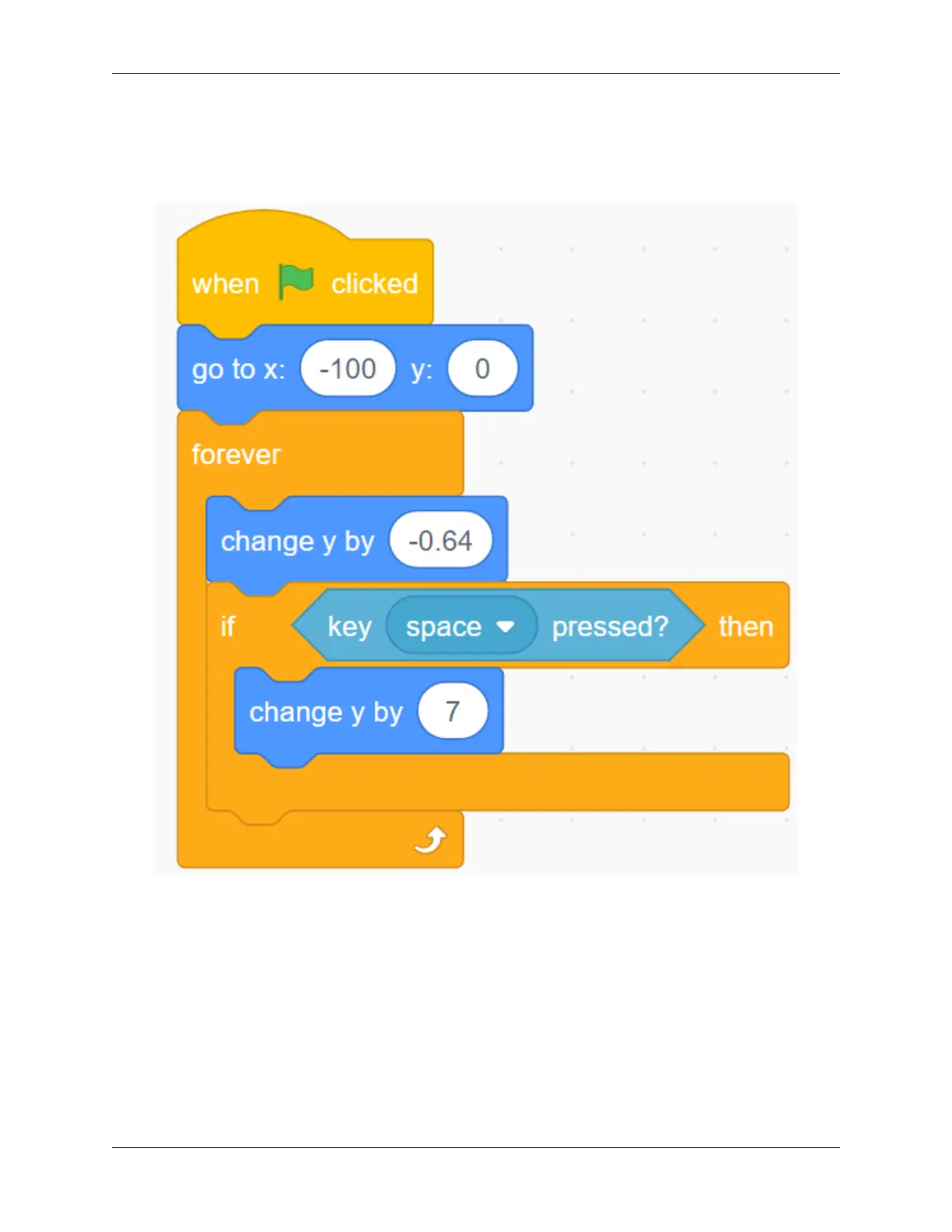
Let the space button control Parrot to fly
When the game starts, Parrot will continue to drop down, that is, the y coordinate will continue to decrease. When we
press the space button, the y coordinate of Parrot will increase.
Constantly increase the speed of Parrot falling through variables
Parrot drop is a bit slow, we add flight variables to make Parrot drop more and more!
160 Chapter 5. PROJECTS AND ACTIVITIES



 To Next Page