SunFounder TS-10 10.1-inch Touch Screen
Step 6
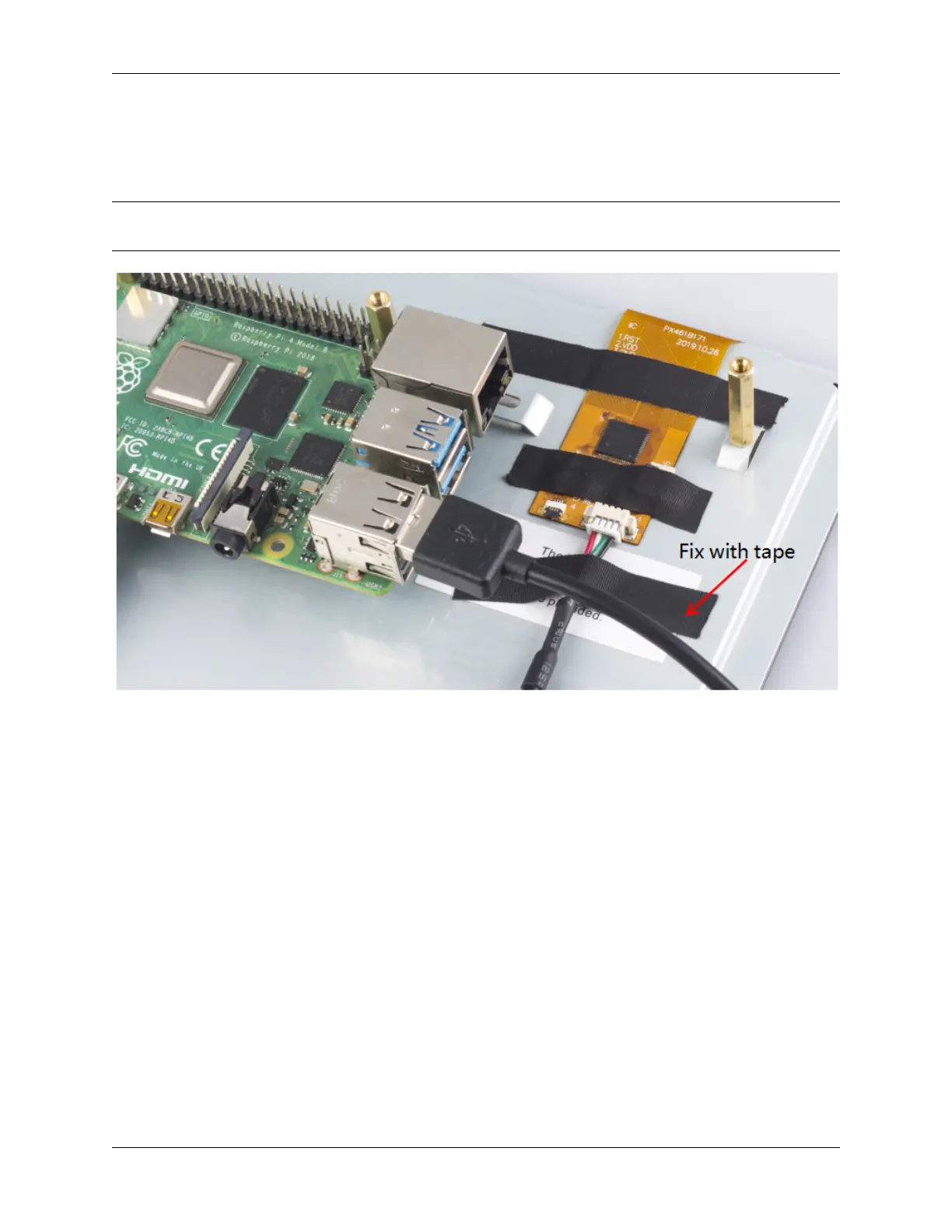
Connect the USB port of the Raspberry Pi and the screen with a 4-pin USB cable. To prevent the cable from falling
off, use tape to fix it.
Note: In the following assembly steps, the method of Raspberry Pi 3 is the same as that of Raspberry Pi 4, so we take
Raspberry Pi 4 as an example to introduce.
Step 7
Connect the power cable of the supply to power the main board of the screen.
19



 To Next Page