SunFounder TS-10 10.1-inch Touch Screen
After the modification is done, save and exit. For more details about configuring config.txt, refer to Raspberry Pi
official website: https://www.raspberrypi.org/documentation/configuration/config-txt.md.
Step 3: Reboot Raspberry Pi.
Reboot the Raspberry pi with the command sudo reboot.
sudo reboot
For Raspberry Pi 4
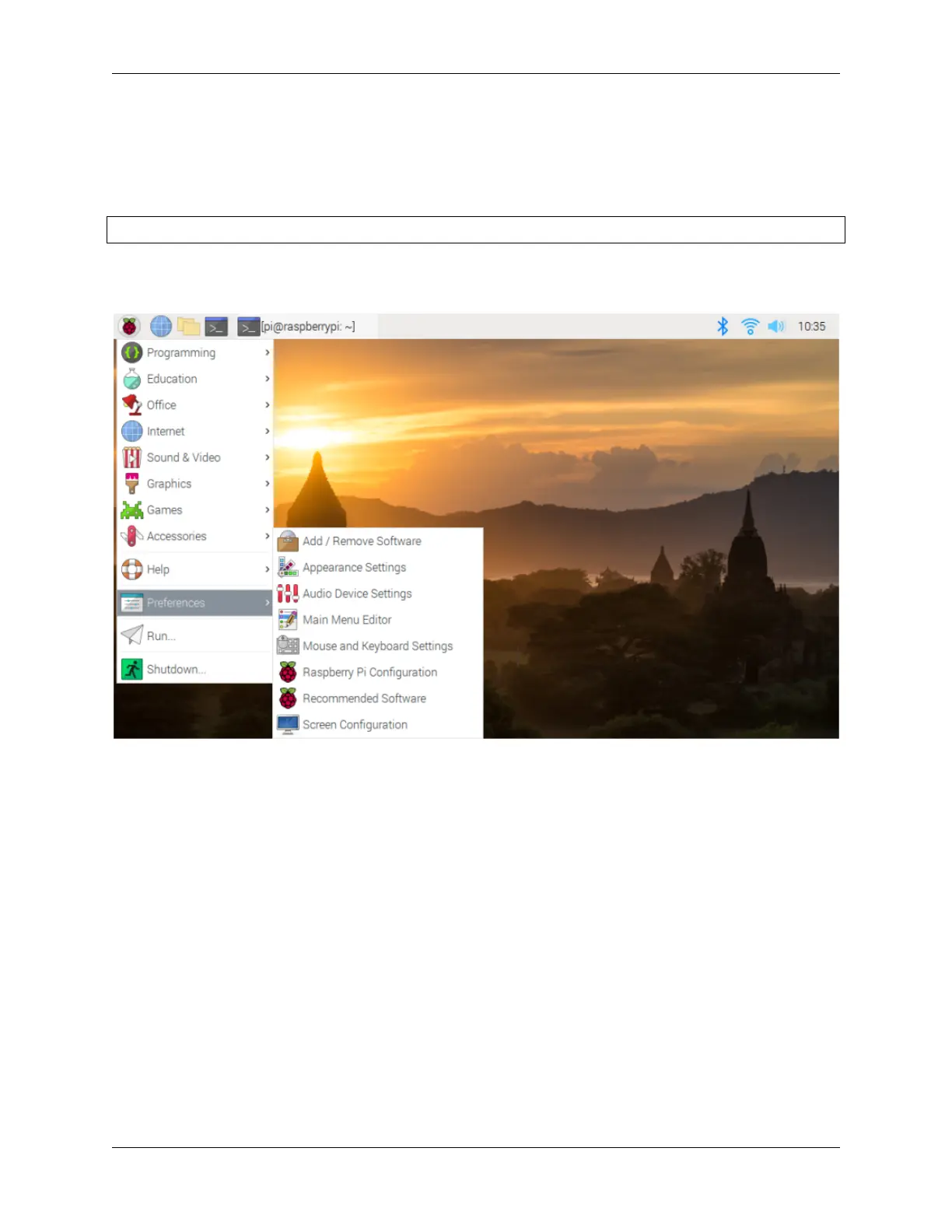
1) Click the Raspberry Pi icon -> Preferences -> Screen Configuration.
2) Then choose Configure -> Screens -> HDMI-1 -> Resolution -> choose the resolution that you want.
22 Chapter 4. QUICK USER GUIDE



 To Next Page