SunFounder TS-10 10.1-inch Touch Screen
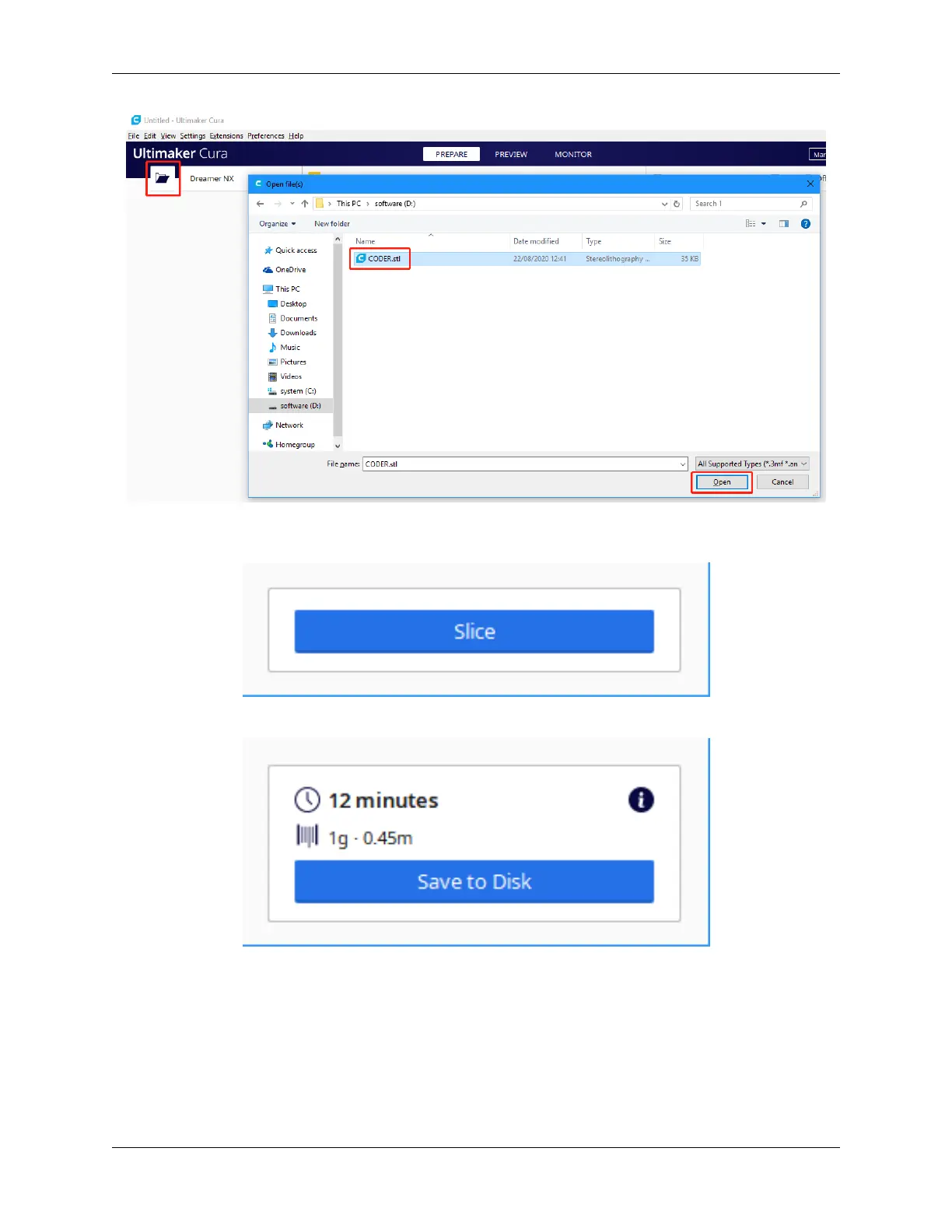
After the file has been added, click the Slice option in the lower right-hand corner, and Ultimaker Cura will automati-
cally perform the slicing operation.
After slicing is complete, click the Save to Disk option in the lower right corner to save the sliced file locally.
Select the type of file extension recognized by the 3D printer, then click Save.
5.3. 3D Printer Monitor 47



 To Next Page