SunFounder TS-10 10.1-inch Touch Screen
Enter
Once added, you will see them in the Dashboard of ESPHome.
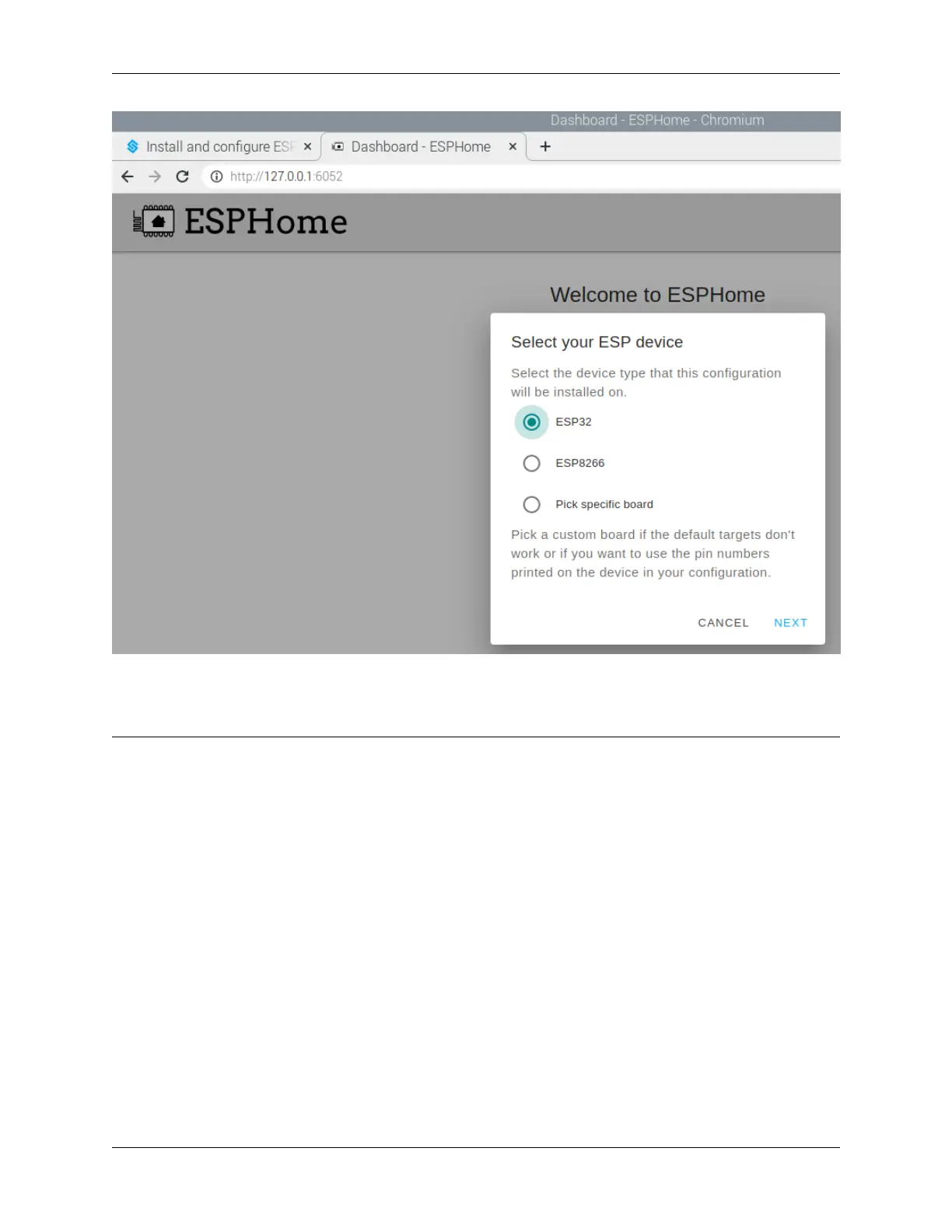
Note: When it is not the first time to add a device, click “+” on the main page, follow the prompts to enter the device
name, WIFI and password, select the device type.
5.4. Home Assistant 57



 To Next Page