EasyManua.ls Logo

Sungale CD700A - PC Connection

Sungale CD700A
28 pages
Print Icon
To Next Page IconTo Next Page
To Previous Page IconTo Previous Page
Loading...
Chapter
2
Connection
PC
Connection
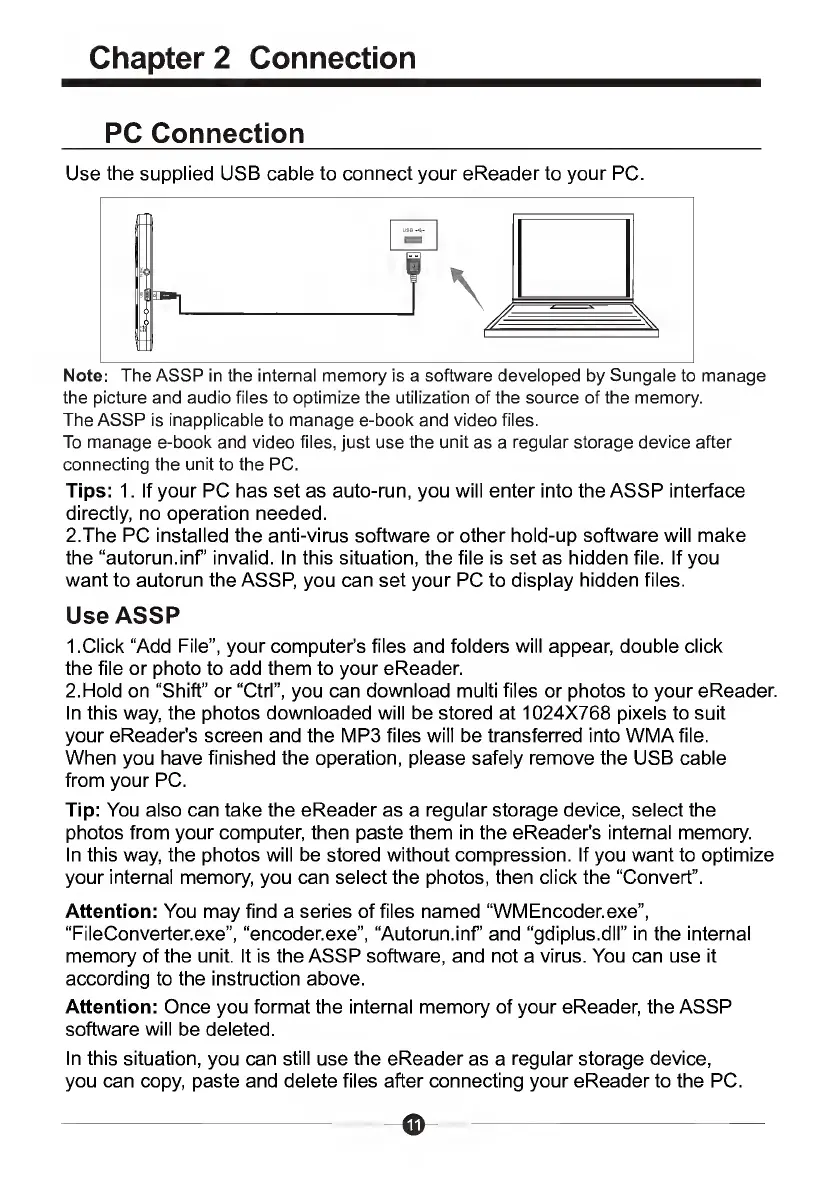
Use
the
supplied
USB
cable
to
connect
your
eReader
to
your
PC.
Note:
The
ASSP
in
the
internal
memory
is
a
software
developed
by
Sungale
to
manage
the
picture
and
audio
files
to
optimize
the
utilization
of
the
source
of
the
memory.
The
ASSP
is
inapplicable
to
manage
e-book
and
video
files.
To
manage
e-book
and
video
files,
just
use
the
unit
as
a
regular
storage
device
after
connecting
the
unit
to
the
PC.
Tips:
1.
If
your
PC
has
set
as
auto-run,
you
will
enter
into
the
ASSP
interface
directly,
no
operation
needed.
2.The
PC
installed
the
anti-virus
software
or
other
hold-up
software
will
make
the
“autorun.inf’
invalid.
In
this
situation,
the
file
is
set
as
hidden
file.
If
you
want
to
autorun
the
ASSP,
you
can
set
your
PC
to
display
hidden
files.
Use
ASSP
1.
C
lick
“Add
File”,
your
computer's
files
and
folders
will
appear,
double
click
the
file
or
photo
to
add
them
to
your
eReader.
2.
H
old
on
“Shift”
or
“Ctrl”,
you
can
download
multi
files
or
photos
to
your
eReader.
In
this
way,
the
photos
downloaded
will
be
stored
at
1024X768
pixels
to
suit
your
eReader's
screen
and
the
MP3
files
will
be
transferred
into
WMAfile.
When
you
have
finished
the
operation,
please
safely
remove
the
USB
cable
from
your
PC.
Tip:
You
also
can
take
the
eReader
as
a
regular
storage
device,
select
the
photos
from
your
computer,
then
paste
them
in
the
eReader's
internal
memory.
In
this
way,
the
photos
will
be
stored
without
compression.
If
you
want
to
optimize
your
internal
memory,
you
can
select
the
photos,
then
click
the
“Convert”.
Attention:
You
may
find
a
series
of
files
named
“WMEncoder.exe”,
“FileConverter.exe”,
“encoder.exe”,
“Autorun.inf
and
“gdiplus.dll”
in
the
internal
memory
of
the
unit.
It
is
the
ASSP
software,
and
not
a
virus.
You
can
use
it
according
to
the
instruction
above.
Attention:
Once
you
format
the
internal
memory
of
your
eReader,
the
ASSP
software
will
be
deleted.
In
this
situation,
you
can
still
use
the
eReader
as
a
regular
storage
device,
you
can
copy,
paste
and
delete
files
after
connecting
your
eReader
to
the
PC.

Related product manuals