EasyManua.ls Logo

Sungale CD700A - Movie

Sungale CD700A
28 pages
Print Icon
To Next Page IconTo Next Page
To Previous Page IconTo Previous Page
Loading...
Chapter
3
Usage
Movie
Locating
to
the
Movie
directory
Tip
1.
Press
the
shortcut
button
MOVIE
to
enter
movie
playing
interface.
Press
l
/
l
to
play
the
previous
or
next
video.
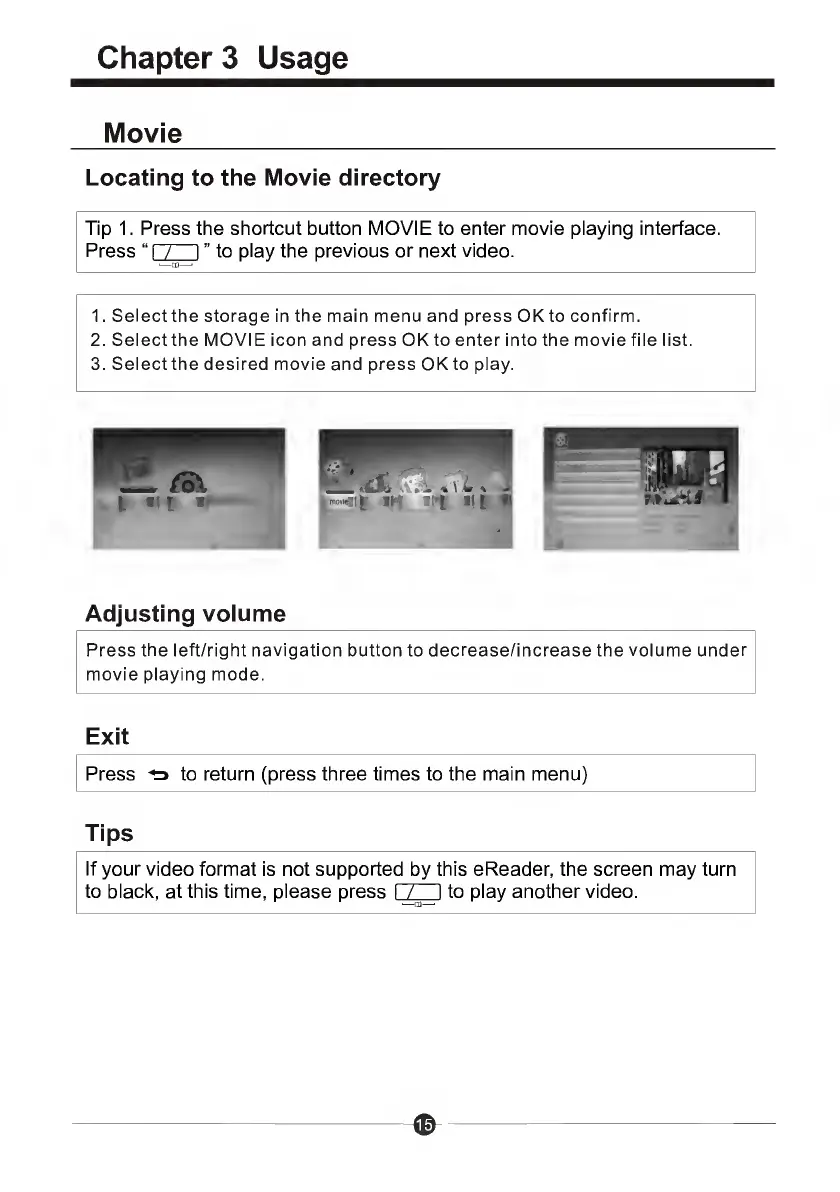
1.
Select
the
storage
inthemainmenuand
press
OK
to
confirm.
2.
Select
the
MOVIE
icon
and
press
OK
to
enter
into
the
movie
file
list.
3.
Select
the
desired
movie
and
press
OK
to
play.
Adjusting
volume
Press
the
left/right
navigation
button
to
decrease/increase
the
volume
under
movie
playing
mode.
Exit
Press
*=>
to
return
(press
three
times
to
the
main
menu)
Tips
If
your
video
format
is
not
supported
by
this
eReader,
the
screen
may
turn
to
black,
at
this
time,
please
press
I
J_
_
I
to
play
another
video.

Related product manuals