EasyManua.ls Logo

Sungale CD700A - Chapter 3 Usage; Photo

Sungale CD700A
28 pages
Print Icon
To Next Page IconTo Next Page
To Previous Page IconTo Previous Page
Loading...
Chapter
3
Usage
Photo
Locating
to
the
photo
directory
Tipi.
Press
the
shortcut
button
“PHOTO”
in
front
of
the
eReader
to
display
the
photos
directly.
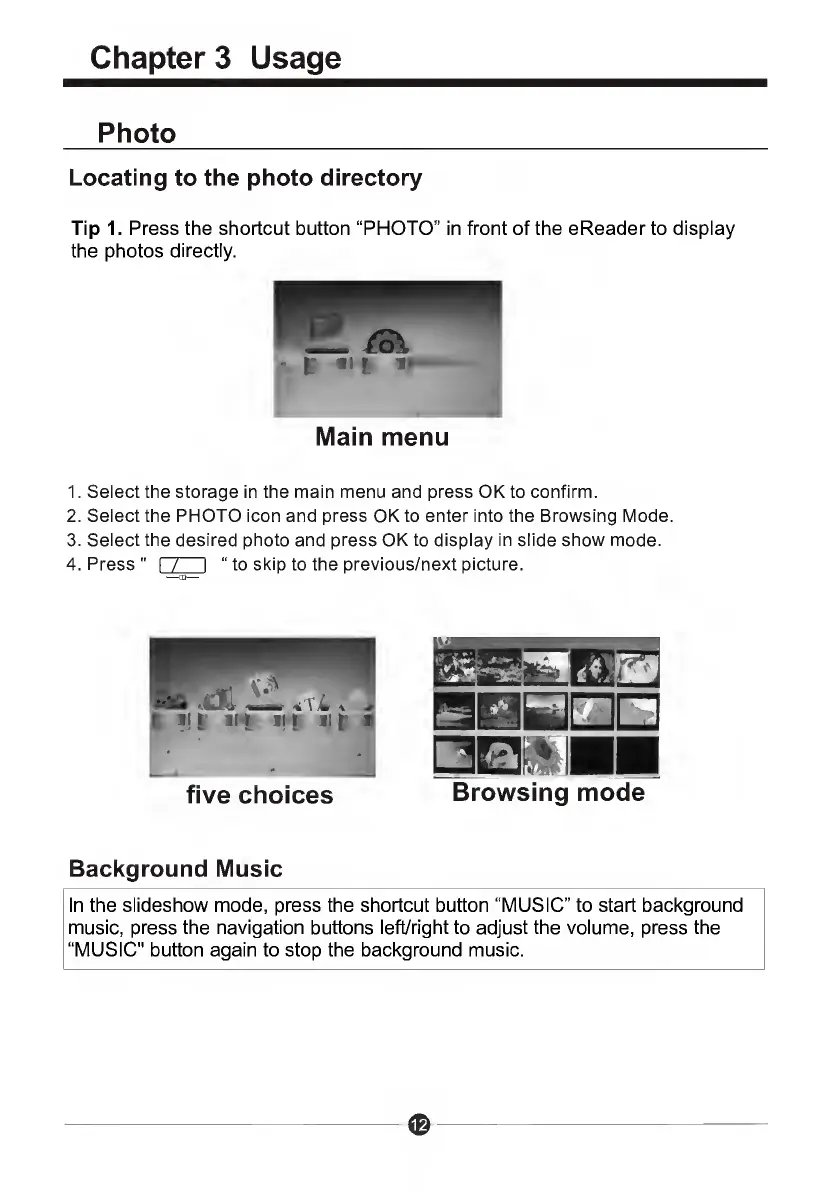
Main
menu
1.
Select
the
storage
in
the
main
menu
and
press
OK
to
confirm.
2.
Select
the
PHOTO
icon
and
press
OK
to
enter
into
the
Browsing
Mode.
3.
Select
the
desired
photo
and
press
OK
to
display
in
slide
show
mode.
4.
Press
"
I
/
I
to
skip
to
the
previous/next
picture.
five
choices
Browsing
mode
Background
Music
In
the
slideshow
mode,
press
the
shortcut
button
“MUSIC”
to
start
background
music,
press
the
navigation
buttons
left/right
to
adjust
the
volume,
press
the
“MUSIC"
button
again
to
stop
the
background
music.
©

Related product manuals