EasyManua.ls Logo

Sungale CD700A - Troubleshooting

Sungale CD700A
28 pages
Print Icon
To Next Page IconTo Next Page
To Previous Page IconTo Previous Page
Loading...
Chapter
5
Customer
service
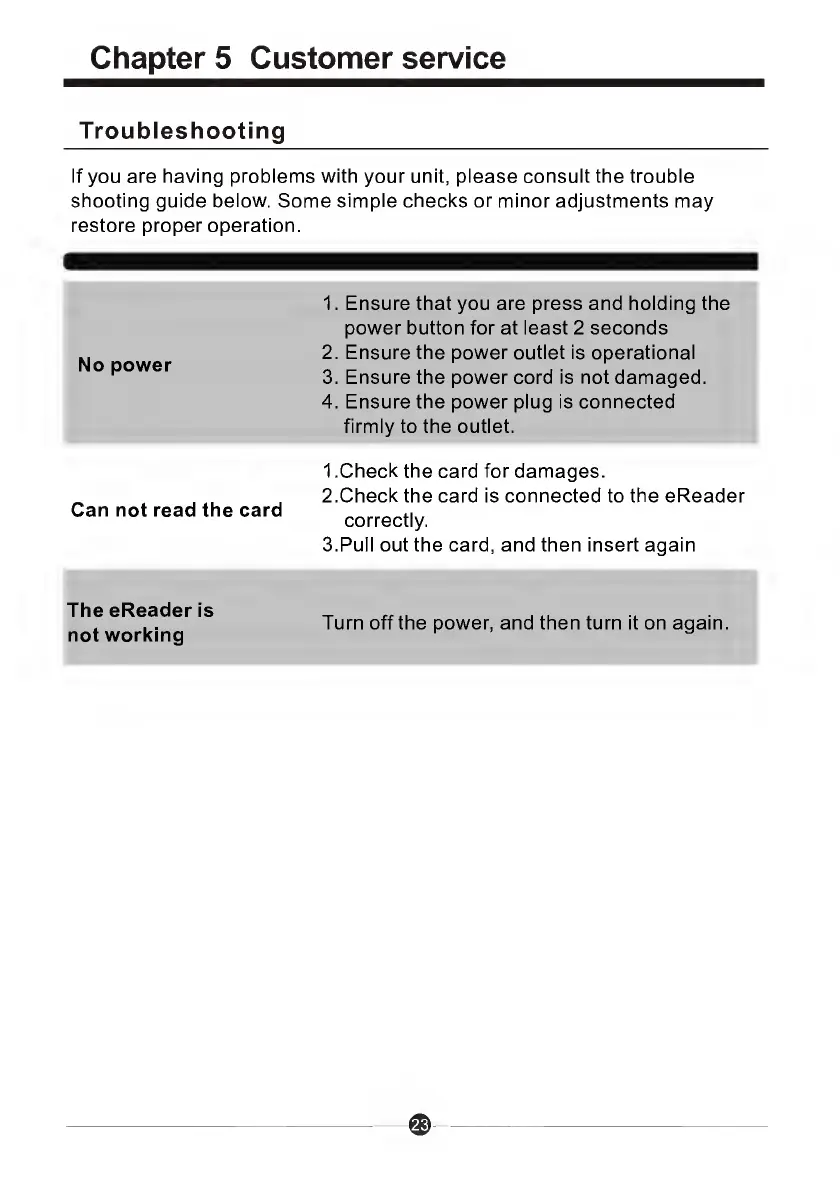
Troubleshooting
If
you
are
having
problems
with
your
unit,
please
consult
the
trouble
shooting
guide
below.
Some
simple
checks
or
minor
adjustments
may
restore
proper
operation.
No
power
1.
Ensure
that
you
are
press
and
holding
the
power
button
for
at
least
2
seconds
2.
Ensure
the
power
outlet
is
operational
3.
Ensure
the
power
cord
is
not
damaged.
4.
Ensure
the
power
plug
is
connected
firmly
to
the
outlet.
Can
not
read
the
card
1
.Check
the
card
for
damages.
2.
C
h
e
ck
the
card
is
connected
to
the
eReader
correctly.
3.
P
u
l
l
out
the
card,
and
then
insert
again
The
eReader
is
not
working
Turn
off
the
power,
and
then
turn
it
on
again.

Related product manuals