EasyManua.ls Logo

Sungale CD700A - Music

Sungale CD700A
28 pages
Print Icon
To Next Page IconTo Next Page
To Previous Page IconTo Previous Page
Loading...
Chapter
3
Usage
Music
_
Locating
to
the
Music
Directory
Tipi.
Press
the
shortcut
button
“MUSIC”
to
enter
the
music
playing
interface
with
music
file
lists.
(Exception:
In
the
picture
slideshow
mode,
please
exit
first,
and
then
press
the
shortcut
button
“MUSIC”)
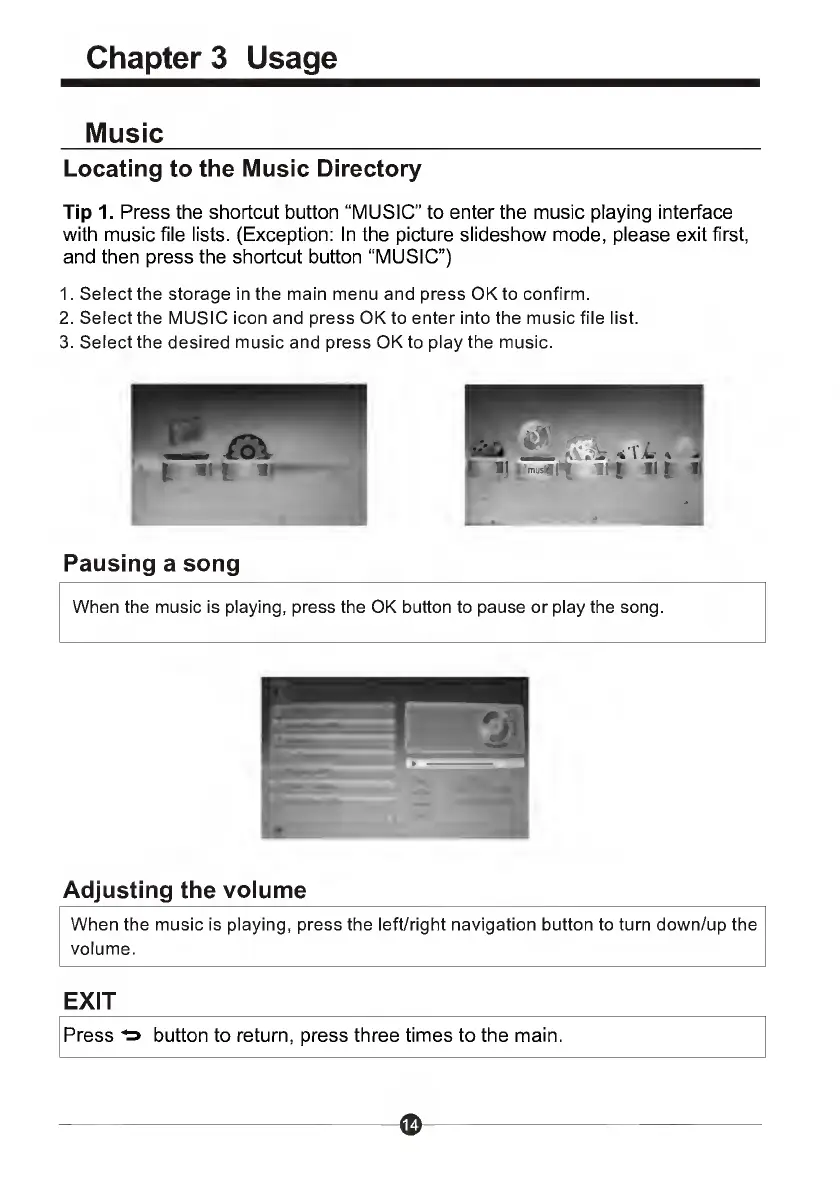
1.
Select
the
storage
in
the
main
menu
and
press
OK
to
confirm.
2.
Select
the
MUSIC
icon
and
press
OK
to
enter
into
the
music
file
list.
3.
Select
the
desired
music
and
press
OK
to
play
the
music.
Pausing
a
song
When
the
music
is
playing,
press
the
OK
button
to
pause
or
play
the
song.
Adjusting
the
volume
When
the
music
is
playing,
press
the
left/right
navigation
button
to
turn
down/up
the
volume.
EXIT
Press
^
button
to
return,
press
three
times
to
the
main.

Related product manuals