EasyManua.ls Logo

Sungale CD700A - E-Book

Sungale CD700A
28 pages
Print Icon
To Next Page IconTo Next Page
To Previous Page IconTo Previous Page
Loading...
Chapter
3
Usage
E-book
Locating
to
the
E-book
Directory
Tip
1:
Press
the
shortcut
button
TXT
to
enter
the
E-book
reading
interface.
Tip
2:
1.
Select
the
storage
inthemainmenuand
press
OK
to
confirm.
2.
Select
the
TXT
icon
and
press
OK
to
enter
into
the
E-book
file
list.
3.
Select
the
desired
E-book
in
TXT
format
and
press
OK
to
read.
Upper
row/Next
row:
Press
the
navigation
button
“up”
or
“down”
to
skip
to
the
upper
or
next
row.
Press
l
/
m
1
to
turn
pages
directly.
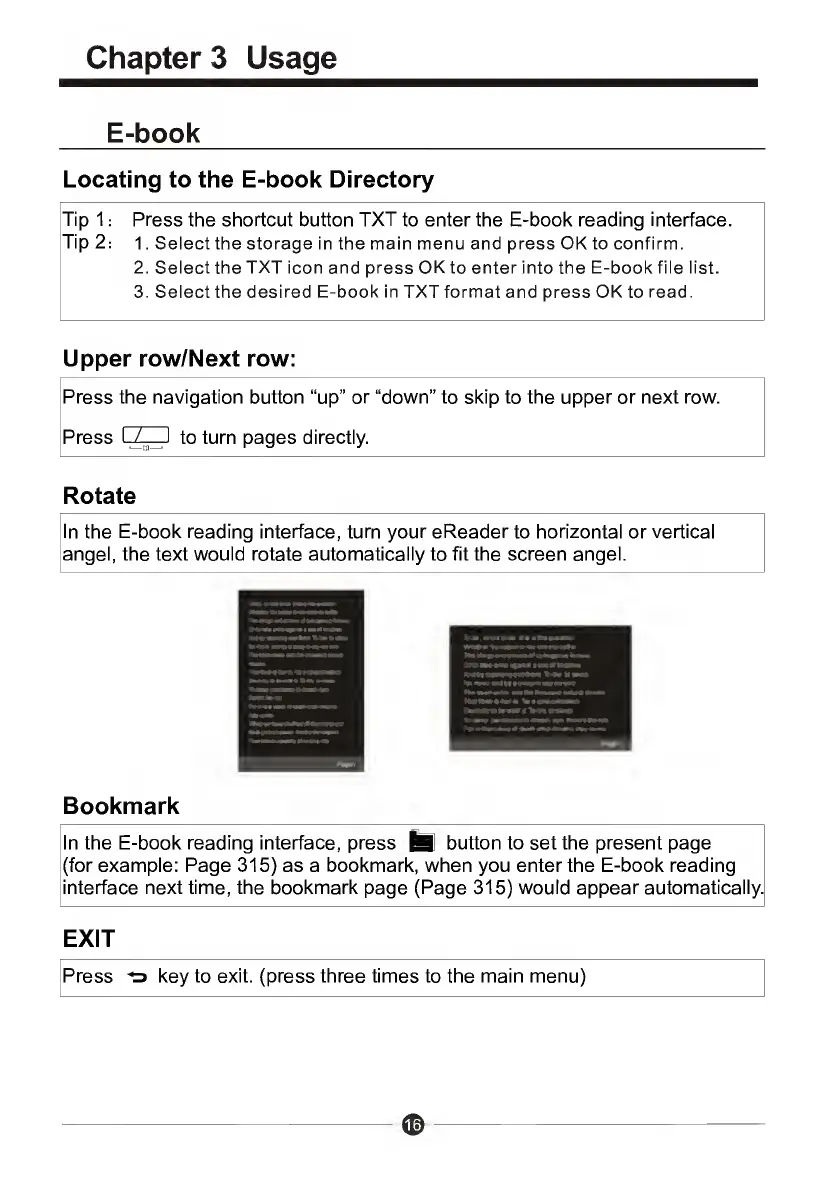
Rotate
In
the
E-book
reading
interface,
turn
your
eReader
to
horizontal
or
vertical
angel,
the
text
would
rotate
automatically
to
fit
the
screen
angel.
Bookmark
In
the
E-book
reading
interface,
press
^1
button
to
set
the
present
page
(for
example:
Page
315)
as
a
bookmark,
when
you
enter
the
E-book
reading
interface
next
time,
the
bookmark
page
(Page
315)
would
appear
automatically.
EXIT
Press
key
to
exit,
(press
three
times
to
the
main
menu)

Related product manuals