5
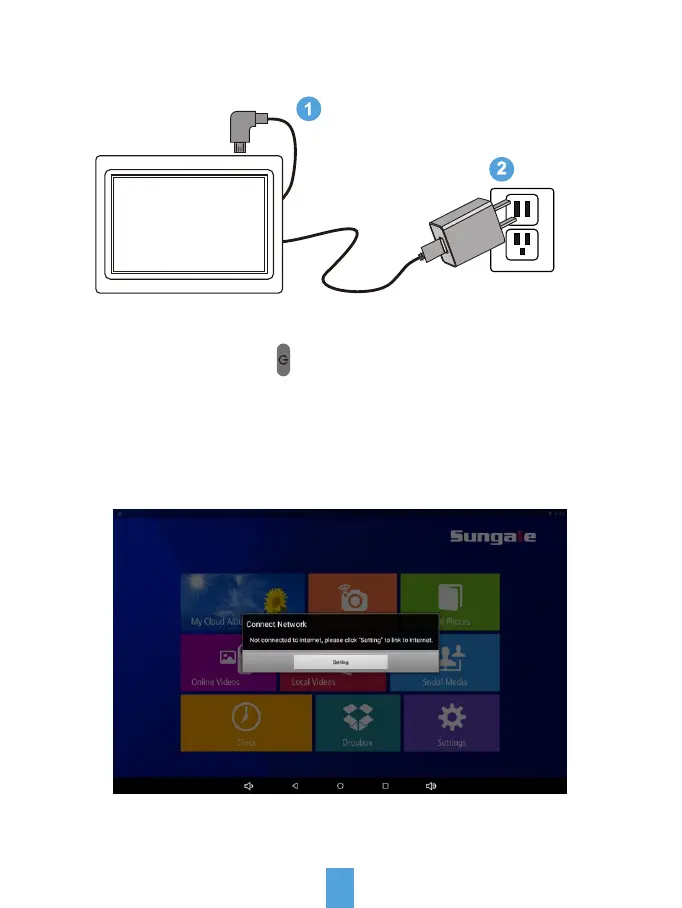
Connect Power
Press and hold on the Power ( ) button for more than 3 seconds to turn
on or turn off the frame.
Plug the Power Adapter into the frame and also into a power outlet.
Link Wi-Fi
After power-on, the screen will appear a prompt to ask you to link to Wi-Fi,
follow below instructions to link your frame to the internet.
Not connected to internet, please click "Settings" to link to
internet.
Settings



 To Next Page