93
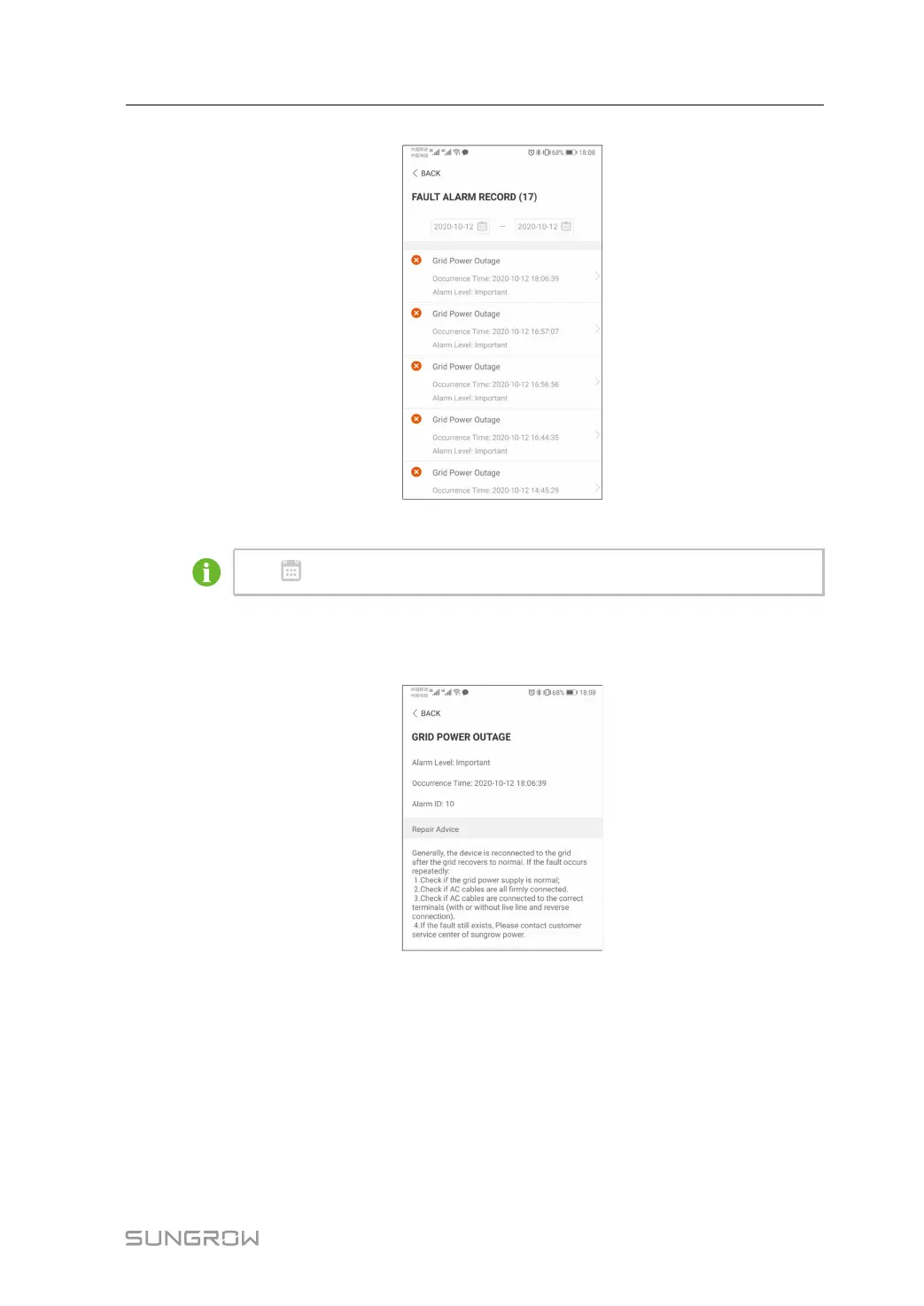
figure 7-8 Fault Alarm Record
Click to select a time segment and view corresponding records.
Select one of the records in the list and click the record, to view the detailed fault info as
shown in following figure.
figure 7-9 Detailed Fault Alarm Information
Event Record
Tap Event Record to enter the screen, as shown in the following figure.
User Manual 7 iSolarCloud App






 To Next Page