8 • Questions? Call or Text +1 801-658-0015
CDDP WELDER USERS GUIDE
clip cable to the other terminal. Then connect the
trigger cable to the Ext. Trigger port (see (B) in Figure
6.1) on the back of the welder.
• Turn the welder on and set the desired energy settings.
See Chapter 3 on how to select desired energy
settings.
Roll Spot Setup
The Sunstone CDDP can be upgraded to accept a roll spot
attachment (see Figure 8.1). With a roll spot, the operator can
perform a continuous string of welds for any prolonged time
period, for as long as the trigger signal is held. The roll spot
-
cally for roll spot welding. Follow these instructions to connect
• Remove the roll spot attachment from its package.
• Connect the roll spot cable to either of the terminals
on the front of the welder (see C in Figure 6.1) and the
grounding clip cable to the other terminal. Then attach
the trigger cable to the Ext. Trigger port on the back of
the welder (see B in Figure 6.1).
• Plug the welder power cable into an AC power outlet.
• Turn the welder on and set the desired energy settings.
See Chapter 3 on how to select desired energy
settings.
•
-
rations of the welder. See details below.
•
front of the welder, which normally would turn
switch between Single Fire (SF) and Roll Spot
(RS) modes; thus, the welds cannot ever be
Thus,
when the Pulse Switch is o, the welder is in
single re mode; when the Pulse Switch is on
the welder is ready for roll spot functionality.
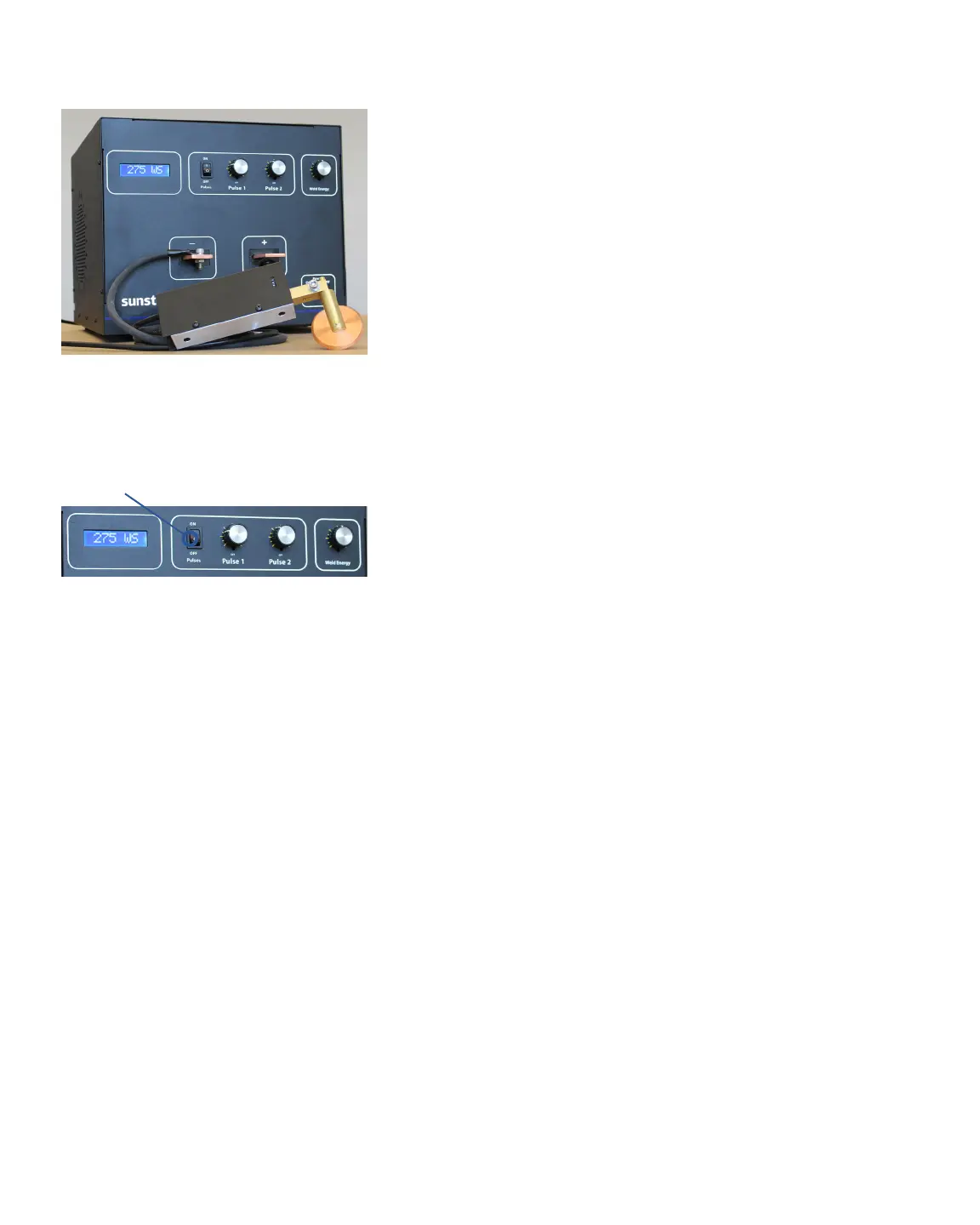
Figure 8.1. Roll Spot hand held attachment
example. This conguration requires an upgrade.
Figure 8.2. When using a Roll Spot hand held
attachment, be sure the Pulse setting is on.















 To Next Page