Questions? Call or Text +1 801-658-0015 • 11
1% and 99% of the total weld energy. Please note that
when used in dual pulse mode, the Pulse 2 energy
level represents the percent of remaining power. For
example if Pulse 1 was set to 25%, the Pulse 2 setting
would actually be taken from the remaining 75% of
the total weld energy. -
tion on energy adjustments.
• Set the power for Pulse 1. Turn the Pulse 1 adjust-
ment knob (B) to select the desired energy setting as
percentage of the total stored energy. The LCD screen
will display the percentage.
• -
ment knob (C) to select the desired energy setting as a
percentage of the total stored energy. The LCD screen
will display the percentage.
• Make sure the work piece is ready for welding and the
workspace is clear.
• Place the hand held attachment’s electrode(s) where
you wish to place the weld and depress or activate the
trigger. The welder will release energy accordingly. If
using a weld head, see the weld head users guide for
how to actuate the weld.
How to Adjust Energy
Each Sunstone welder is fully adjustable between its minimum
and maximum energy. Sunstone capacitive dual pulse welders
have weld repetition rates of up to 600 welds/min. See table on
The Weld Energy knob (D) is used to set the total welder en-
ergy storage and is also used to set the peak weld current. The
pulse widths are then adjusted to provide the appropriate weld
energy released during each weld.
How to Use Pulse Controls
Sunstone dual pulse welders have two pulse width energy
to remove surface inconsistencies and contaminants which
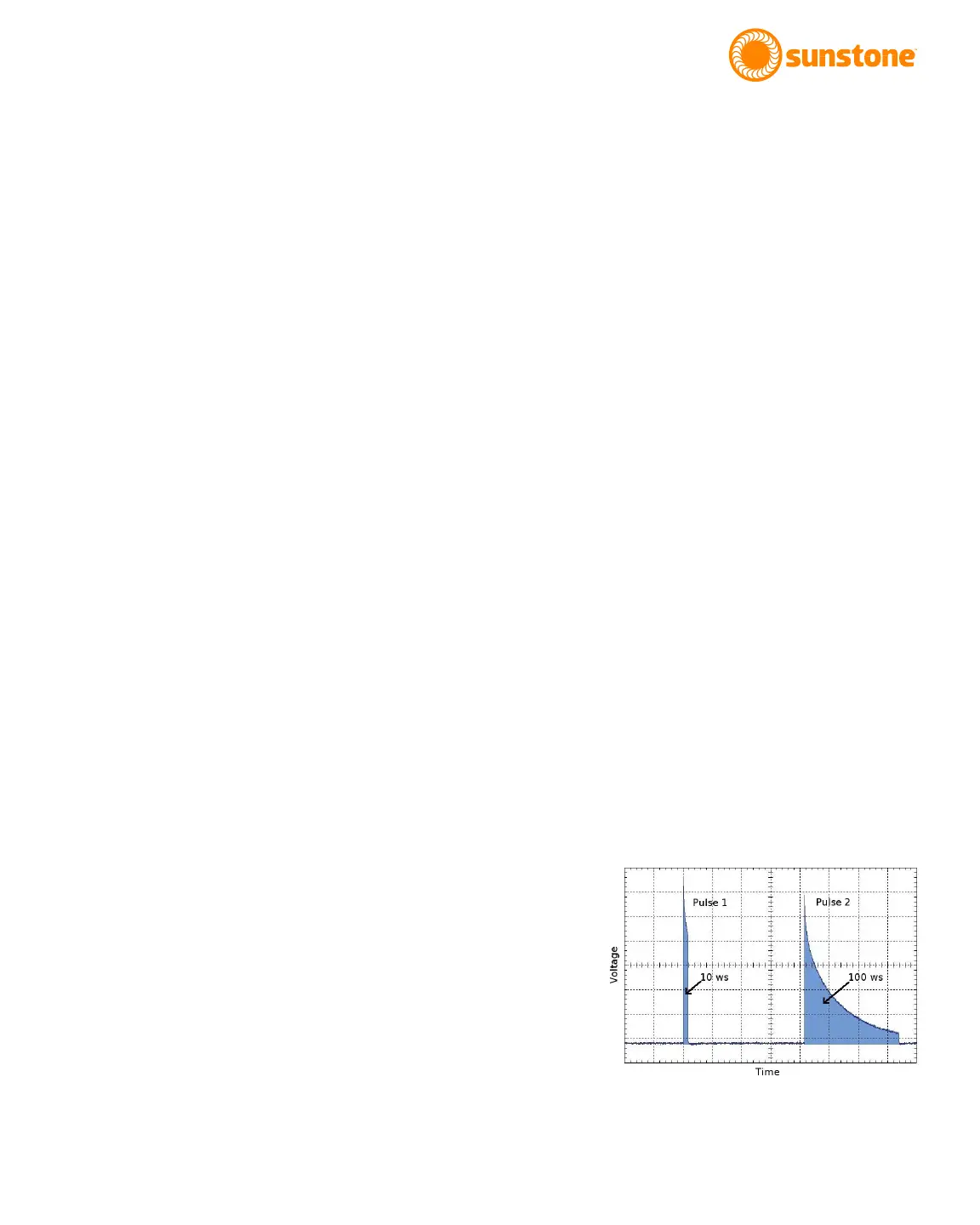
Figure 11.1 Graphical representation of a weld with
dual pulses of energy.















 To Next Page