ST4345 User Manual
5
Field 1 ~ n String Contents
4. Commands
When the device is received a command, it responds with response string and changes some
parameters or acts related operation.
4-1. Network Parameters Setting
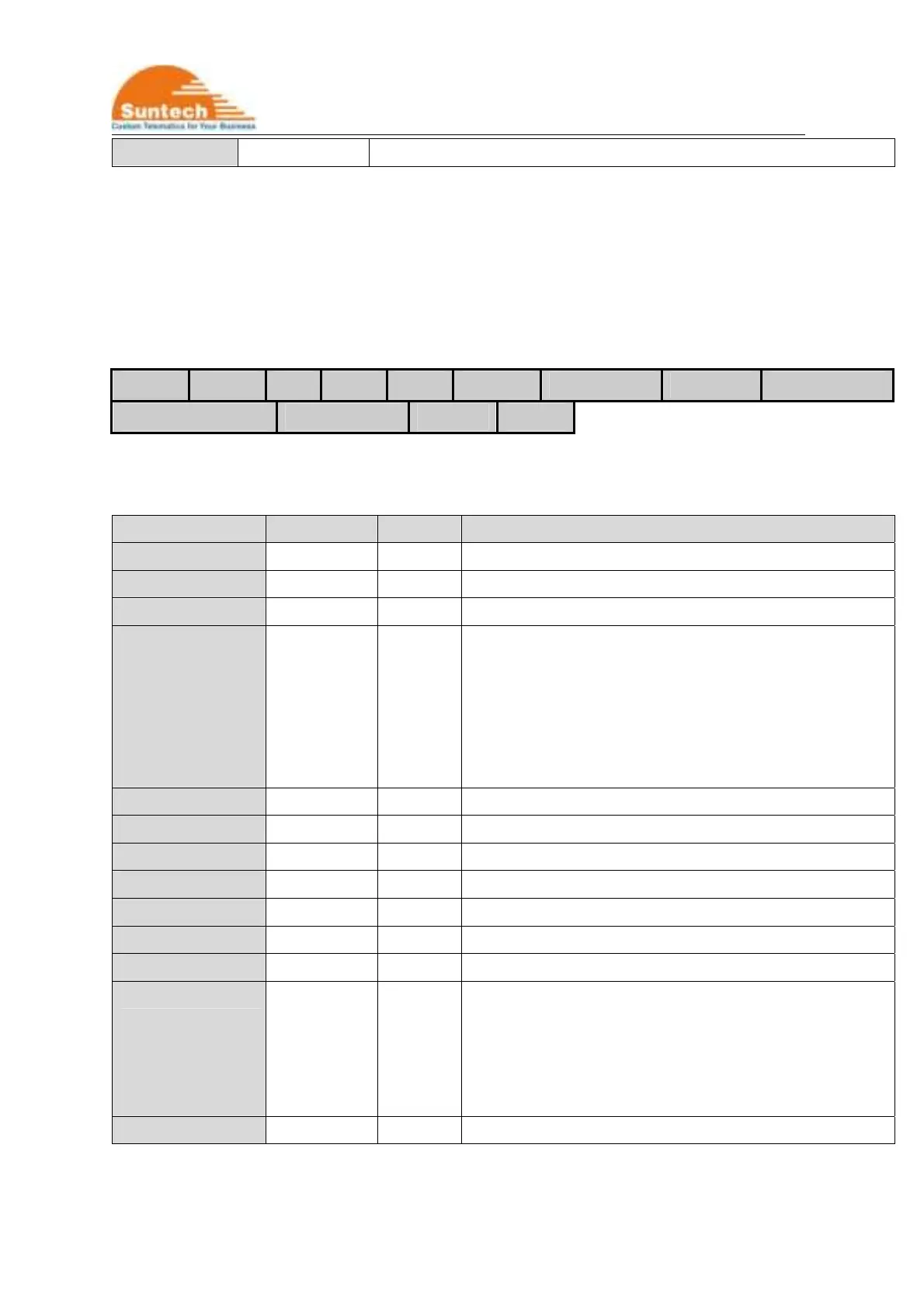
HDR DEV_ID VER AUTH APN USER_ID USER_PWD SEVER_IP SEVER_PORT
B_SEVER_IP B_SEVER_IP SMS_NO PIN_NO
● Definition : Set network parameters and PIN number.
Field Definitions Unit Remark
HDR “ST4345NTW” Command type
DEV_ID 6 char. Device ID
VER “02” Protocol Version
AUTH ‘0’ /‘1’/’A’ LTE-M1 authentication
0 : PAP(‘NO’ in Synctrack)
1 : CHAP(‘YES’ in Synctrack)
A : Automatic LTE-M1 set.
In this case, parameters in APN, USER_ID and
USER_PWD field should be empty.
APN String Access Point Name
USER_ID String ID for LTE-M1 Access
USER_PWD String Password for LTE-M1 Access
SEVER_IP String Server IP Address
SEVER_PORT String Server Port
B_SEVER_IP String Backup Server IP Address
B_SEVER_PORT String Backup Server Port
SMS_NO String Phone number what the device sends SMS report to.
This can be used for backup in the area that if LTE-M1
condition is not good. Or, it can be used main report
method when IP and Port are empty.
For no use, it should be empty.
PIN_NO String PIN Number to release PIN lock if it is enabled



 To Next Page