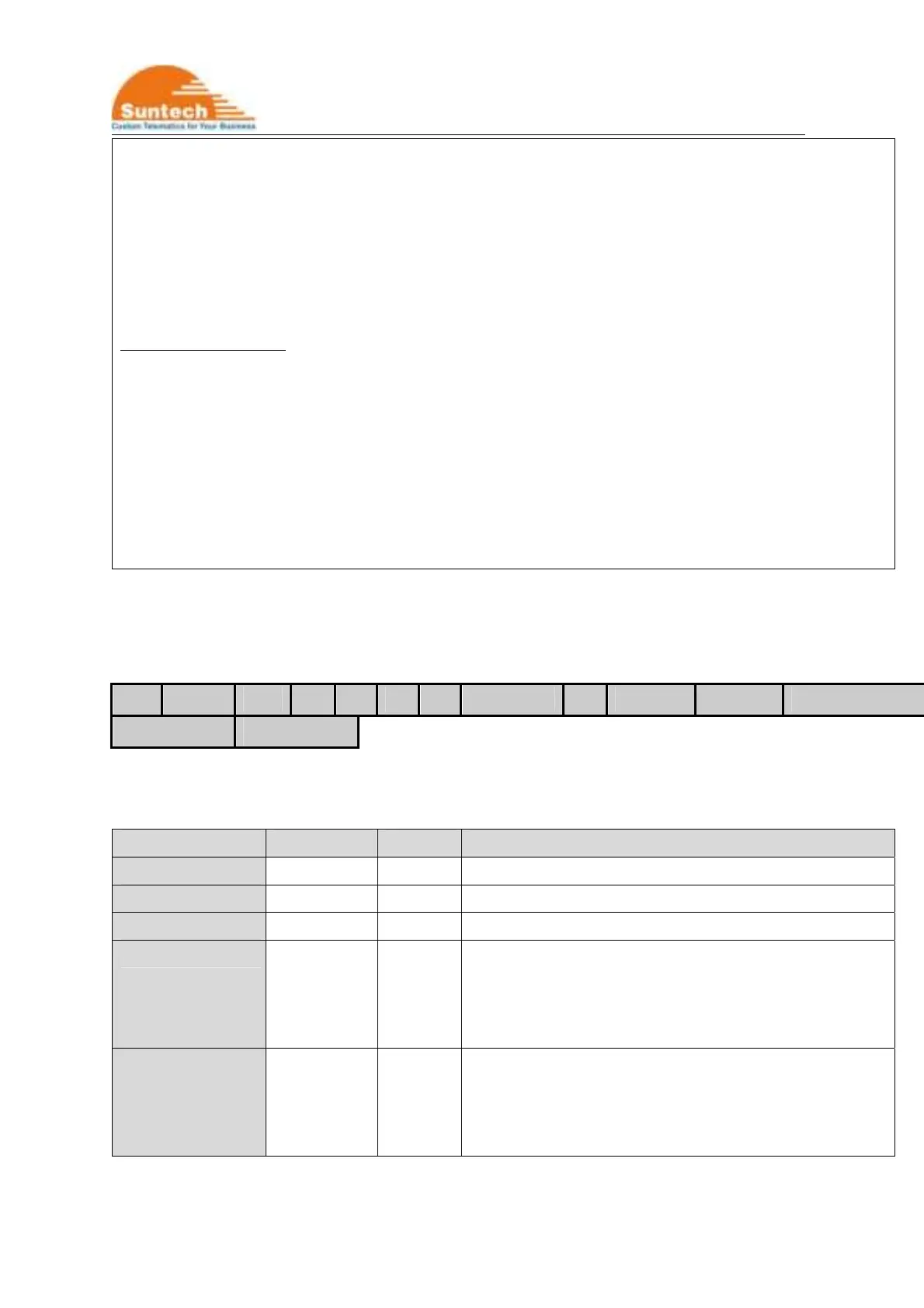
ST4345 User Manual
6
<example>
[command] ST4345NTW;850000;02;0;internet;;;111.111.111.111;8600;;;;
[response] ST4345NTW;Res;850000;010;0;internet;;; 111.111.111.111;8600;;;;
ST4345NTW;Res;850000;010;A1;tim.br;tim;tim; 111.111.111.111;8600;;;;
<notes>
** If network does not require User ID and Password, these fields should be empty.
Automatic LTE-M1 Set
It the device is set to ‘Automatic LTE-M1 Set’, the device set LTE-M1 parameters automatically depending on
inserted SIM.
For example, if Airtel SIM is inserted, the device set AUTH to 0, APN to “aitelLTE-M1.com”, USER_ID and
USER_PASS to empty.
And the device reports response string after adding real LTE-M1 parameters when automatic LTE-M1 set is
selected.
4-2. Report Parameter Setting
HDR DEV_ID VER T1 T2 T3 A1 SND_DIST T4 SMS_T1 SMS_T2 SMS_PACK_NO
ANGLE_RPT RPT_TYPE
● Definition : Set parameters related on report interval.
Field Definitions Unit Remark
HDR “ST4345RPT” Command type
DEV_ID 6 char. Device ID
VER “02” Protocol Version
T1 String Sec Interval for sending status report in parking mode
Range : 0 ~ 86400
If 0, report in parking will be sent only one time when
vehicle starts parking.
T2 String Sec Interval for sending status report in driving mode
Range : 0 ~ 60000
If 0, report in driving will be sent only one time when
vehicle starts driving.



 To Next Page