Operation
66 NT 10000...NT 12000
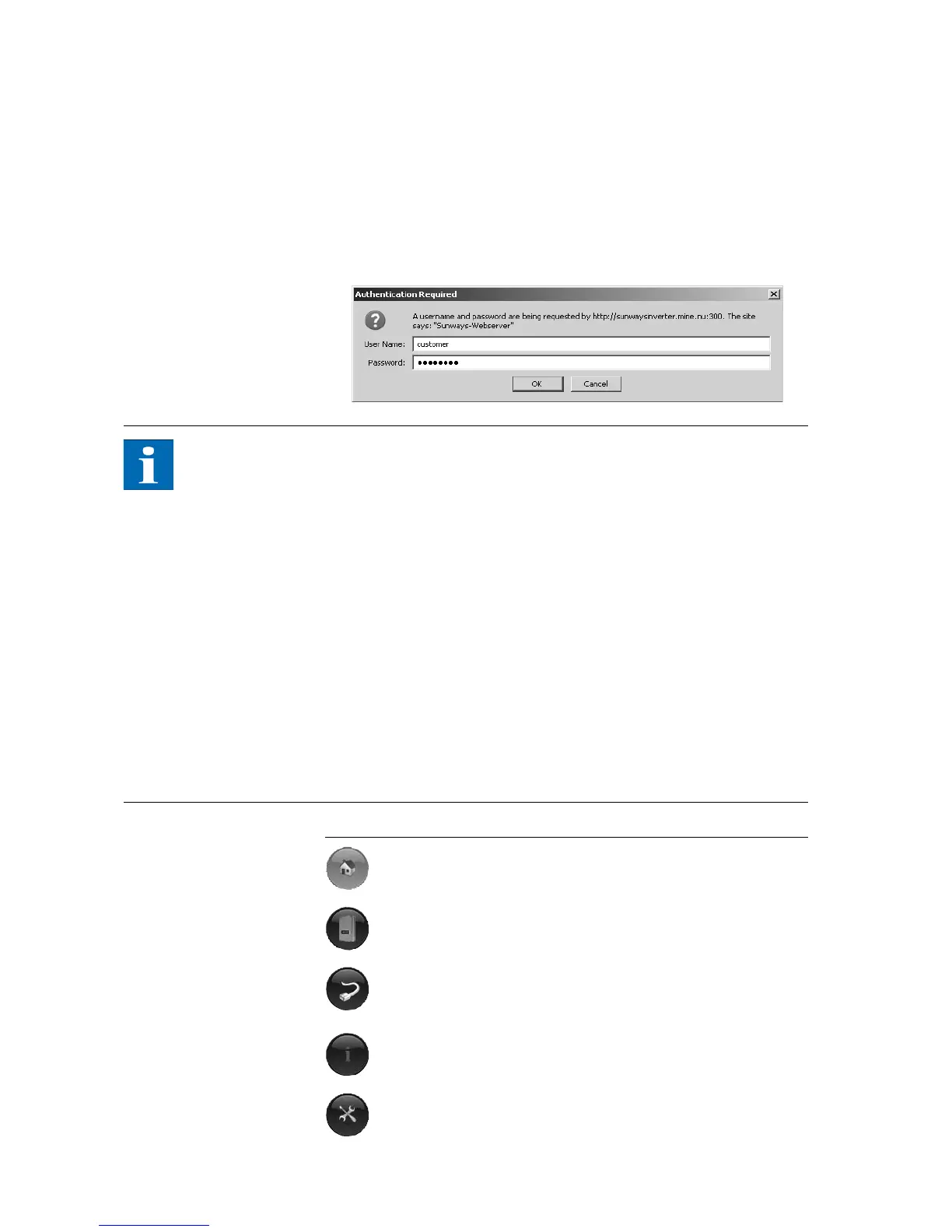
Access protection The Sunways Browser is provided with password protection so that unautho-
rised persons cannot access your Solar Inverter.
The following user data are set in the delivered state:
User: customer
Password: ********
NOTE
It is recommended that you change this password to an 8-character/digit
password.
This password is identical to the password entered via the LCD display for set-
tings and commissioning.
Only digits between 0 – 9 and letters between a – z and A – Z are permitted.
The password always has 8 characters. If the password you entered has less
than 8 characters, the remaining characters are filled with *.
Example:
Your password is "Solar". This password has 5 characters. The system auto-
matically appends three *, so that the password becomes "Solar***".
If you cannot remember the password you can request a device-specific pass-
word from the Technical Hotline (Tel. 49 (0)7531 996 77-577) so that you can
access your Solar Inverter again. In this case you need the serial number and
the MAC address, which can be found on the type label.
Overview – Menu
Home – Display of start page
Solar Inverter – Display of the instantaneous values, the stored ope-
rating data, and the status of the Solar Inverter
Solar System – Displays a system overview with status, total output,
yields and access to secondary units (only available if the unit is con-
nected with the main unit)
Information – Device information, e.g. serial number
Settings and software update for the unit or the networked system



 To Next Page