Operation
NT 10000...NT 12000 65
6.3 Sunways Browser
General information The Sunways Browser can be run via a standard Internet browser, e.g. Mozilla
Firefox. One of the three possible connections between a PC and the Solar In-
verter is required for this purpose (see section 6 System monitoring).
NOTE
Your browser must be set to UTF-8 character coding in order to ensure that all
characters are displayed correctly.
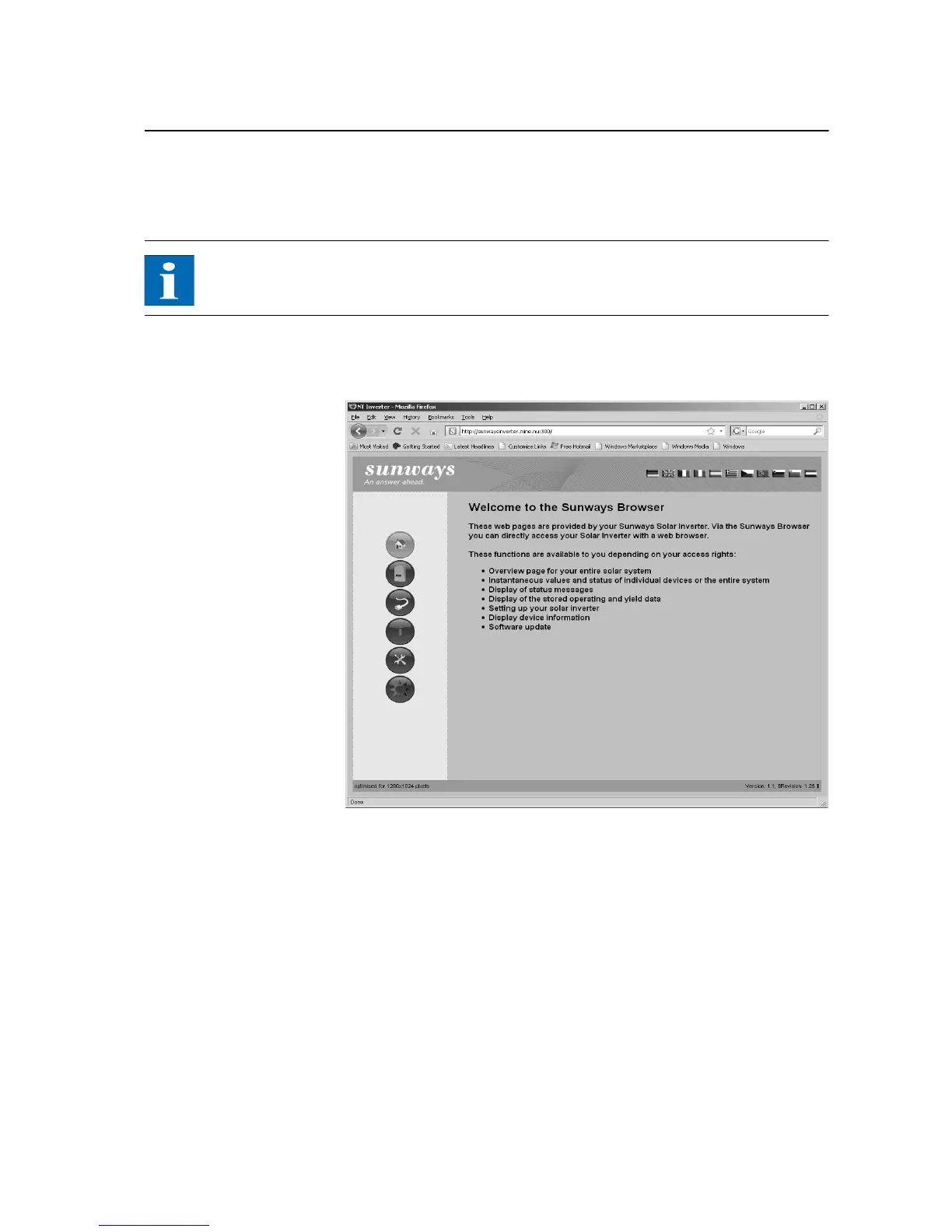
The start screen opens once the IP address of the Solar Inverter has been entered
in the address line of the browser:
Here you can select from eleven different languages.
The browser offers the following functions:
Display of the operating mode and instantaneous values for a single unit or
for a CAN-networked system
Display of energy yields as 5-minute, daily, monthly, annual and total values
5-minute mean values of solar generator current and voltage, grid current
and voltage and feed-in power
Settings, e.g. of date/time, interface configuration, alerting options, commu-
nication parameters etc.
Communication software update (LCD display, interfaces, communication
and Sunways browser) and the control software (control and monitoring)



 To Next Page