2.1.2 Playback
Press “ ” or “PLAY” button on the front panel, and the device will display the last recorded video.
Note: For playback to work properly the DVR needs to record a minimum of 8192 video frames.
Playback related operations are described below:
• Fast Forward
/ Fast Rewind
In playback you can increase fast forward and rewind speed by:
Pressing “
“ once to get 4X speed forward and press twice to get 8X speed, etc. Maximum speed is 32X.
Press “
“ once to get 4X speed rewind and press twice to get 8X speed, etc. Maximum speed is 32X.
• Pause ( ) / Image Jog
Press “ “ button to pause the video playback.
In the Pause mode:
Press “
“ Right button once to get one frame forward.
Press “
“ Left button once to get one frame rewind.
• Stop (
)
Pressing the “ ” stop button will return to live mode.
• Channel Display Mode
Display mode:
Press “
” button to display 4 channels.
Full screen view:
Press the number buttons (1-4) to display the selected channel.
Note: Under the playback mode, you can select a channel to display live video. For details, please refer to
“Position of Channel Display” on page 8.
• Slow Playback
Press “SLOW” button to reduce playback to 1/2X.
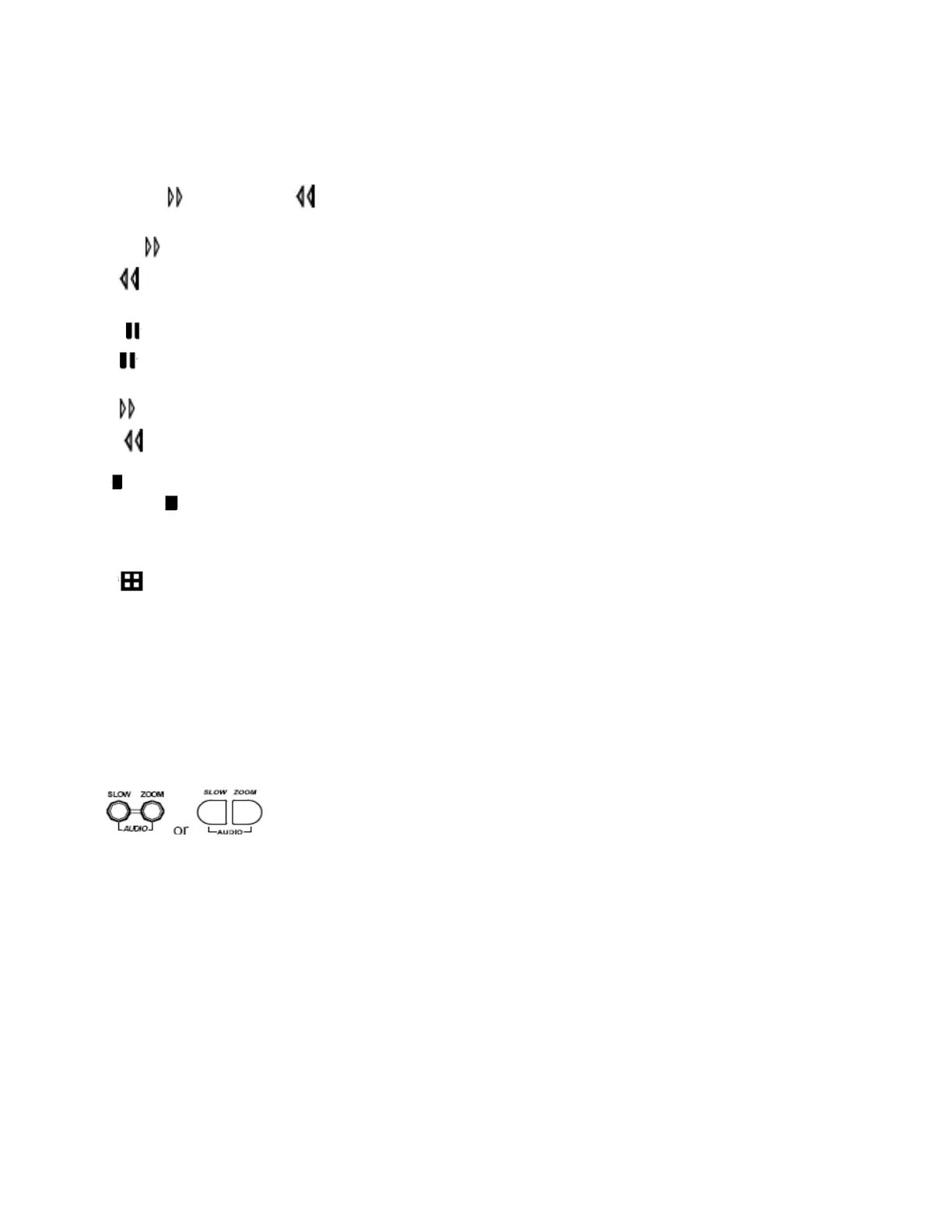
• Audio
Press
SLOW ZOOM buttons at the same time to play live (L) or playback (P) sound.
AUDIO 1 (L) – 1st audio channel, live audio;
AUDIO 1 (P) – 1st audio channel, playback audio
Connect audio camera to INPUT 1 on the DVR rear panel.
11



 To Next Page