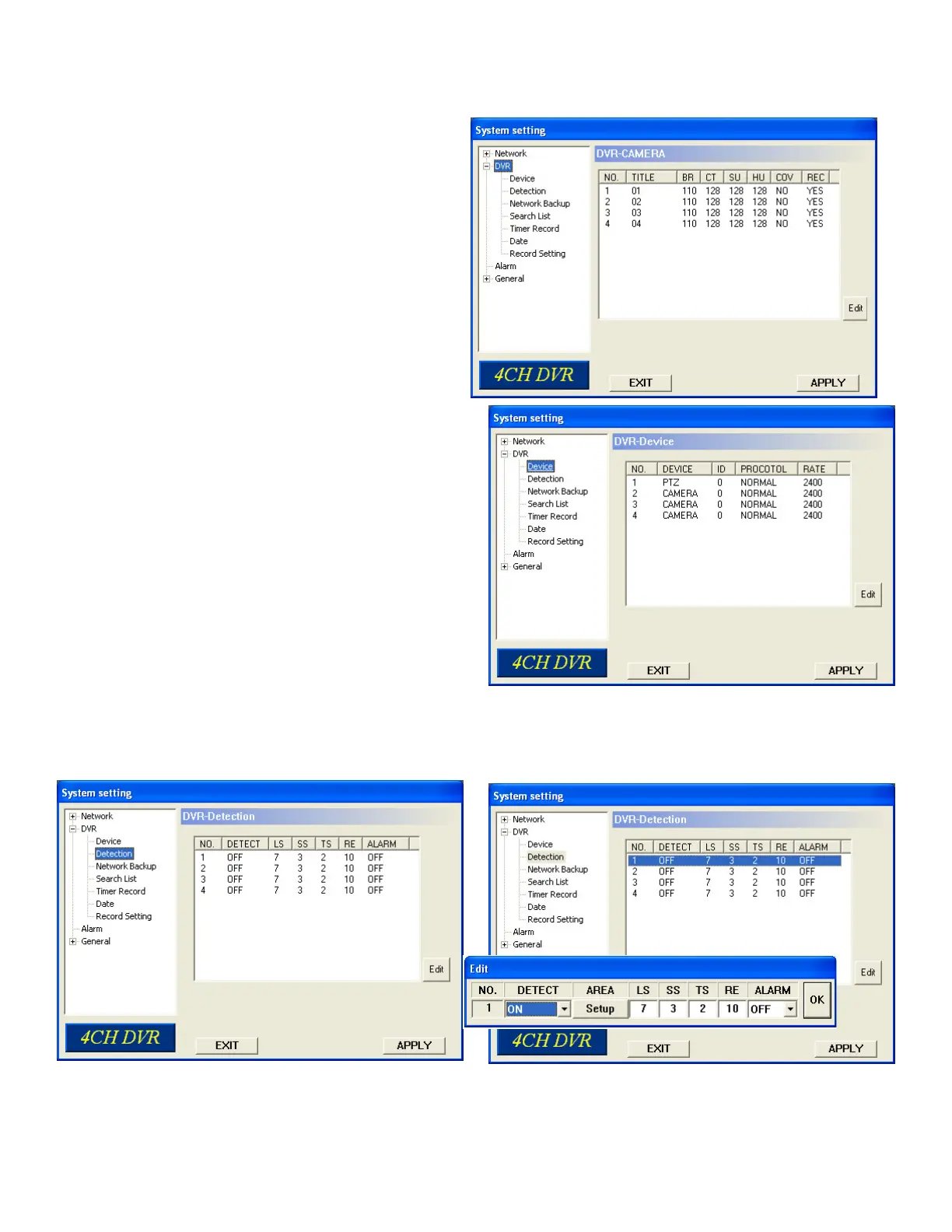
DVR: Selecting DVR will allow you to make changes to
cameras, motion, create backup fi les, search fi le options,
schedule recording and record settings.
DEVICE: Remotely title or name your cameras. Use ID,
protocol and rate for PTZ type cameras.
7.9 DVR
Camera channels can be adjusted independently. Select the desired camera channel and press “Edit” to enter.
7.10 Detection
Select the channel, and press “Edit” button to enter the motion detection sensitivity and area-setting page.
56



 To Next Page