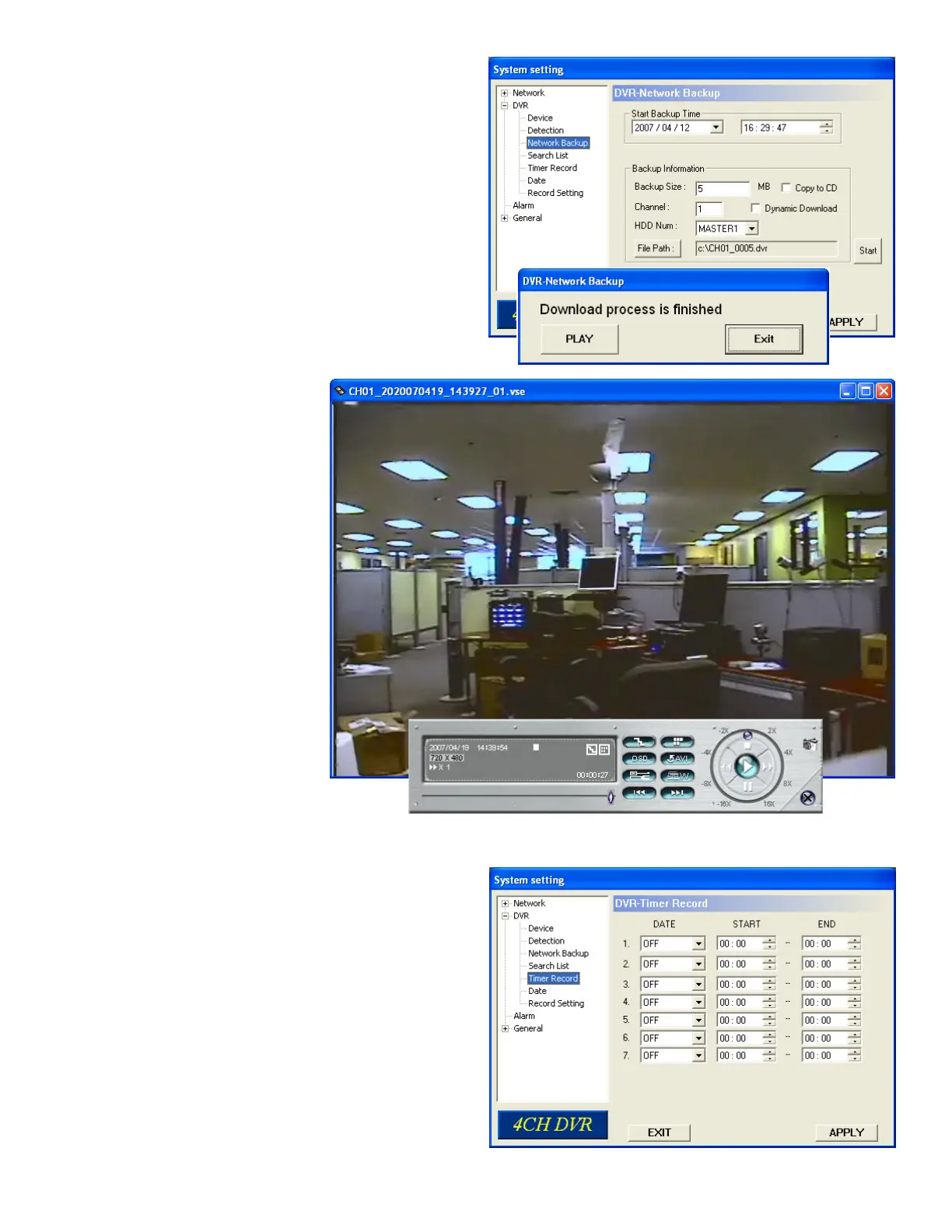
Press Apply to create backup fi le
Use Video Backup Player to view
backup fi le
7.14 Timer Record
Timer Record”, you can schedule up to 7 time events.
• DATE
Select a day from “DATE” dropdown menu. Options: OFF,
SUN, MON, TUE, WED, THU, FRI, SAT, MON-FRI,
SAT-SUN and DAILY.
• START
Enter the start time.
• END
Enter the end time
.
Press “APPLY” to confi rm the setup, or “EXIT” to quit without
saving.
60



 To Next Page