16
4. PEDAL ASSIST
To select your pedal assist mode, follow these steps once the
display has been turned on and you are seated on the SUPER73:
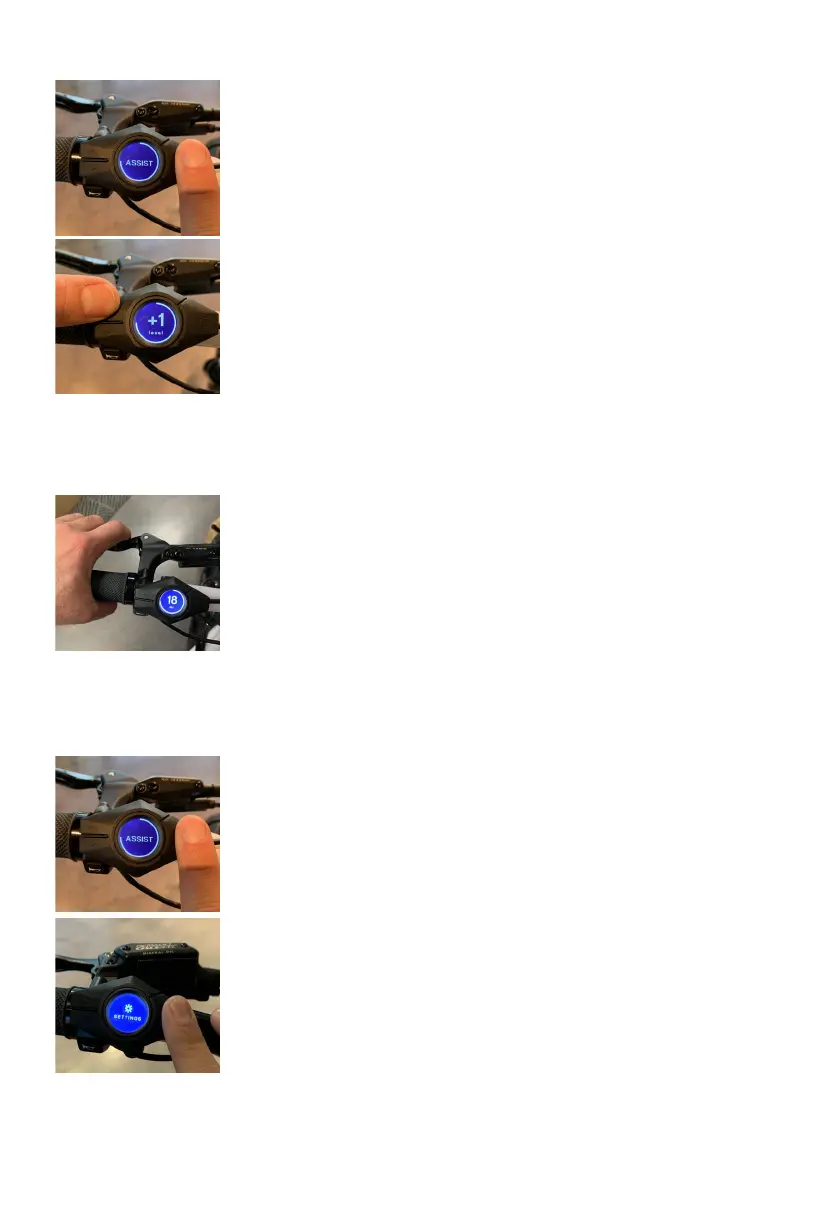
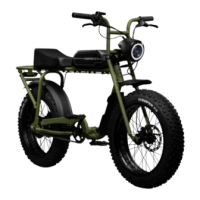
• Press on the menu “O” button briefly to switch between display
views until “Assist” appears on the screen.
• Press the up “
^
” button to increase the pedal assist level.
To decrease the assist level, press the down “v” button. Pedal
assist ranges from 1-4, with 0 meaning pedal assist is turned
off. The higher the level, the more electric assistance you’ll get,
and the less you’ll have to pedal.
• Level 1 (ECO) - 25% Speed Power
• Level 2 (TOUR) - 50% Speed Power
• Level 3 (SPORT)- 75% Speed Power
• Level 4 (SUPER) - 100% Speed Power
• Once you begin pedaling, the pedal assist sensor will activate
the motor and you will begin to accelerate to the selected
assist level.
5. BRAKING
• The brake levers are equipped with brake sensors that cut
power to the motor when the levers are compressed. The
SUPER73-S2 employs Tektro hydraulic brake systems. The right
lever will activate the rear brakes when compressed, and the
left lever will activate the front brakes when compressed.
• The SUPER73 brake orientation is as follows:
Rear brake = right lever
Front brake = left lever
6. SETTINGS MENU
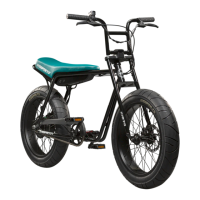
• Hold down the “O” button on the display to activate the settings
menu.
• The settings options include:
• Contrast - display window contrast 0-100.
• Units - standard is set to mi/F.
• Position - changes the orientation of the display if it is on
the left or right side of the e-bike.
• Backlight - display backlight power 0-100.
• Version - indicates the software version of the system.
• Coin - provides the charge level of the display’s 3 V
battery.


 To Next Page