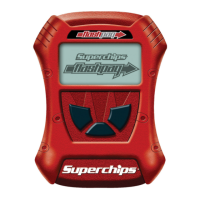
If you would like to view Parameter IDs (PIDs) specic to your vehicle, following these
instructions to learn how to view them using your Flashpaq device.
Do not exceed legal speed limits on public roadways.
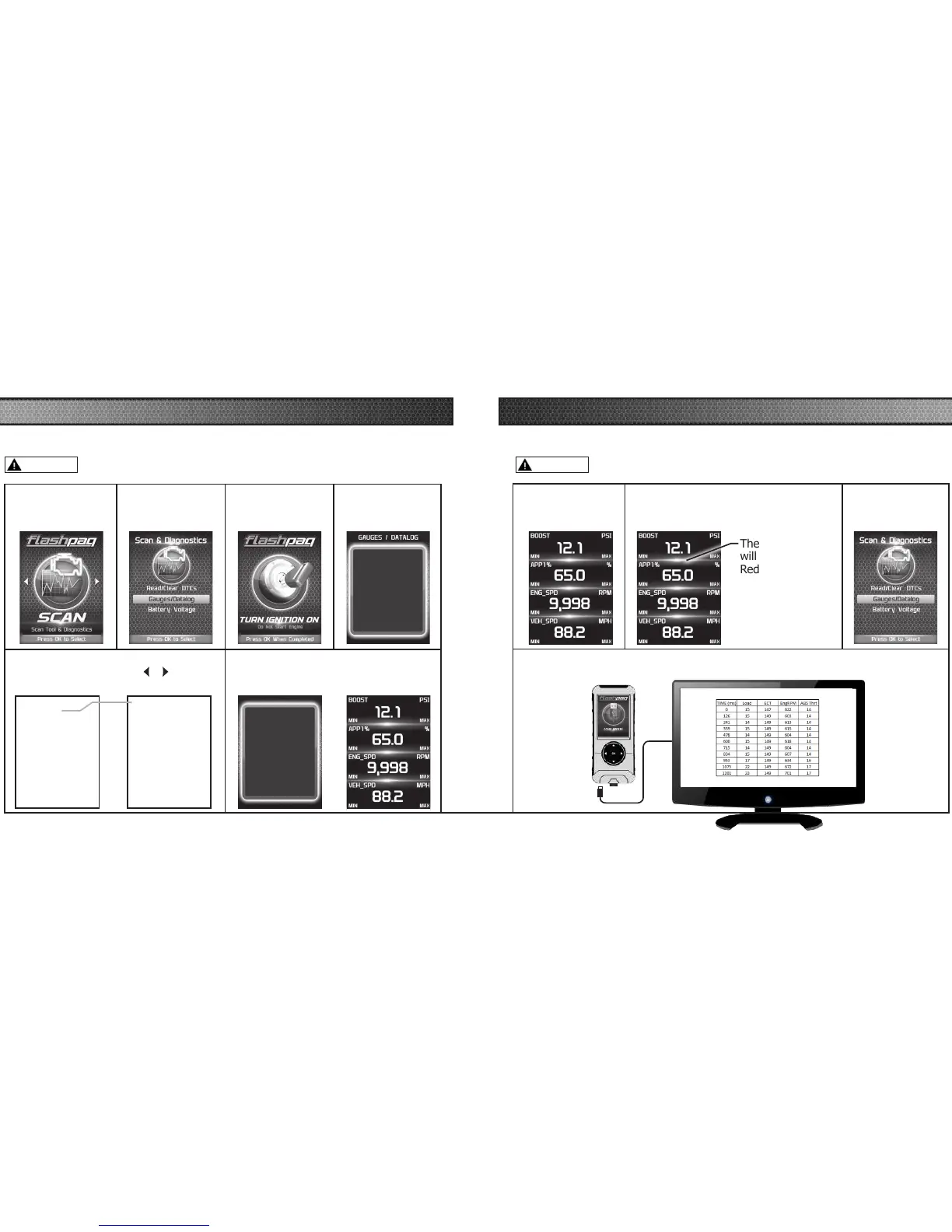
VIEWING GAUGES
STEP 1 - Enter the
Scan Menu.
STEP 2 - Select
Gauges/Datalog.
STEP 3 - If asked,
turn ignition on,
but do not start.
STEP 4 - Follow
the on-screen
instructions.
STEP 5 - Select a PID Group, then select
a total of 4 PIDs. Use the
/ arrows to
switch between screens. OK to select.
While viewing gauges,
press OK to start
Datalogging
Press OK again to stop
Datalogging
Press OK to continue
STEP 6 - Follow the on-screen
instructions. Note the RED highlights.
See DataLogging for more information.
Select 4 PIDs within the
following menu
Press OK to continue...
PID Groups 1/1
Engine Misc
Fuel Trim/Press
Time/Distance
Oxygen Sensors
Misc Non-Engine
Egr/Evap
Catalyst Temp
Throttle Detail
DATA LOGGING
STEP 1 - Refer to
the previous section
and follow the steps.
STEP 2 - Press the OK button to begin
recording the PID data. Press the OK
button again, to stop the recording.
The separator lines
will change from
Red to Green,
which indicates
that the device is
actively recording
(datalogging).
STEP 3 - Press the
left arrow to return
to the menu.
Data logging allows you to record specic vehicle information while driving. Follow these
instructions to nd out how to datalog, and how it may be helpful to your particular needs.
Do not exceed legal speed limits on public roadways.
The information will be stored on the device and may be retrieved using a
computer. For more information continue to the next section.
Engine Misc 1/1
Calc Eng Load
Engine Coolant Temp
Manifold Abs Pressure
Engine RPM
Spark Advance
Intake Air Temperature
Mass Air Flow
Abs Throttle Position
WARNING WARNING



 To Next Page