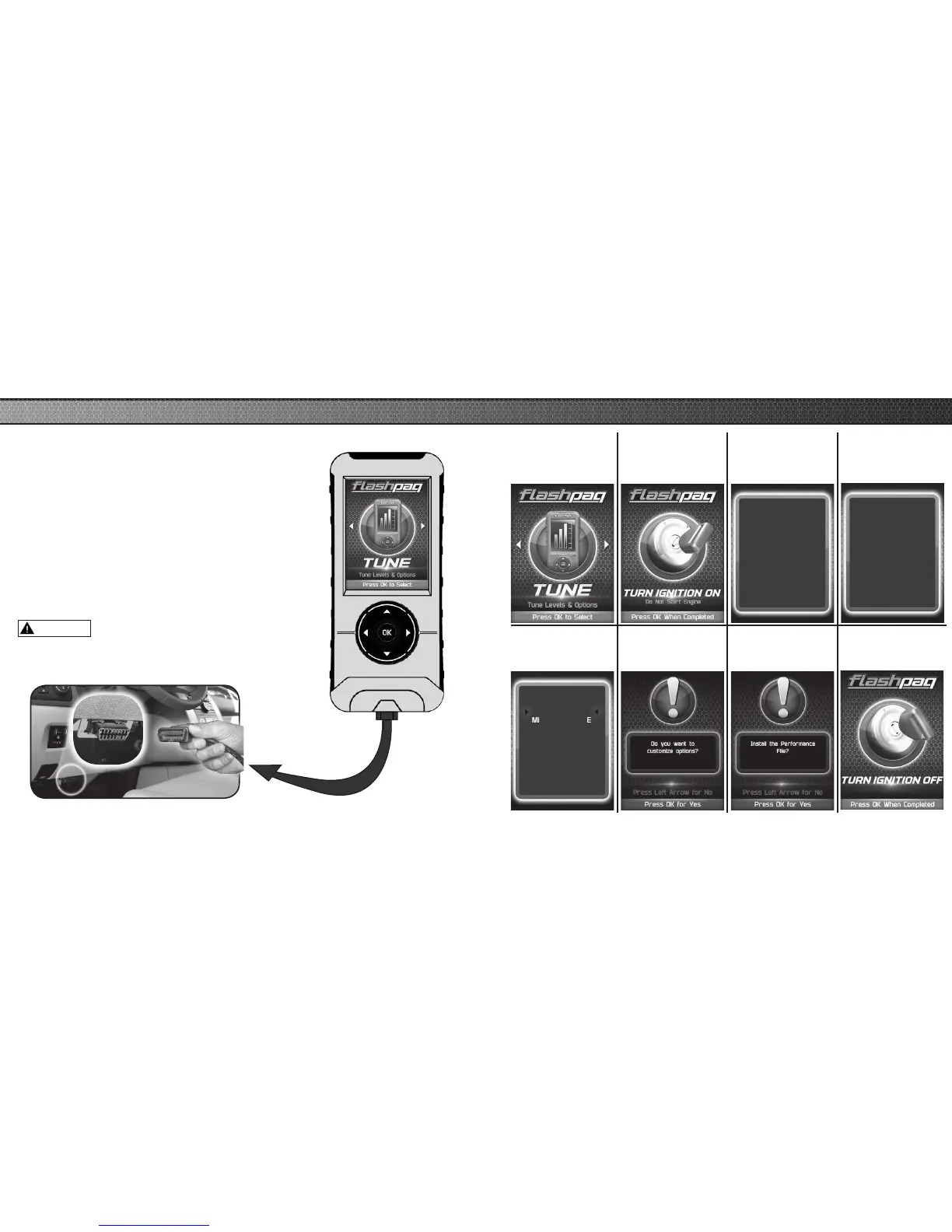
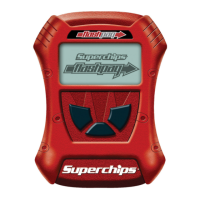
STEP 1 - Plug the device into the OBDII port.
(The device will automatically power-on once it has
been connected.)
NOTICE
Do not remove or bump the OBD-II connector during any
programming sequence. If you do, the vehicle may not start.
Do not program your vehicle while parked in unsafe locations
including heavy trafc or places without cell phone service
and the internet (if possible).
Quick Tune = Changes the power level of your vehicle using the most
popular features and settings.
NOTE: Not all features are available on every make, model, and
engine.
WARNING
11
QUICK TUNE
STEP 2 - Enter
the Tuning Menu
by pressing OK.
STEP 3 - Turn
the ignition on,
but do not start
the engine.
STEP 4 - Follow
the on-screen
instructions.
STEP 6 - Select a
tuning level.
Loading your
Vehicle
Application...
Please Wait
STEP 5 - Allow
the device to save
your stock les.
Stock Files are Saved
Successfully!
Press OK to continue
Select Tuning
Page 1 of 1
Performance
Tow
87 Octane
Mileage XS SAVE
Stock w/ Options
STEP 7 - Push left
arrow to close out
of custom options.
STEP 8 - Install
the “Tune” File by
pressing OK.
STEP 8 - Turn the
Ignition Off. Press
OK to continue.



 To Next Page